


can't sign in to hotmail today

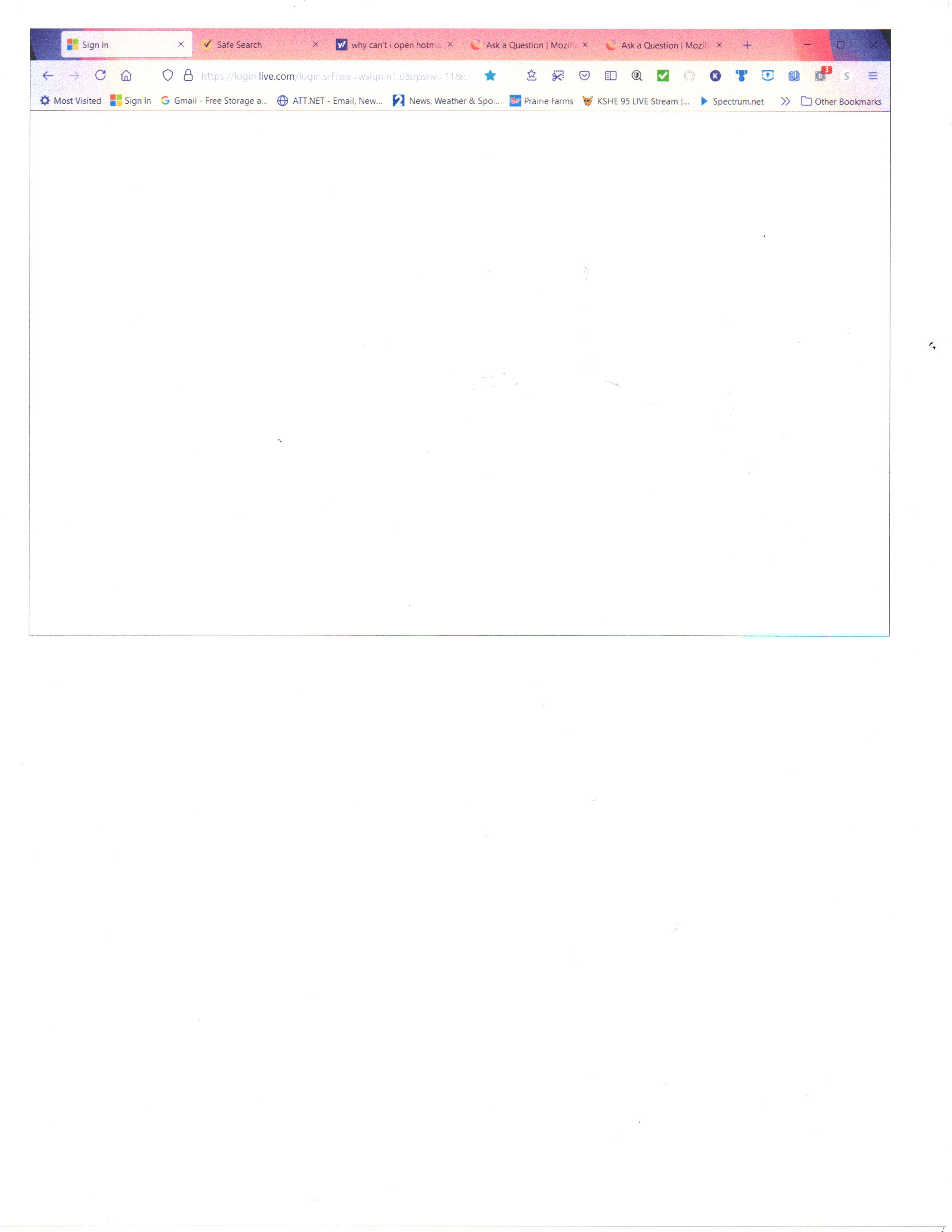
I opened Firefox this morning, and was greeted by a new website. Very impressive! BUT I can't log in to my hotmail account!! the sign in page doesn't open at all!!! please advise!! thanks ... k
被選擇的解決方法
Use these links to create a new profile. Use this new profile as is. Is the problem still there?
https://support.mozilla.org/en-US/kb/how-run-firefox-when-profile-missing-inaccessible
http://kb.mozillazine.org/Profile_folder_-_Firefox#Navigating_to_the_profile_folder
https://support.mozilla.org/en-US/kb/profile-manager-create-and-remove-firefox-profiles
https://support.mozilla.org/en-US/kb/back-and-restore-information-firefox-profiles
Type about:profiles<enter> in the address bar.
所有回覆 (20)

Make sure you are not blocking content.
Diagnose Firefox issues using Troubleshoot(Safe) Mode {web link}
A small dialog should appear. Click Start In Troubleshoot(Safe) Mode (not Refresh). Is the problem still there?
https://support.mozilla.org/en-US/kb/enhanced-tracking-protection-firefox-desktop
Many site issues can be caused by corrupt cookies or cache.
Warning ! ! This will log you out of sites you're logged in to. You may also lose any settings for that website.
- How to clear the Firefox cache {web link}acking-protection-firefox-desktop
Thanks. Tried the "Troubleshoot Mode", and now nothing is working ... can I go back to the previous version??
P.S. I keep getting a red alert in the upper right hand corner at the top of the page ... it is extremely confusing ... please advise.
Hello,
In order to better assist you with your issue please provide us with a screenshot. If you need help to create a screenshot, please see How do I create a screenshot of my problem?
Once you've done this, attach the saved screenshot file to your forum post by clicking the Browse... button below the Post your reply box. This will help us to visualize the problem.
Thank you!
There is a screenshot in my original post. It also shows the red alert. I have attached it again. Still having the same problem today, and yesterday I couldn't log in to my bank accounts!! I rely on this browser to be as safe as possible ESPECIALLY with my financial business!! I can't spend any more time on this! I need to access my bank accounts!! Thanks, karen
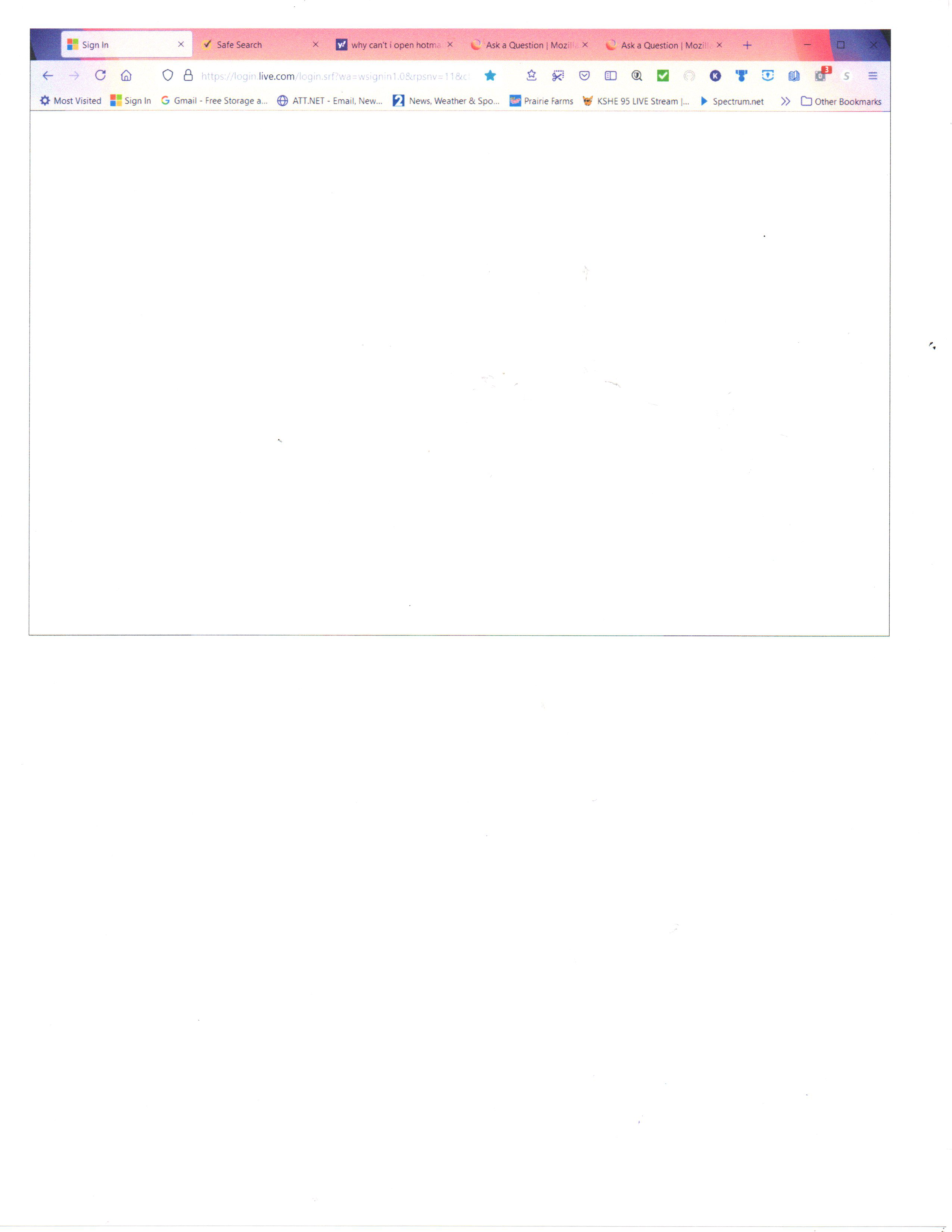
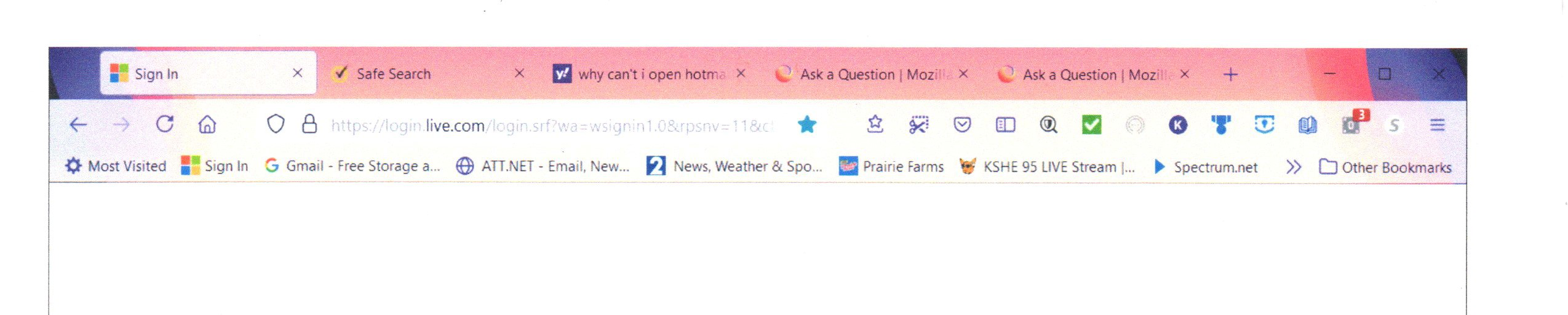
That red bar looks like a list of your current tabs. Others have been complaining that there is no separater between them.
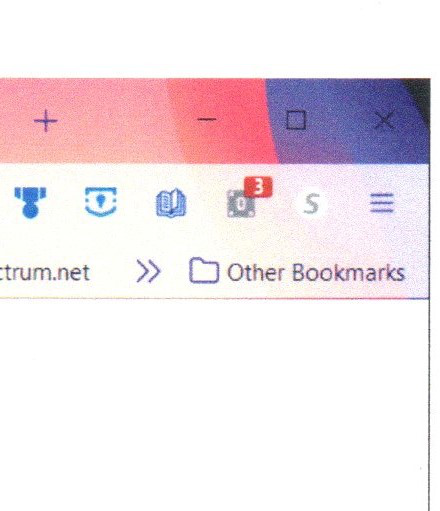
No ... that bar is pink. I have enlarged the screenshot of the whole bar, and also enlarged the red flagged area. Can I just restore a previous version of Firefox?? otherwise ... I really hate it, but this new version is just not workable for me. I have trusted Firefox and defended it to others as the best for many, many years. I'm going to have to trust Norton to keep me safe while using another browser if we can't solve the problems. Thanks for your help. Please advise.
I called for more help.
karingK said
P.S. I keep getting a red alert in the upper right hand corner at the top of the page
Were you talking about the icon with the '3' on top? Place your mouse on top. What does it say?
"policy control enabled"
FredMcD said
I called for more help.
Still not working ... any additional information available?? I have had to move ALL of my information to Google!!!! Certainly not my first choice, but I have to be able to keep working!!!!!
FredMcD said
I called for more help.
Still no response. I have relied on Mozilla for many, many years, and have defended it as the best secure browser to anyone who would listen with some negative feedback ... I really don't like the fact that I have had to resort to moving all of my work to Google!!!!!!!!!!!!!!!!! I know it isn't as secure, but hopefully by using incognito, I have a little more protection ... it has been more than 2 weeks since this post that you called for more help ... are there no answers?? I have had to disable Mozilla as my default browser!!!!!!!!!!!! is there some way to go back to the previous version???? mostly I don't understand why there is no communication about this anymore!!!!! please advise!!!! thanks, kh
Can you post a pic showing what you get in safe mode using this url.
Also, click the below link if you want to run different versions of FF.
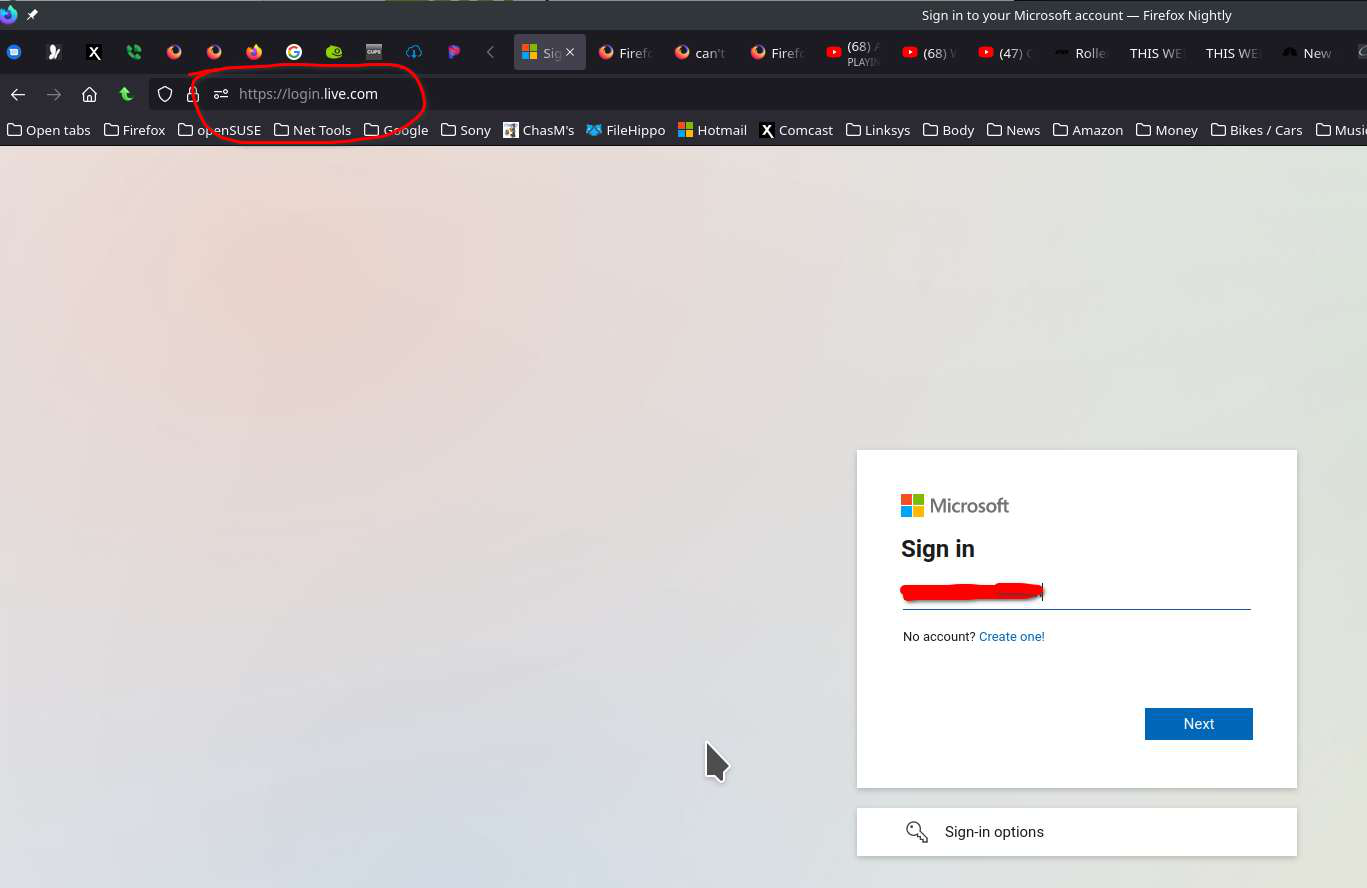
Thanks for your reply ... Did you want me to restart in safe mode before I use your link? or if not, here's the printscreen ...

Issue resolved right?
I responded with a question and a print screen on 7/15 ... I've had no reply, so I don't think it has been resolved ...
You're in. Just click on the dots under my cursor and they you'll see Outlook or whatever service you want. see screenshot
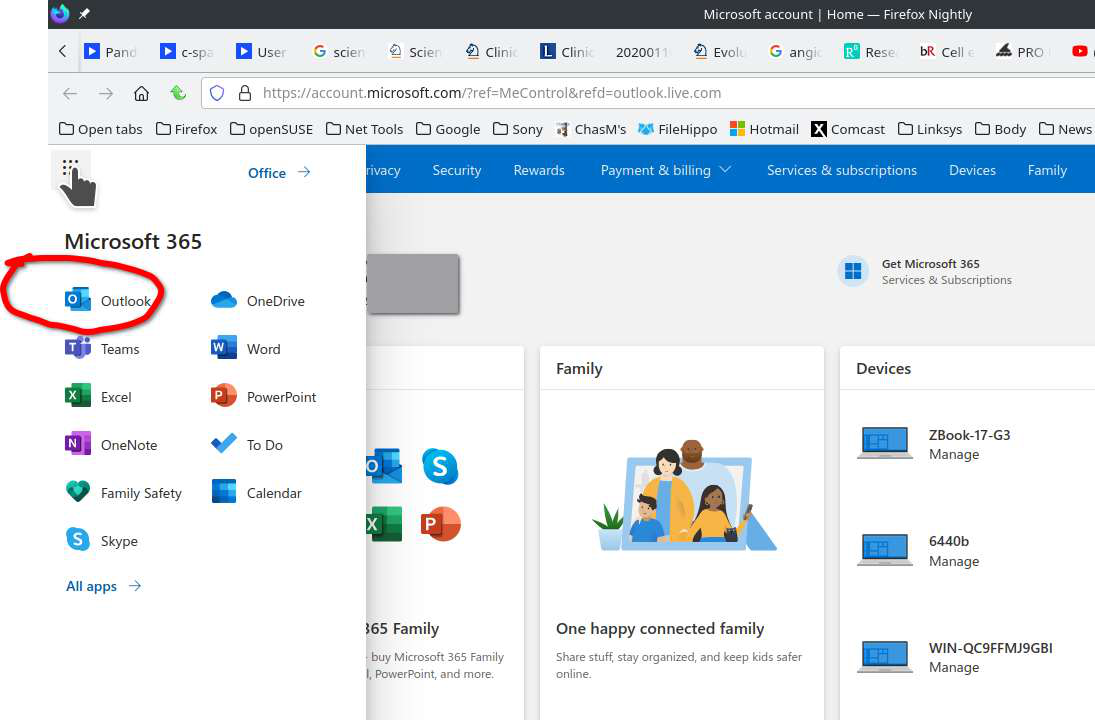
First, I want to assure you I am computer savvy ... I am the one everyone around me calls to help with problems of all kinds of software ... and internet questions too ...
This must have you really frustrated with me ... when I asked if you wanted me to restart in safe mode, you didn't answer ... so I used your Login live link, but I was in Google ... it still doesn't work in Firefox!! I'm not having a problem at all in Google unfortunately ... but I'd sure like to go back to my Firefox if at all possible ...
Thanks for you help ... take care ... k
If you use extensions ("3-bar" menu button or Tools -> Add-ons -> Extensions) that can block content (Adblock Plus, NoScript, DuckDuckGo PE, Disconnect, Ghostery, Privacy Badger, uBlock Origin) always make sure such extensions do not block content.
- make sure your extensions and filters are updated to the latest version
- https://support.mozilla.org/en-US/kb/troubleshoot-extensions-themes-to-fix-problems
Firefox shows a purple shield instead of a gray shield at the left end of the location/address bar in case Enhanced Tracking Protection is blocking content. You can click shield icon for more detail and possibly disable the protection. You can check the Web Console for relevant-looking messages blocked content.
- https://support.mozilla.org/en-US/kb/enhanced-tracking-protection-firefox-desktop
- https://support.mozilla.org/en-US/kb/smartblock-enhanced-tracking-protection
- https://support.mozilla.org/en-US/kb/trackers-and-scripts-firefox-blocks-enhanced-track
You can remove all data stored in Firefox for a specific domain via "Forget About This Site" in the right-click context menu of an history entry ("History -> Show All History" or "View -> Sidebar -> History").
Using "Forget About This Site" will remove all data stored in Firefox for this domain like history and cookies and passwords and exceptions and cache, so be cautious. If you have a password or other data for that domain that you do not want to lose then make sure to backup this data or make a note.
You can't recover from this 'forget' unless you have a backup of involved files.
If you revisit a 'forgotten' website then data for that website will be saved once again.
選擇的解決方法
Use these links to create a new profile. Use this new profile as is. Is the problem still there?
https://support.mozilla.org/en-US/kb/how-run-firefox-when-profile-missing-inaccessible
http://kb.mozillazine.org/Profile_folder_-_Firefox#Navigating_to_the_profile_folder
https://support.mozilla.org/en-US/kb/profile-manager-create-and-remove-firefox-profiles
https://support.mozilla.org/en-US/kb/back-and-restore-information-firefox-profiles
Type about:profiles<enter> in the address bar.