


"Enterprise Roots" - can't disable
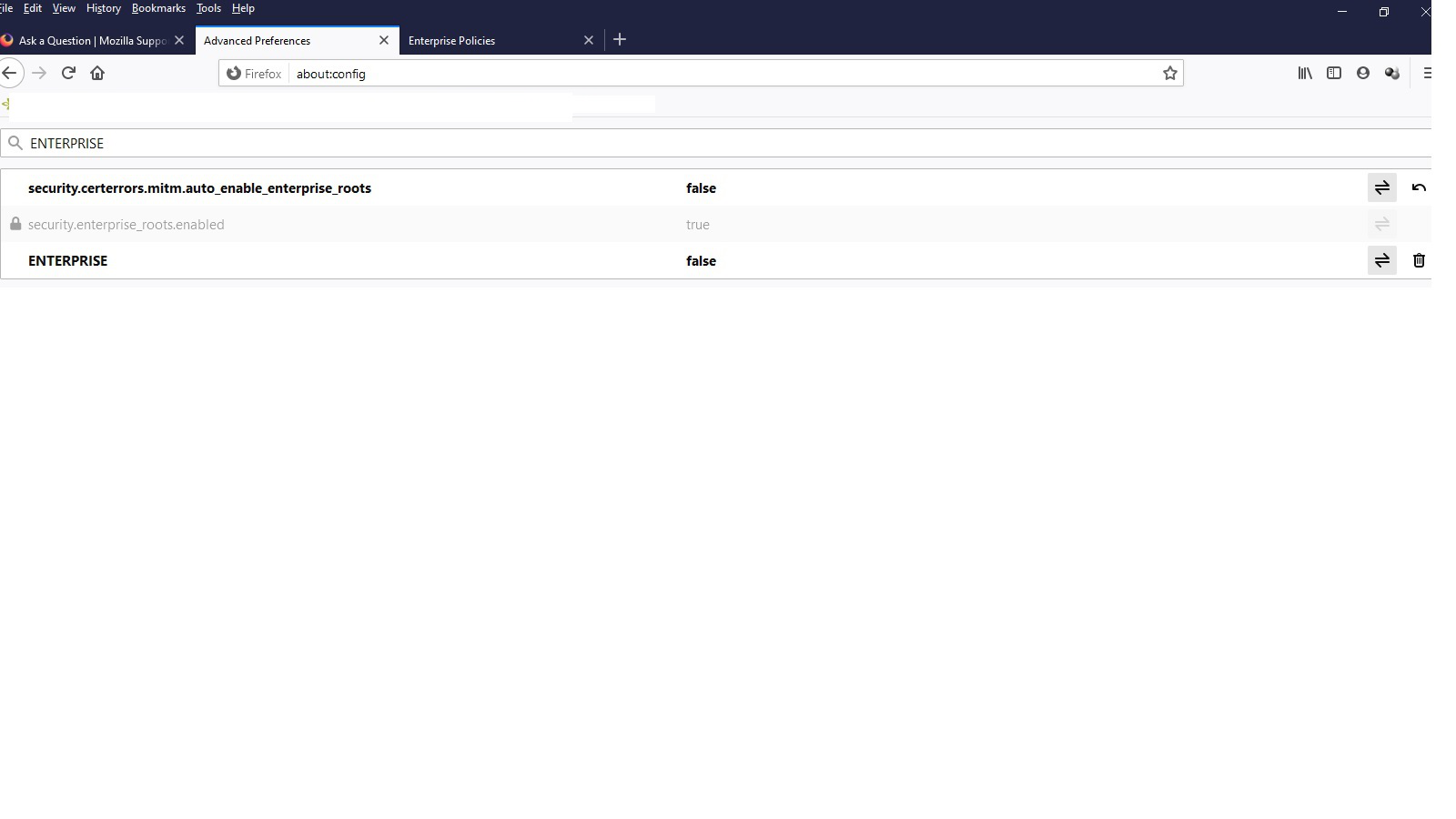
I am getting a TLS error on Firefox 82.0.3 (64bit) - Win 10 Pro 64 bit Followed instructions on https://support.mozilla.org/en-US/kb/how-disable-enterprise-roots-preference "security.certerrors.mitm.auto_enable_enterprise_roots" is set to disabled but "security.enterprise_roots.enabled" is set to true but is greyed out and I do not have a toggle option to disable it - why and what is the solution ?
被選擇的解決方法
What antivirus software do you use? These usually force their own certificates into Firefox, and this may be what you are experiencing.
從原來的回覆中察看解決方案 👍 0所有回覆 (10)
Here is a jpg image of the issue

選擇的解決方法
What antivirus software do you use? These usually force their own certificates into Firefox, and this may be what you are experiencing.
AVG Free ! What is the solution to the issue ?
You can disable its Web Protection, that should fix it.
I have disabled AVG WEB SHIELD and it makes no difference to "security.enterprise_roots.enabled" - it is still set to TRUE and is greyed out (non disableable)
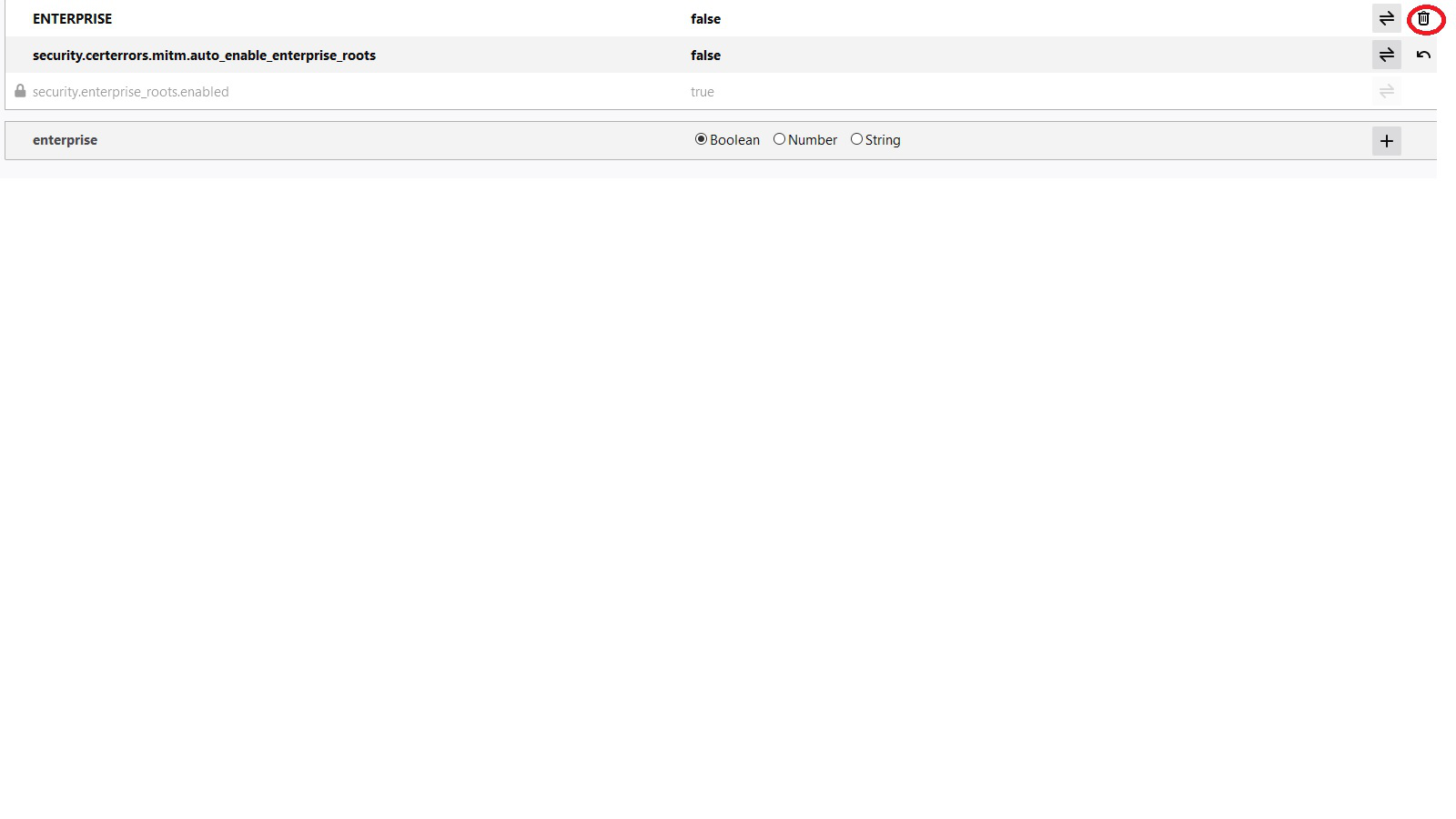
What if I delete ENTERPRISE completely ? red highlight on image

Hi, make sure that in the Web Shield tab, the entries 'https scanning' and 'QUIC/http3' are deselected. You will now need to remove an entry in the Windows Registry - if you are unfamiliar with this, I would set a restore point first in case you make a mistake so you can roll back: Type regedit into your PCs search box or Run box (Windows key + R). Next in the Registry, navigate through HKEY_LOCAL_MACHINE\SOFTWARE\Policies\Mozilla\Firefox\Certificates then select and right click > Delete the entry ImportEnterpriseRoots That will probably do it and the about:config entry security.enterprise_roots.enabled will no longer be greyed out, but if necessary you can also delete \Firefox and \Mozilla. You might have to restart Firefox and your PC.
I can't figure out how to set the Web Shield tab, the entries 'https scanning' and 'QUIC/http3' are deselected
I carried out the removal of registry key HKEY_LOCAL_MACHINE\SOFTWARE\Policies\Mozilla\Firefox\Certificates procedure and on rebooting - the key mysteriously REAPPEARS !! The about:config entry is still greyed out !
由 Weevie123 於 修改
You might have to temporarily enable the Web Shield, then turn off 'https scanning' and 'QUIC/http3' and disable Web Shield again afterwards.
After changing the Registry, try restarting your PC - don't shutdown and cold start - you must use Restart on Win10, because shutting down is really hibernation!