


Display Problems while scrolling in Firefox
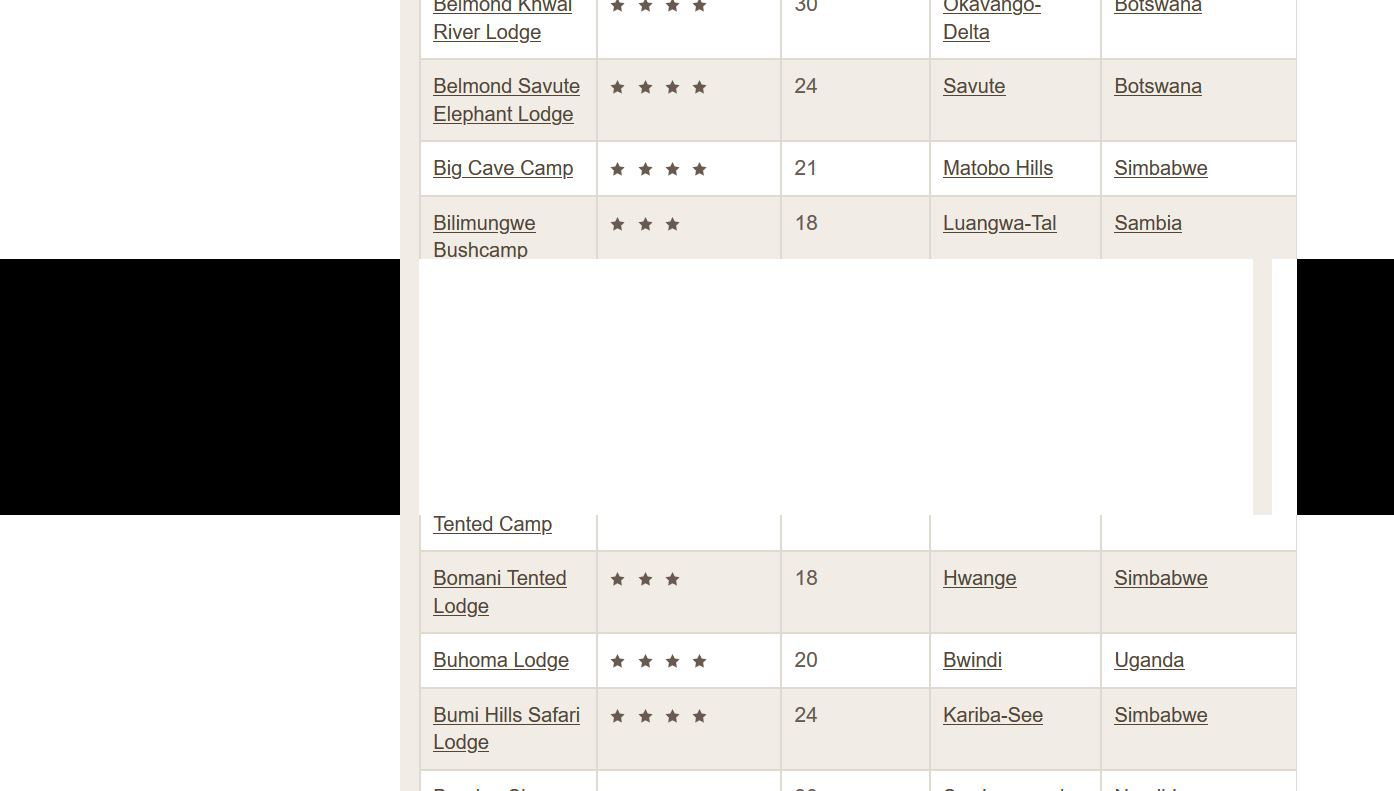
Hello, I am using the latest version of Firefox (77). In this version, but also all the previous versions, I have a problem while scrolling long web pages. Once I have scrolled down quite a bit to far below the immediately visible area, there will be a horizontal area across the entire browser window that does not show anything or is blacked out. It appears as if that area is covering up the info below it (as in a lower layer). If I continue to scroll further down, these blacked out areas appear regularly. This forces me to switch to another browser (Chrome, Edge) where the problem does not occur, just so that I can read that info or access the buttons etc. hidden in FF. I am working with a Lenovo Laptop attached to a docking station and two extra 27 inch screens that are turned to vertical and stand side by side. The attached Screenshot gives you an idea. It was taken from this page: https://www.afrikarma.de/safari-lodges-und-camps-in-afrika/ with the parameter for number of items to display in the table below the map set to "Alle". The blacked-out area appears 8 or nine times. The page is only an example - the problem occurs on just about every page that requires a lot of downward scrolling. And the problem is also unrelated to a specific website. I can easily replicate it on this news portal aswell: https://www.spiegel.de/
Does anyone have an idea how to fix this? Thank and rgards L Nell
所有回覆 (1)
Hello,
Lately scammers have been posting (mainly in threads where no reply has been posted yet), claiming to be Mozilla experts and asking users to either call a so-called toll-free phone number or giving them a link to a site, where they are promised to get expert help.
These posts of course are scams.
Hopefully informing you about this will scare them off and you won't see such scam post.