


"Parse MP4 metadata failed" error when trying to play certain MP4 files
The file (link here) plays in Chrome and VLC but not Windows 10 Firefox or Ubuntu 18 Firefox.
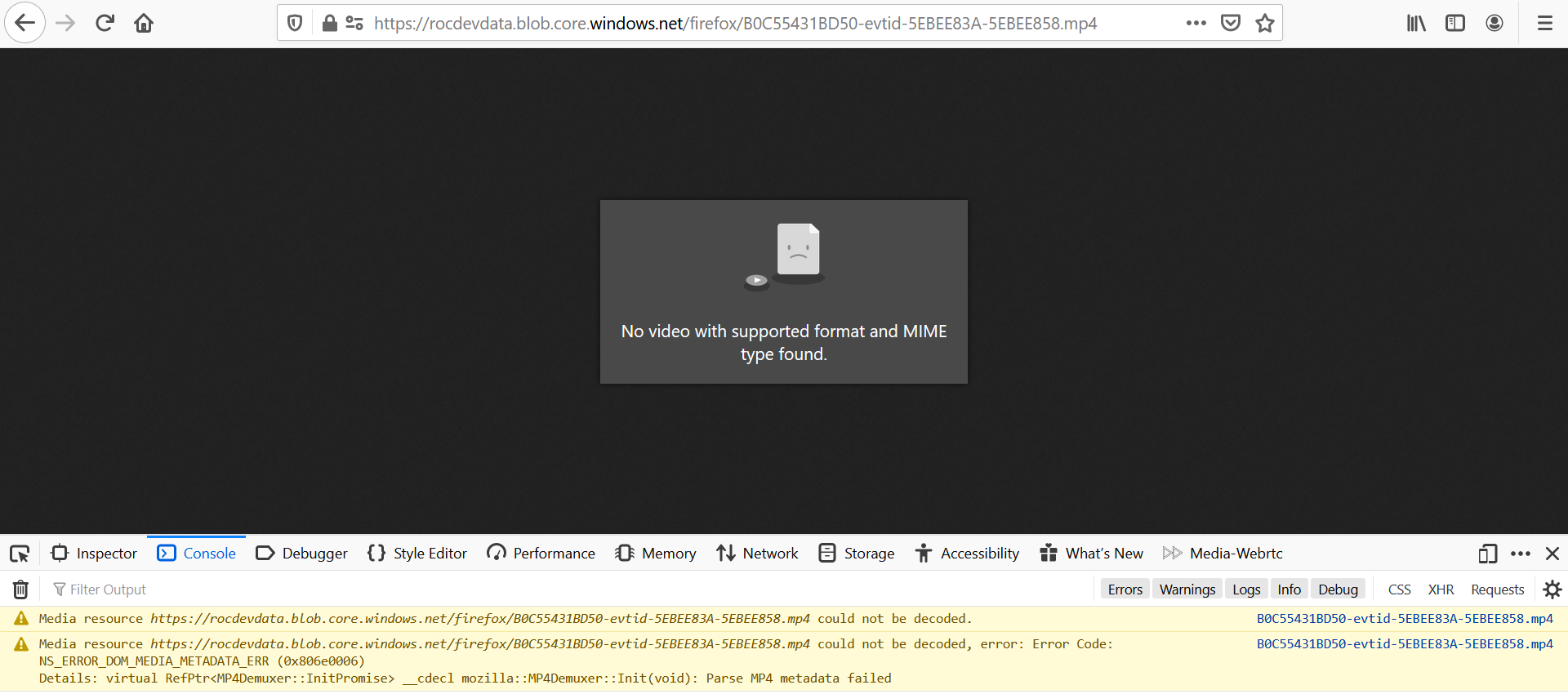
I've analyzed it with FFmpeg, AtomicParsley, and other tools and have found nothing wrong with the file. I compiled Firefox nightly from source and it gave the same error as my Windows 10 install. Screenshot of the full error message attached.
所有回覆 (6)
It looks like the extension of this file is wrong. It's not MPEG-4 but QuickTime and we can't play it.
Here is a second file produced by the same software that created the first file, using a different camera source. Firefox is able to play the video in this file even though it's the same container format as the first file. I understand MP4 doesn't support the PCMU audio in this second file which is why there is no sound.
But since Firefox's MP4 demuxer can parse the video contents of the second file, what's wrong with the first file if anything?
Now I'm stupid.
Do you recommend I file a bug ticket?
Perhaps it's a good idea.
VLC shows a difference in the decoded format:
- first mp4: Decoded format: Planar 4:2:0 YUV full scale
- second mp4: Decoded format: Planar 4:2:0 YUV