


content coding error
I could read this ariticle on the danish engineering web site (ing.dk) this morning but no longer after the upgrade. I have no intention of writing to websites as suggested just because Firefox has been updated. Natural action will be to change the browser. https://ing.dk/artikel/ny-bog-gar-taet-pa-videnskaben-gode-brod-208409 "The page you are trying to view cannot be shown because it uses an invalid or unsupported form of compression.
- Please contact the web site owners to inform them of this problem."
Kind Regards, Helgi Joensen
被選擇的解決方法
Thats great! Please mark the thread solved :)
從原來的回覆中察看解決方案 👍 0所有回覆 (5)

It works for me but can you provide a screenshot since I am not able to replicate your issue. Also, please try to open the site using an empty profile Profile Manager - Create, remove or switch Firefox profiles.
Hi - thanks for looking into this. Please see 2 attached screenshots. I use an ad-blocker add-in could should things have anything to do with it? BR -Helgi
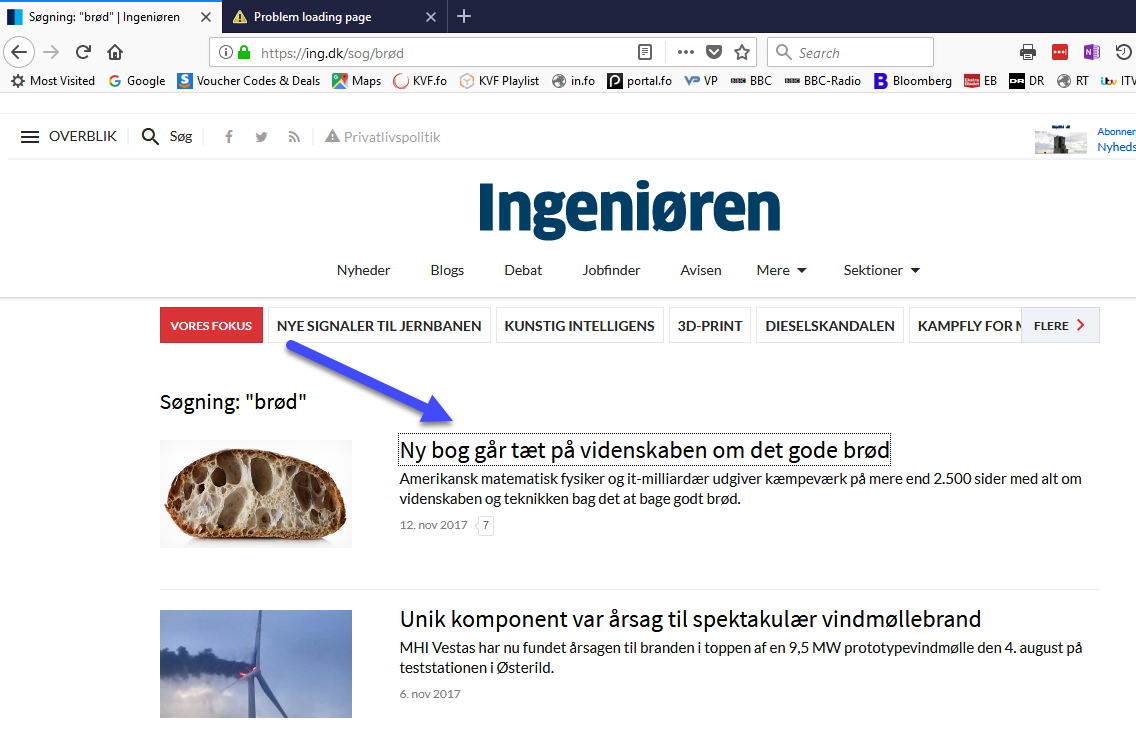
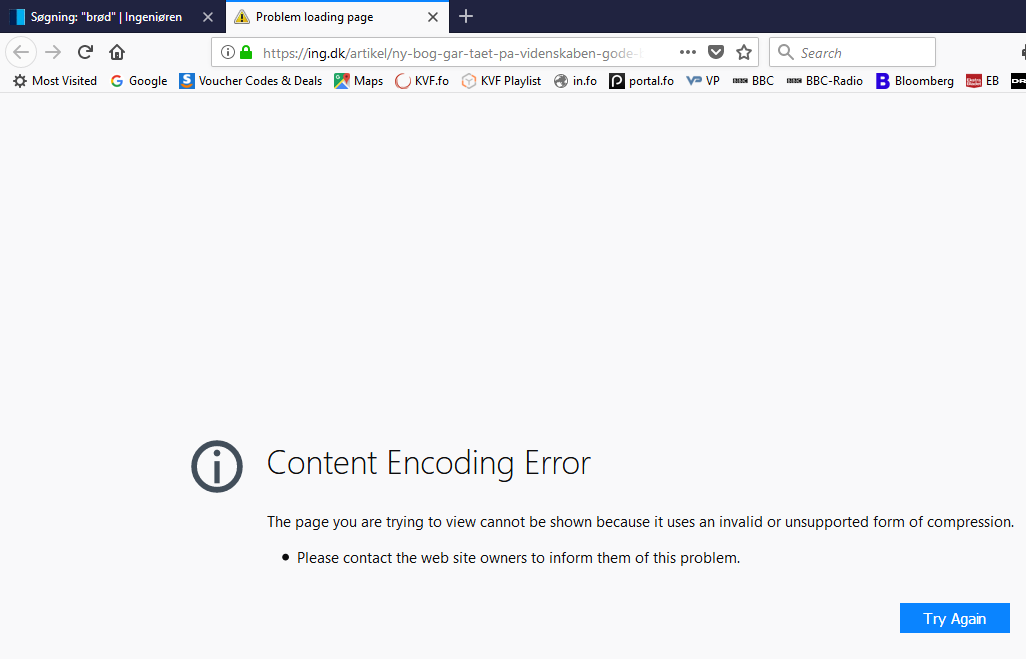
Did you try to open the url with an empty profile as I suggested?
Hi - Sorry, I missed the significance of the empty profile. I created a new profile and then the article was displayed correctly. See screenshot. Good that I did not contact the website manager. I then tried the same on my normal profile and now it (mysteriously) works!? BR -Helgi
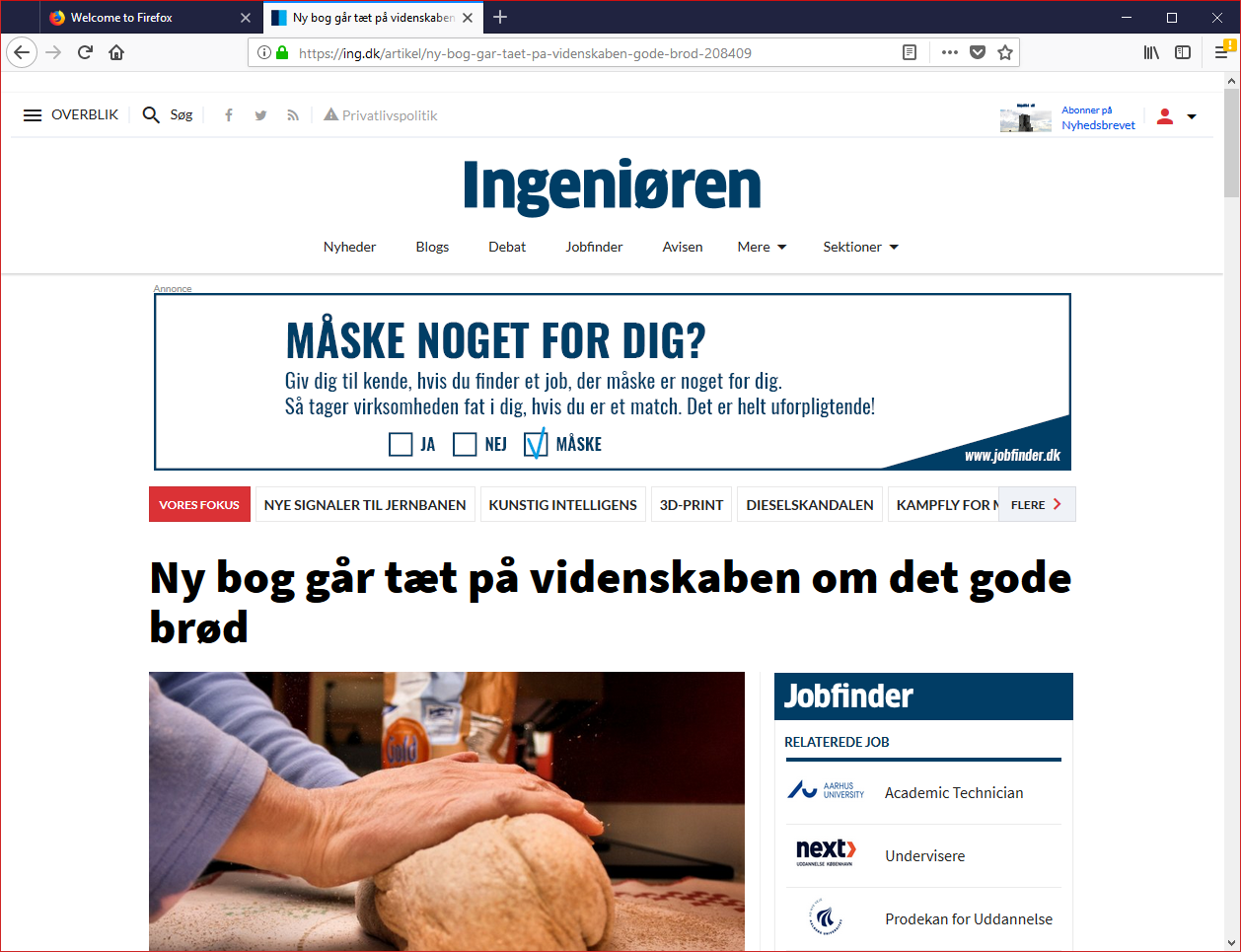
選擇的解決方法
Thats great! Please mark the thread solved :)