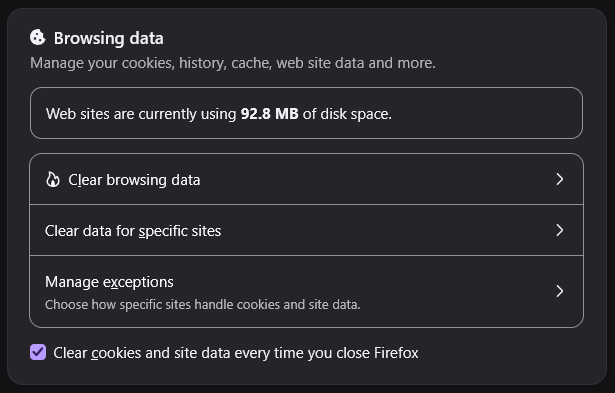
Websites listed as Exceptions have their cookies and site data wiped on Firefox close
I have 'Clear cookies and site data every time you close Firefox' enabled. In the list of exceptions, I have many website listed, most of which work (such as 'crucnyroll.com'), however I am having issues with certain sites, in this case 'bandcamp.com' and 'the-trackr.com'. When closing and reopening Firefox, the rest of my Exceptions retain Cookies and Site data fine, but these two websites specifically seem to ignore the rule. I have tried disabling all my extensions, changing settings around, and reading through the 'about:config' page but couldn't find anything which would resolve this issue. I have things setup this way to prevent tracking from random forums, blog posts and the kind, but can only seem to resolve this issue by re-enabling cookies for all websites. Any and all help is appreciated, and thank you in advance.
All Replies (3)
Is it possible these sites use different domains for their account session? (So you'd need to figure out what else to add, potentially by checking the manage list shortly after signing in, to see what origins got added in the process…)
Or you can basically see a number of cookies set for "bandcamp.com" present in the manage list before shutting down, and all of them gone for this host after restarting?
As far as I'm aware, all login occurs at 'https://bandcamp.com/login'. Therefore there shouldn't be any redirects to other web domains.
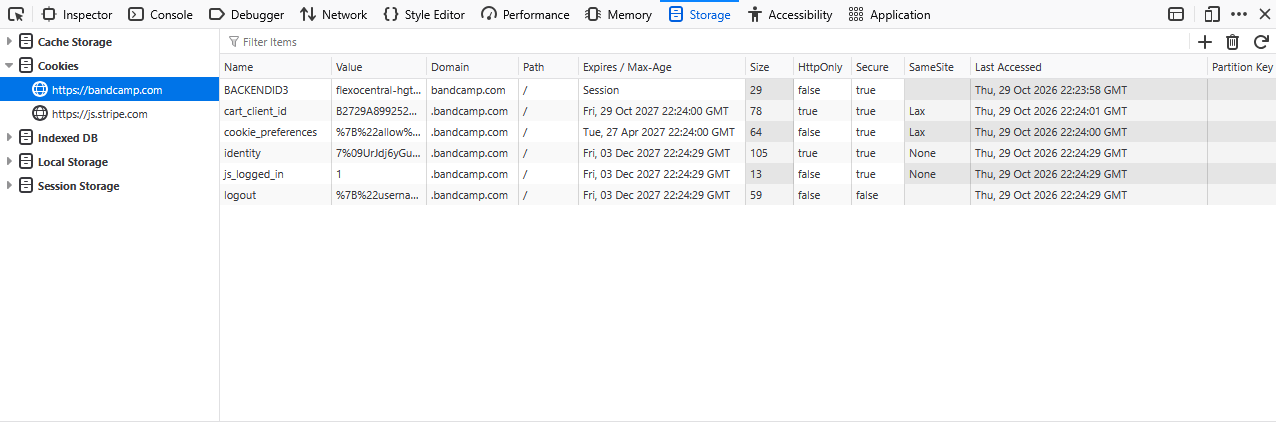
And Yes. When I login to Bandcamp, I can see multiple cookies at the '.bandcamp.com' domain (as shown in the attached picture). When exitting and restarting Firefox, the cookies are either removed, or their values are changed (to assumedly default values).
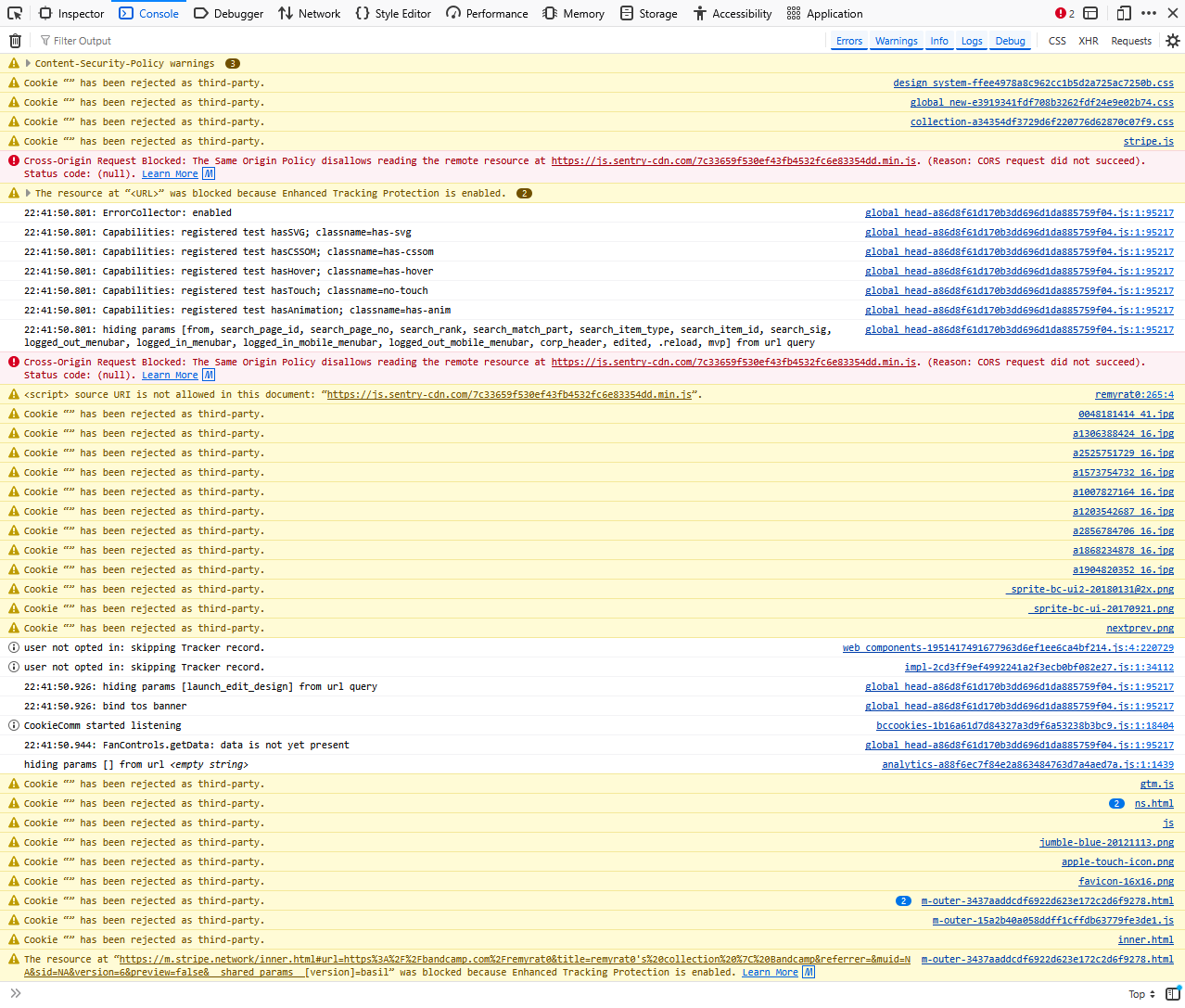
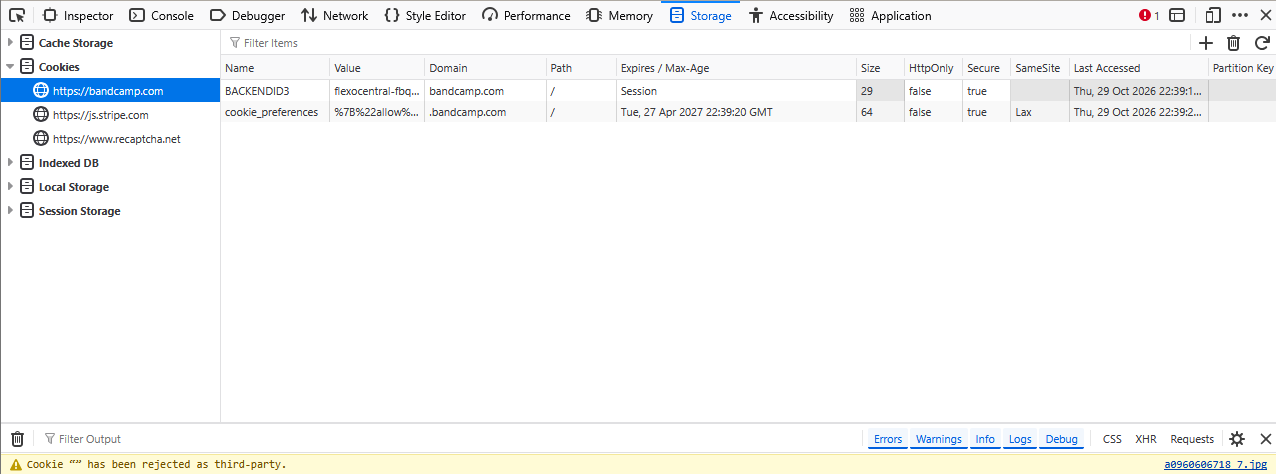
I've also attached a picture of the console after a fresh boot. Note: I do have uBlock Origin turned back on.
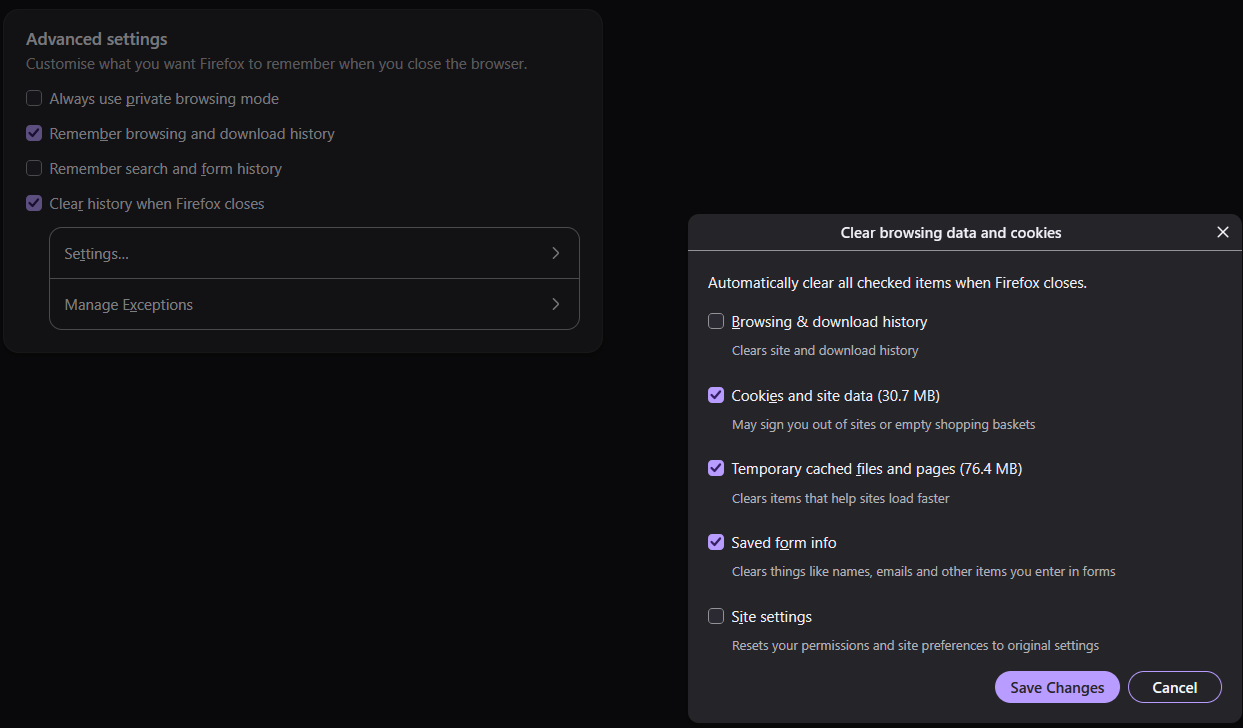
Hey sorry, there was a change recently. You'll notice below the "Clear history when Firefox closes" there's now a Manage Exceptions dialog. This is where you need to add your list of sites allowed to keep cookies through to the next session, it was separated from the regular cookie permissions.
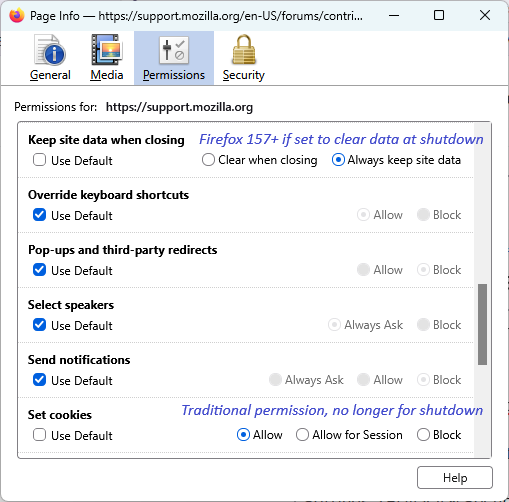
I just learned about this the other day and unfortunately that is not a very convenient list to access. Fortunately, there is another option (see attached image, too):
- While you are on the site, call up the Page Info dialog (Ctrl+i)
- Click Permissions at the top, then scroll down to "Keep site data when closing" -- this option only appears if you have Firefox set to clear history when it closes
- Un-check the box for Use default and select "Always keep site data"
Hope that resolves it for you.