


Is there a way (or extension) to see WHICH TABS Are using the most energy?

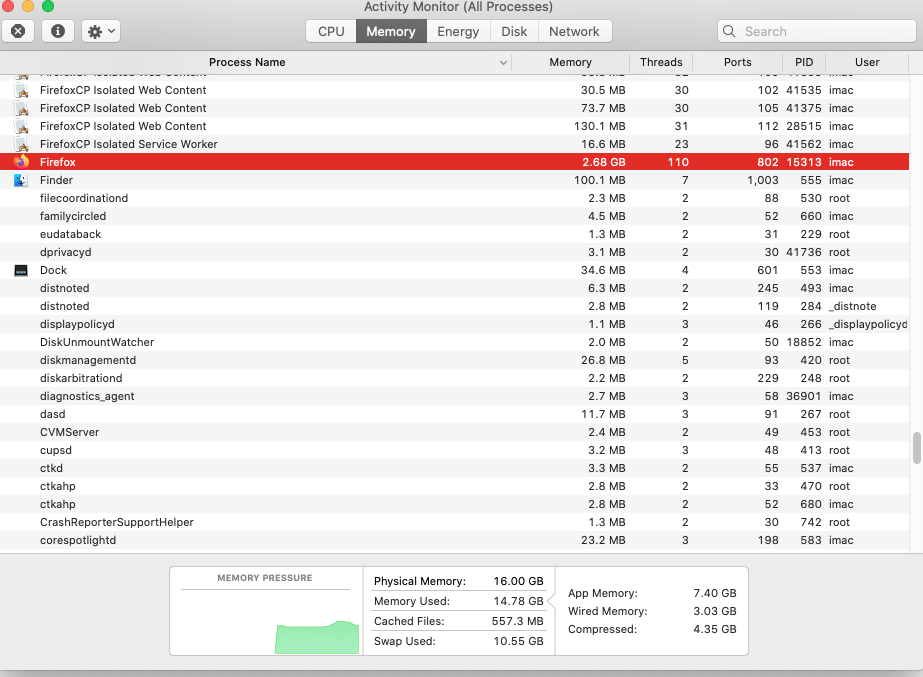
Using the Activity Monitor, I see which apps are using the most RAM, CPU and energy usage- but is there a method to identify WHICH TABS are using the mos resources?
Using the Activity Monitor, I see which apps are using the most RAM, CPU and energy usage- but is there a method to identify WHICH TABS are using the mos resources?
All Replies (3)

There is the Firefox Task Manager (under Tools > Browser tools in the menu bar or something similar in the application menu OR about:performance).
https://support.mozilla.org/en-US/kb/task-manager-tabs-or-extensions-are-slowing-firefox
about:performance is also listed in about:about
See also the about:processes and about:unloads pages.