


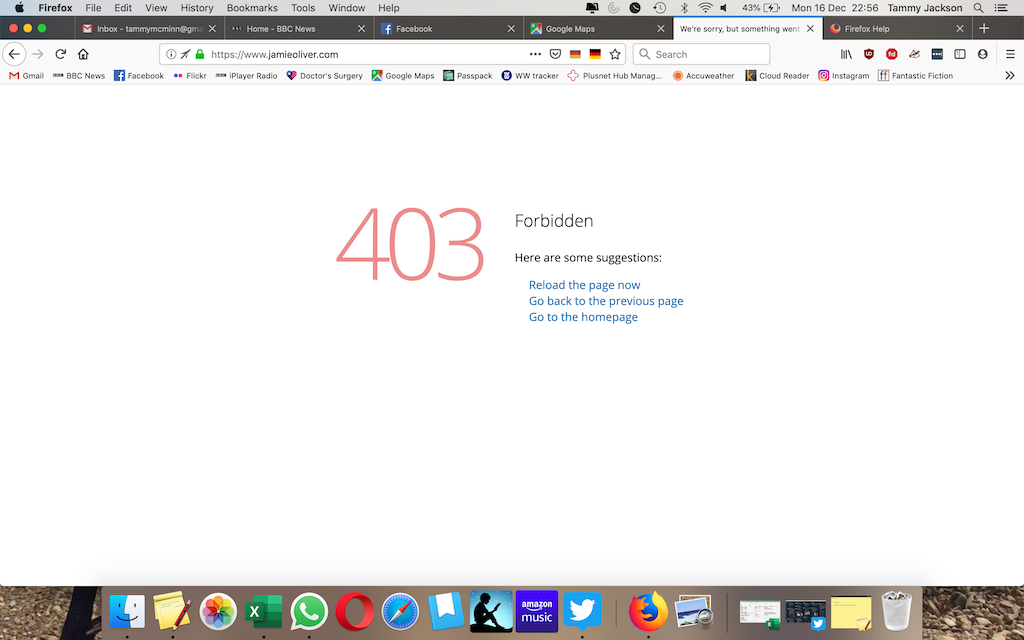
I get a 403 Forbidden message accessing https://www.jamieoliver.com/ but it was fine earlier today
I use the Jamie Oliver website every day but this afternoon it suddenly started showing a message 403 Forbidden but nothing had changed
Ọ̀nà àbáyọ tí a yàn
The forget this site thing worked
Ka ìdáhùn ni ìṣètò kíkà 👍 0All Replies (5)
I just checked and the website worked fine for me, 403 is usually an error on the server. Try again perhaps?
I tried again but the same message comes up. It works okay on Safari.
Is the problem only on the home page, or on interior pages as well? For example:
You can remove all data stored in Firefox for a specific domain via "Forget About This Site" in the right-click context menu of an history entry ("History -> Show All History" or "View -> Sidebar -> History").
Using "Forget About This Site" will remove all data stored in Firefox for this domain like history and cookies and passwords and exceptions and cache, so be cautious. If you have a password or other data for that domain that you do not want to lose then make sure to backup this data or make a note.
You can't recover from this 'forget' unless you have a backup of involved files.
If you revisit a 'forgotten' website then data for that website will be saved once again.
Ọ̀nà àbáyọ Tí a Yàn
The forget this site thing worked