


Using Thunderbird as default app for email address

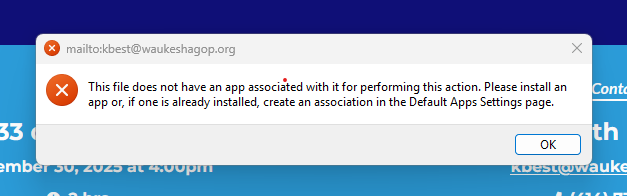
Then I click on an email address on a web page, the message, "This file does not have an app associated with it for performing this action. Please install an app or, if one is already installed, create an association in the Default Apps Settings page." pops up. (See image of message) I checked the Default Apps Settings page and "Thunderbird" is not a choice. I was unable to find an App for Thunderbird. With Morzilla on my Windows 10 computer, the email address would open Thunderbird. Now, I have to copy and paste the address. How can I correct this?
All Replies (3)
To set Thunderbird as your email app, go to https://www.thunderbird.net/en-US/thunderbird/all/ and download and install it. Once installed, it will prompt you to set up your email account.
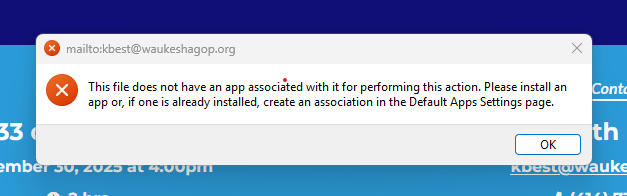
I have Thunderbird installed as my email app. That is not my problem. My problem is that when I am in the Morzilla Browser and I click on an email address, I get the message in the image below. I need to now how to select Thunderbird as the default for email addresses but that option is not available in Morzilla Settings. On my old Windows 10 computer that link was there.
First, click settings>general and check that you have declared thunderbird as default. Then, click the 'default apps' app in Windows. I believe there is more than one setting to do that. The link for website email address is the MAILTO default.