Shortcuts

Hey my problem is i dont want the sites i visited recently to be in my shortcut and dismiss them every time, is there an option to do that?
Hey my problem is i dont want the sites i visited recently to be in my shortcut and dismiss them every time, is there an option to do that?
Tất cả các câu trả lời (1)
I think the only way to prevent Firefox from using available/visible shortcut spaces is to pin sites there.
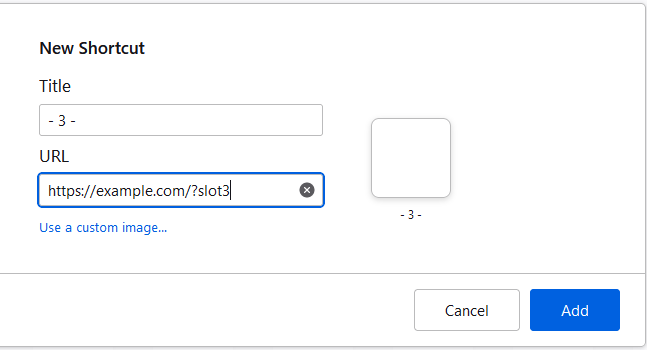
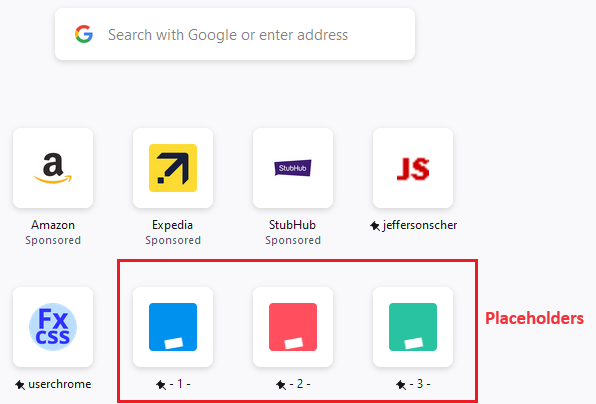
You also can create your own "placeholder" shortcuts. This assumes you can still see the "+" button to create a new shortcut. I have attached example screenshots for that (you need to have a different URL for each one, but it can be different after the ? mark).