


mysignins.microsoft.com

Hello
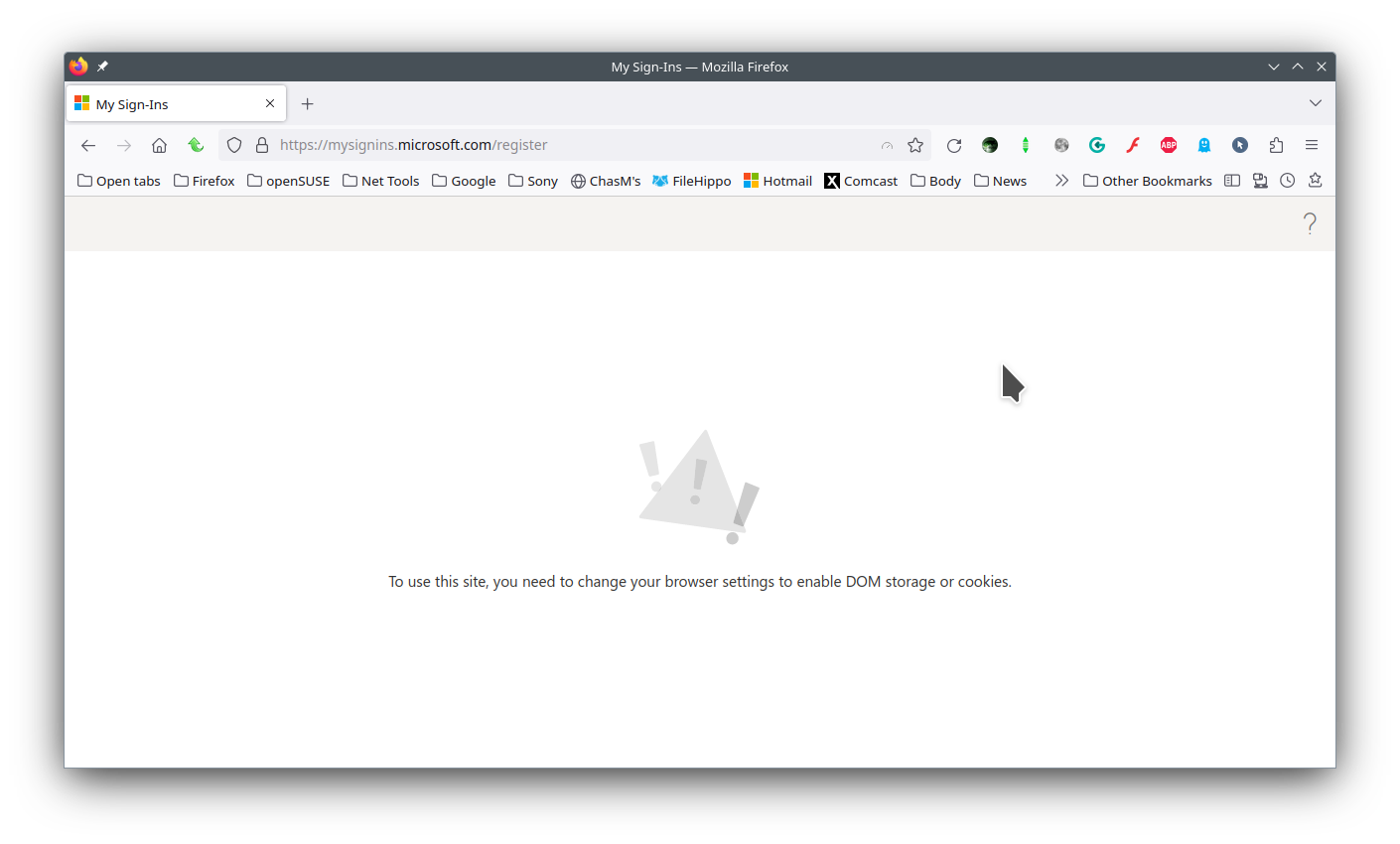
I'm trying to sign into a Microsoft 365 email account but can't get beyond a screen saying "To use this site, you need to change your browser settings to enable DOM storage or cookies."
I've enabled DOM storage and cookies but no difference. I've cleared cookies and no help. I'm running Firefox 115.0.2 and Linux Mint.
Is part of the problem that I hate Microsoft and they know it?
Thanks

Giải pháp được chọn
I'm curious to know why are you using mysignins.microsoft.com? I've always used login.live.com to access my personal account. Here is what I get in Chrome. It translates mysignins.microsoft.com to what you see in the 3rd screenshot


Được chỉnh sửa bởi jonzn4SUSE vào
Tất cả các câu trả lời (6)
What are your privacy settings? see screenshot

I found this. see screenshot https://mid.as/kb/00103/enable-disable-or-clear-web-storage-cache

Được chỉnh sửa bởi jonzn4SUSE vào

You may have to disable Enhanced Tracking Protection by clicking the button you see when pressing the shield icon at the far left of the address bar.
Thanks people but none of them seem to help.
I changed Privacy settings to Custom and turned off enhanced privacy settings for the site, toggled DOM.storage.enabled on and off, and disabled enhanced tracking protection but I still get the same message.
I actually get the same message when I load the page using Chromium.
Thanks anyway.
Giải pháp được chọn
I'm curious to know why are you using mysignins.microsoft.com? I've always used login.live.com to access my personal account. Here is what I get in Chrome. It translates mysignins.microsoft.com to what you see in the 3rd screenshot
Được chỉnh sửa bởi jonzn4SUSE vào
Yes that seems to have solved things thank you thank you :)
I work freelance and it's the company e-mail account I've always used on mysignins.microsoft.com. For some reason, though, I was getting that message. However when I clicked the link you gave (i.e. mysignins.microsoft.com) I got through to the Give your password screen.
The whole episode has come because I have been told I need to set up 2fa for the account. I don't get mobile reception where I live so am not used to using my mobile phone or tablet for the 2fa and have been going round in circles trying to install the app then enter the code but being refused.
It's finally worked though and I've finally got back into the email account :)
Thanks again, and to everyone who replied.