


Syncing Firefox on 2 laptops

I want to sync Firefox on my old laptop with my new laptop, but when I select Sync another device the only option is to sync a phone or tablet. How do I sync my other laptop?
I want to sync Firefox on my old laptop with my new laptop, but when I select Sync another device the only option is to sync a phone or tablet. How do I sync my other laptop?
Tất cả các câu trả lời (3)
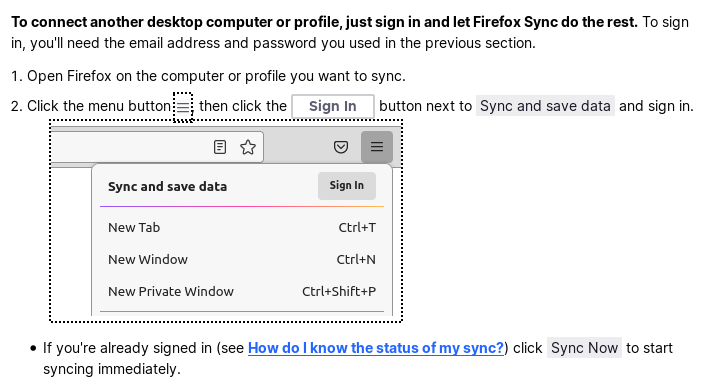
You can connect any device to Sync by using the email address and password. This is possible to connect a desktop device or laptop, but can also be used as an alternative to connect a mobile device.
I took the steps of the first link but was only offered sync phone or tablet. See attached screenshot. I need to sync another laptop.
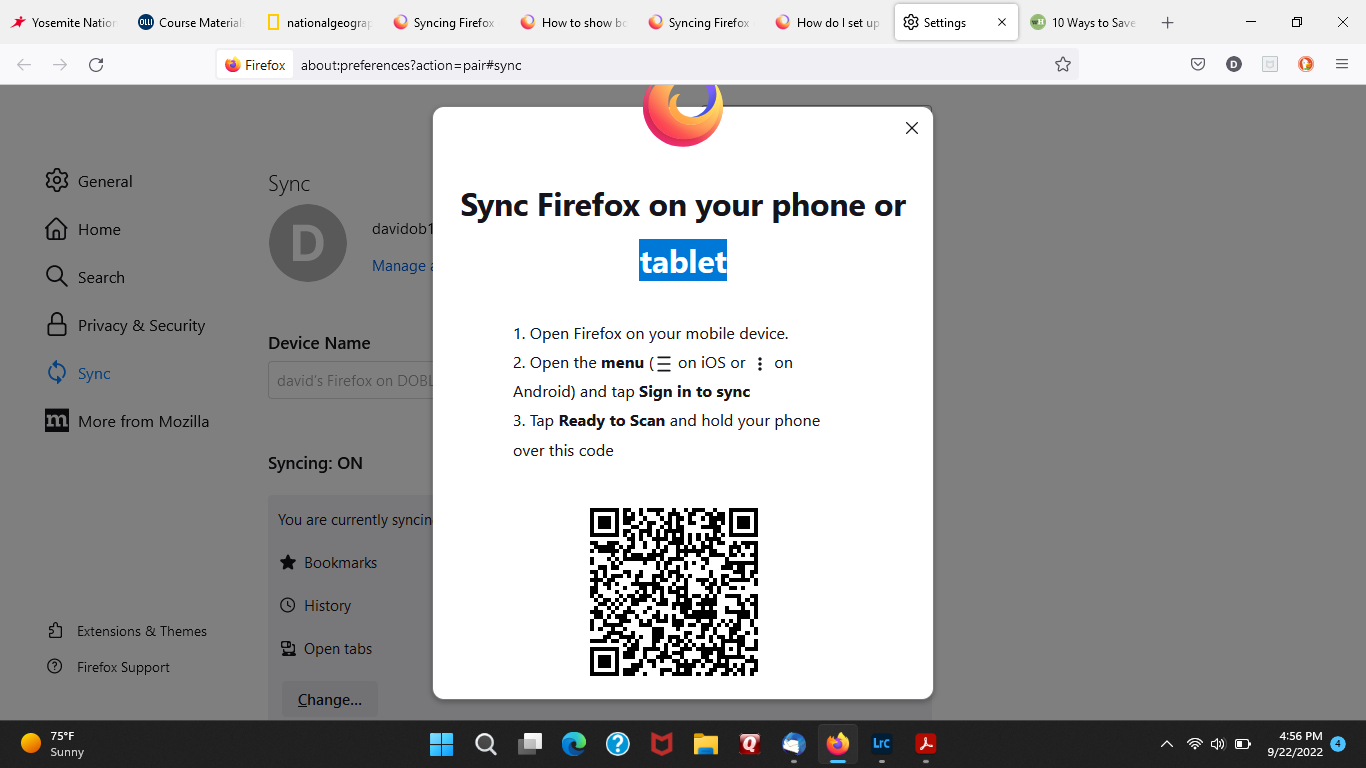
That is because you are trying to pair a device, pairing is only possible with a mobile device, for a desktop device you need to login to the Sync account on that other device.
Được chỉnh sửa bởi cor-el vào