


Message bar at bottom of screen

When I open a new tab a "Messages From Firefox" bar appears at the bottom, I can close that bar but when I drag the tab to make a new window that same space is now occupied by a white bar that I can't get rid of.
Обране рішення
If the two monitors have different screen dimensions then such issues can happen.
You can try to disable hardware acceleration in Firefox to see if that has effect.
- Options/Preferences -> General: Performance
remove checkmark: [ ] "Use recommended performance settings"
remove checkmark: [ ] "Use hardware acceleration when available" - https://support.mozilla.org/en-US/kb/performance-settings
Close and restart Firefox after modifying the setting for changes to take effect.
You can check if there is an update for your graphics display driver and check for hardware acceleration related issues.
Читати цю відповідь у контексті 👍 0Усі відповіді (6)
What is on the bar?
Can you attach a screenshot?
- https://support.mozilla.org/en-US/kb/how-do-i-create-screenshot-my-problem
- use a compressed image type like PNG or JPG to save the screenshot
Sorry, when I posted the question I tried to attach the screenshots but they just wouldn't load. I have some more info; the issue only occurs when dragging the new window from my secondary monitor to my primary monitor.
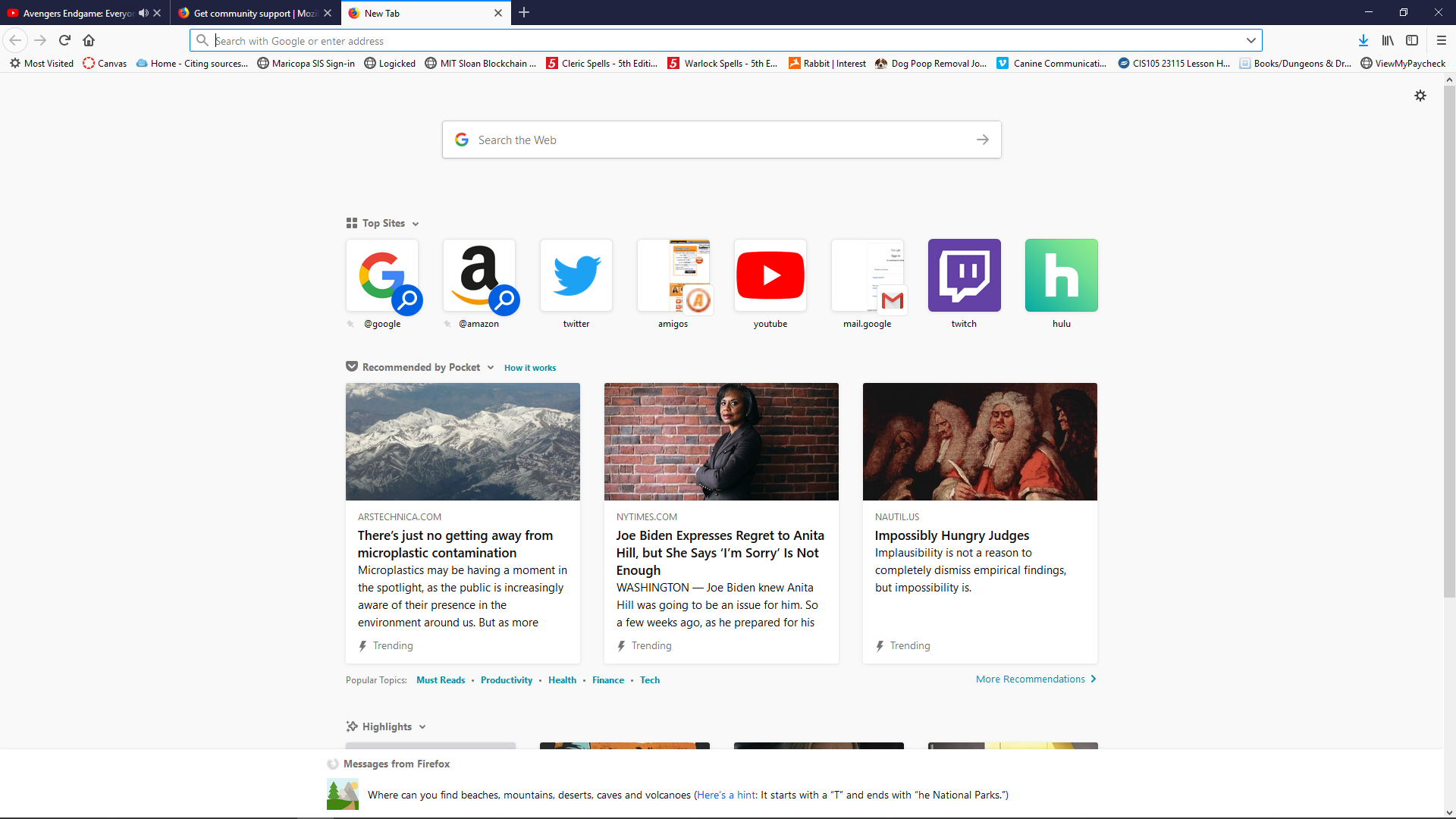
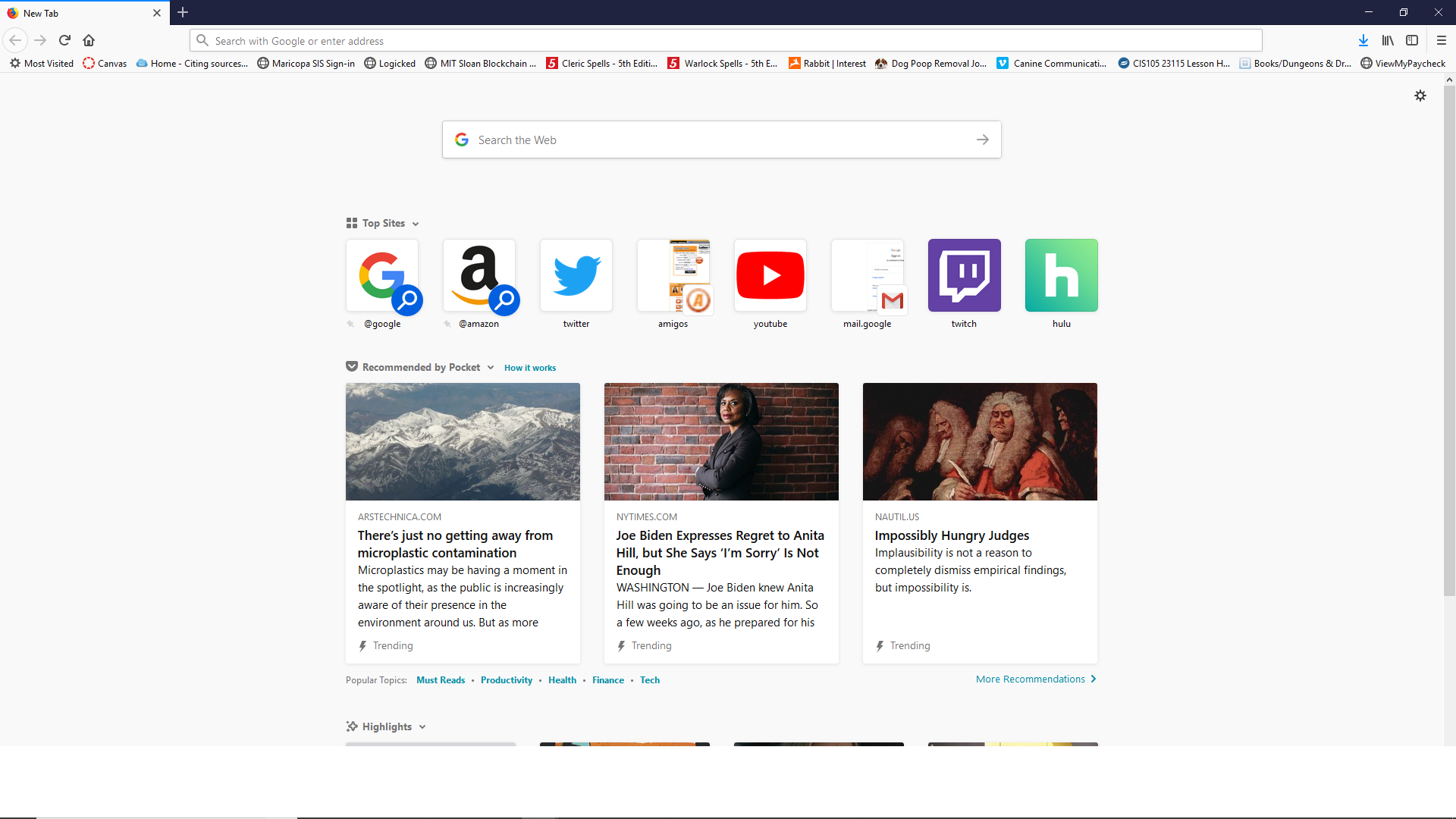
This could be about the snippets on the Firefox Home page. See "Firefox Home Content" :
- Options/Preferences -> Home
Also see:
The white bar still shows up when I drag a window to my main monitor.
Вибране рішення
If the two monitors have different screen dimensions then such issues can happen.
You can try to disable hardware acceleration in Firefox to see if that has effect.
- Options/Preferences -> General: Performance
remove checkmark: [ ] "Use recommended performance settings"
remove checkmark: [ ] "Use hardware acceleration when available" - https://support.mozilla.org/en-US/kb/performance-settings
Close and restart Firefox after modifying the setting for changes to take effect.
You can check if there is an update for your graphics display driver and check for hardware acceleration related issues.
There was an optional driver available and it appears to have solved the issue.