


After the moost recent update

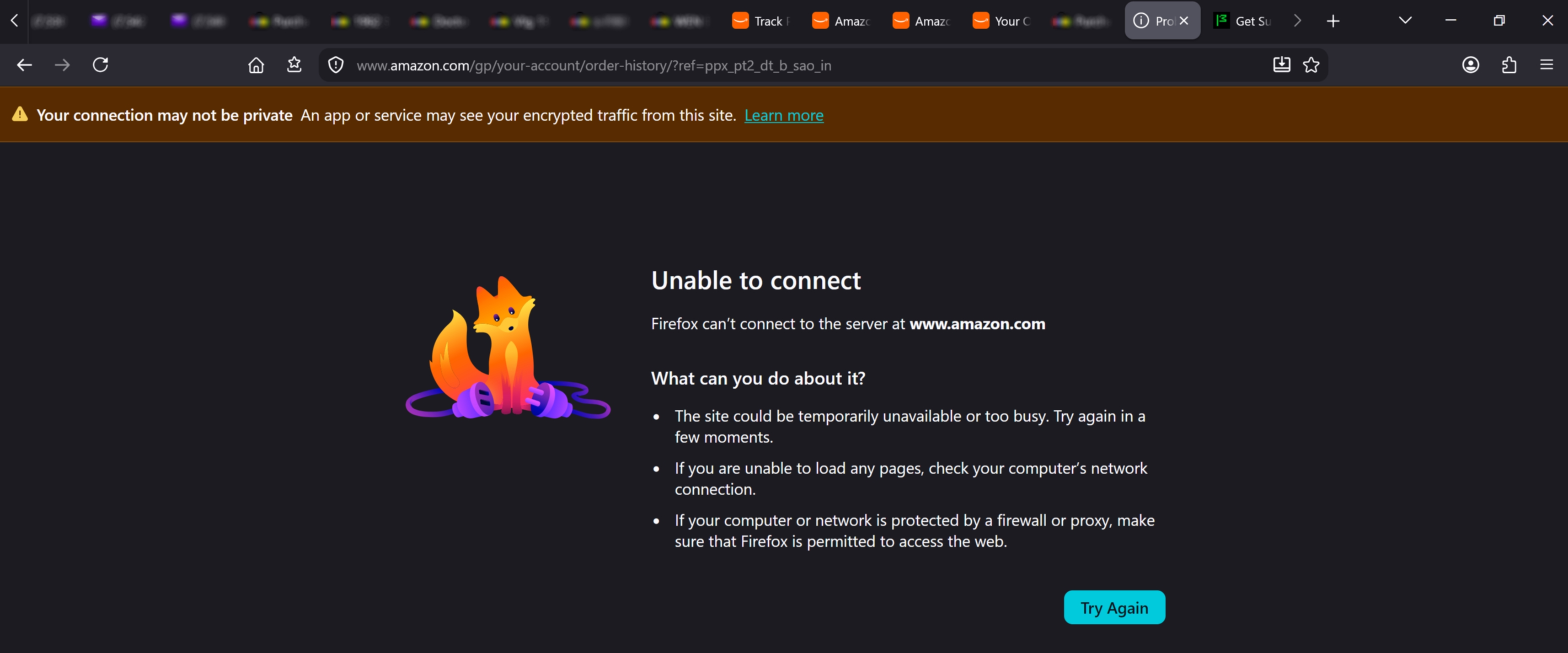
Since your last update, I can't access amazon anymore without a security warning. I know that my connection is private and secure. The only thing that's actually happening, is that my Browser is interfering with me without cause. Can you please make that stop ?
All Replies (3)
The banner above hints otherwise: Troubleshoot network errors when TLS key logging is enabled
I am [ and I'm sure everyone else is too ] pretty sick of tech companies screwing things up and expecting me too research and repair the problem. Everything worked on this end, Mozilla did something on MY Machine, and now it doesn't. That's the long and short of it. What if i came to your House uninvited, "fixed" your Toilet, and then you couldn't use it anymore ? You'd expect me to fix it wouldn't you ?
Mozilla didn't plant the TLS decryption software on your machine. The banner informs you that you might need to reach out to your security software vendor for support.
(The error says: Firefox doesn't see anything on that connection. It's blocked outside of its powers, potentially somewhere on the system level.)
Since you haven't attached troubleshooting data to the question I can't pinpoint which vendor that might be, but you most likely know what protection SW you let to snoop on your secure connections — and if that's a paid offering their support should be able to help you either allowlist the connections or the browser signature, or disable the TLS traffic introspection if they're breaking up the line.