


Inspect close button is partially unclickable.

Hi Team,
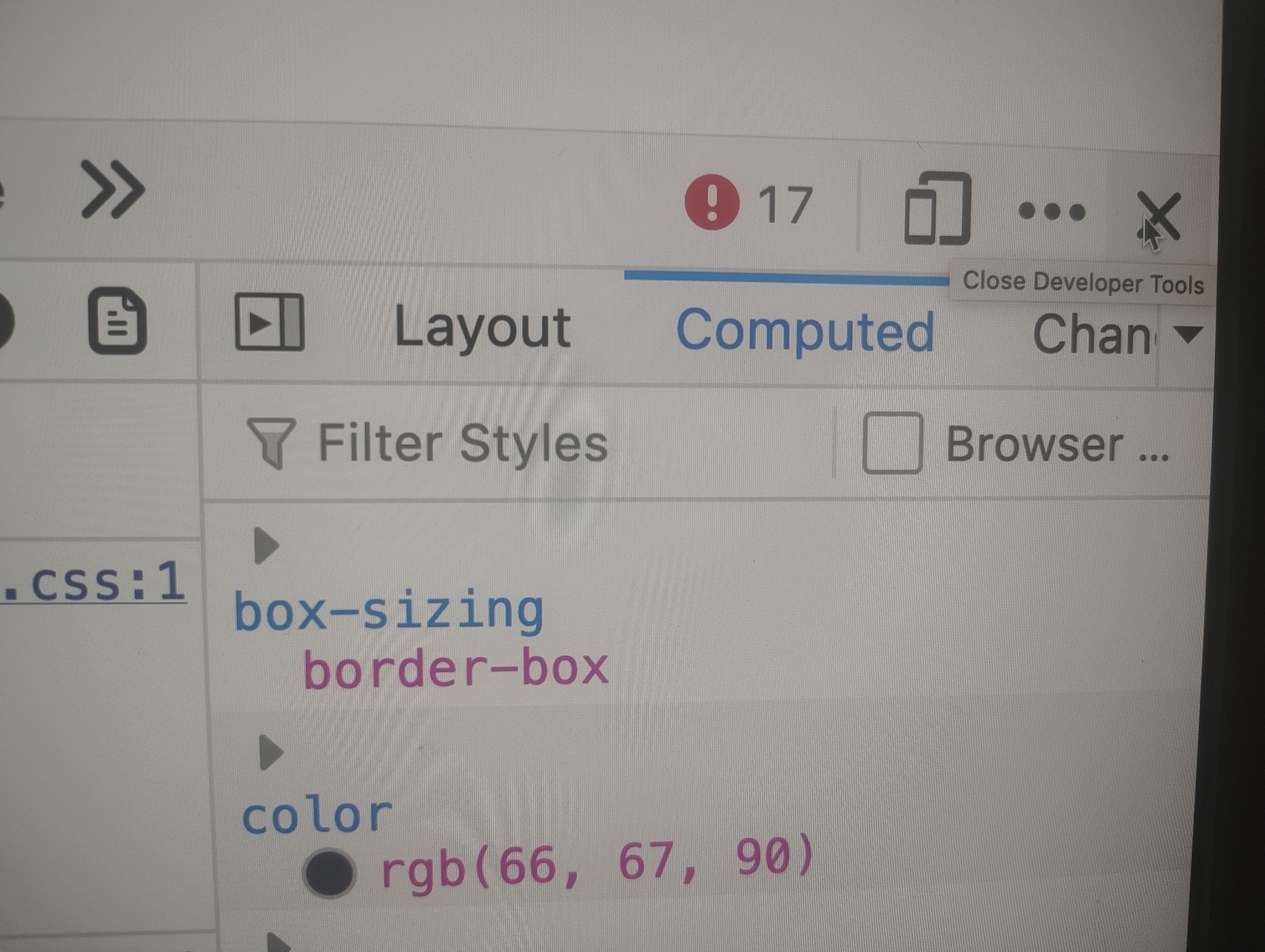
In Firefox, the close button is only partially clickable and is not accessible on the right side. However, when I hover over it, a square background appears around the button. Could you please take a look?
Thank you
Chosen Solution
thanks a lot jbr. I was able to resolve the issue with you guidance. Issue was with Grammarly add-on which was overlapping on the close button. Since the add-on was hidden kind and not visible, couldn't figure it out
All Replies (12)
Hi. It would not be possible to look as it is on your computer, so a lot more detail may be useful. Maybe you could post a screen shot.
Sadly I don't use Mac so can't really get an overall picture, but in Win 11 and Linux (Ubuntu and Debian) it is fine.
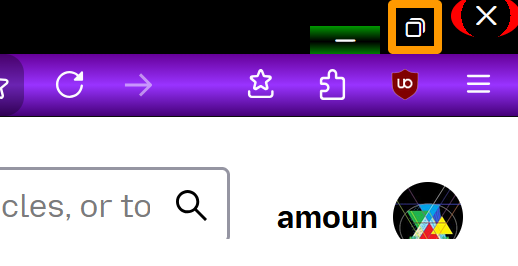
There is also the option via a [userChrome.css] to define the button at your will.
See the image below for an example of how I have formatted mine.
hey,
Is there a way to share you a recorded video? Please let me know
Thanks.
You can post an image before hover and one on hover
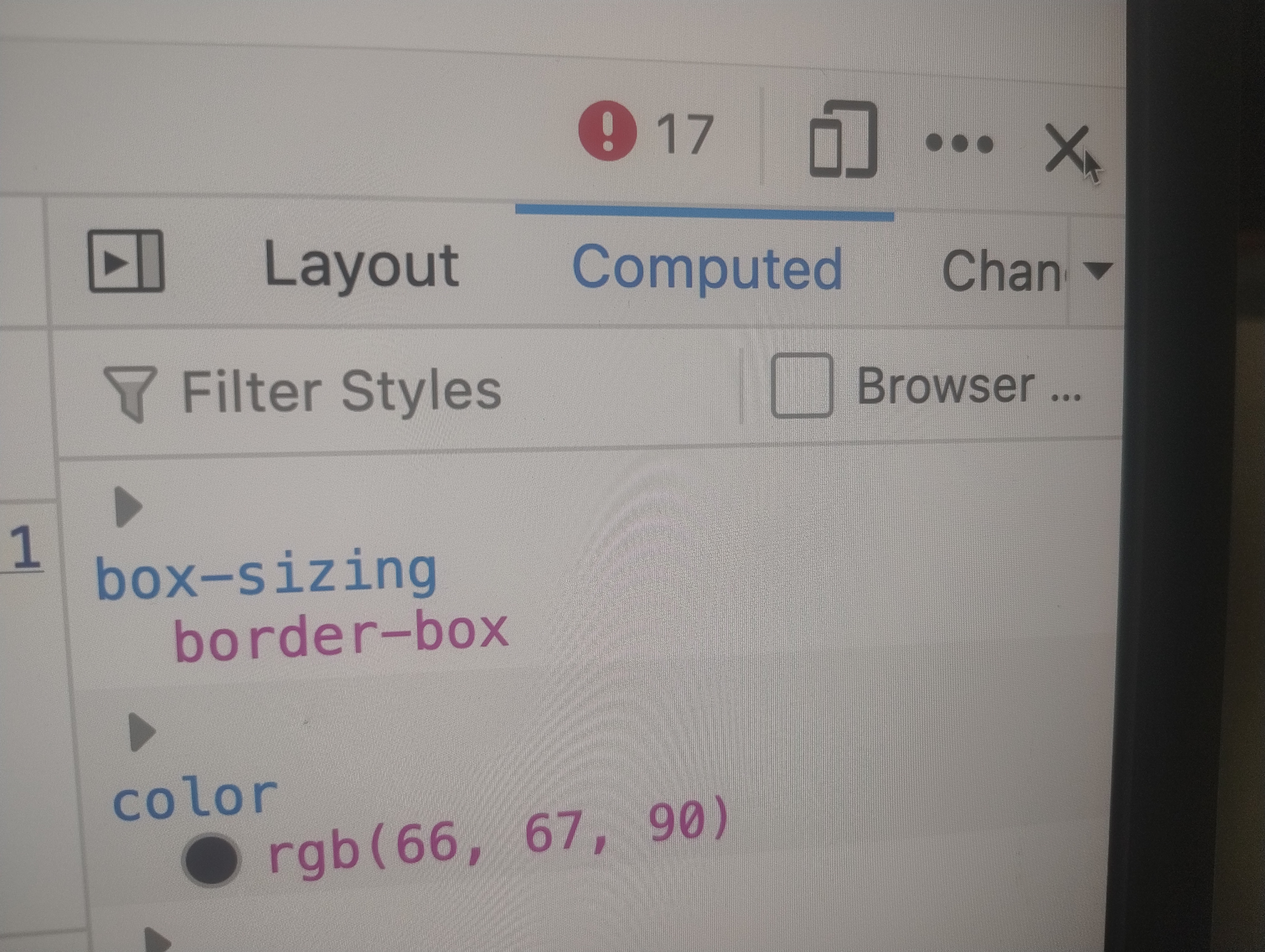
attached two images. When cursor is on right side of close button, slightly button is un-clickable but when cursor is moved slightly to left it is clickable.
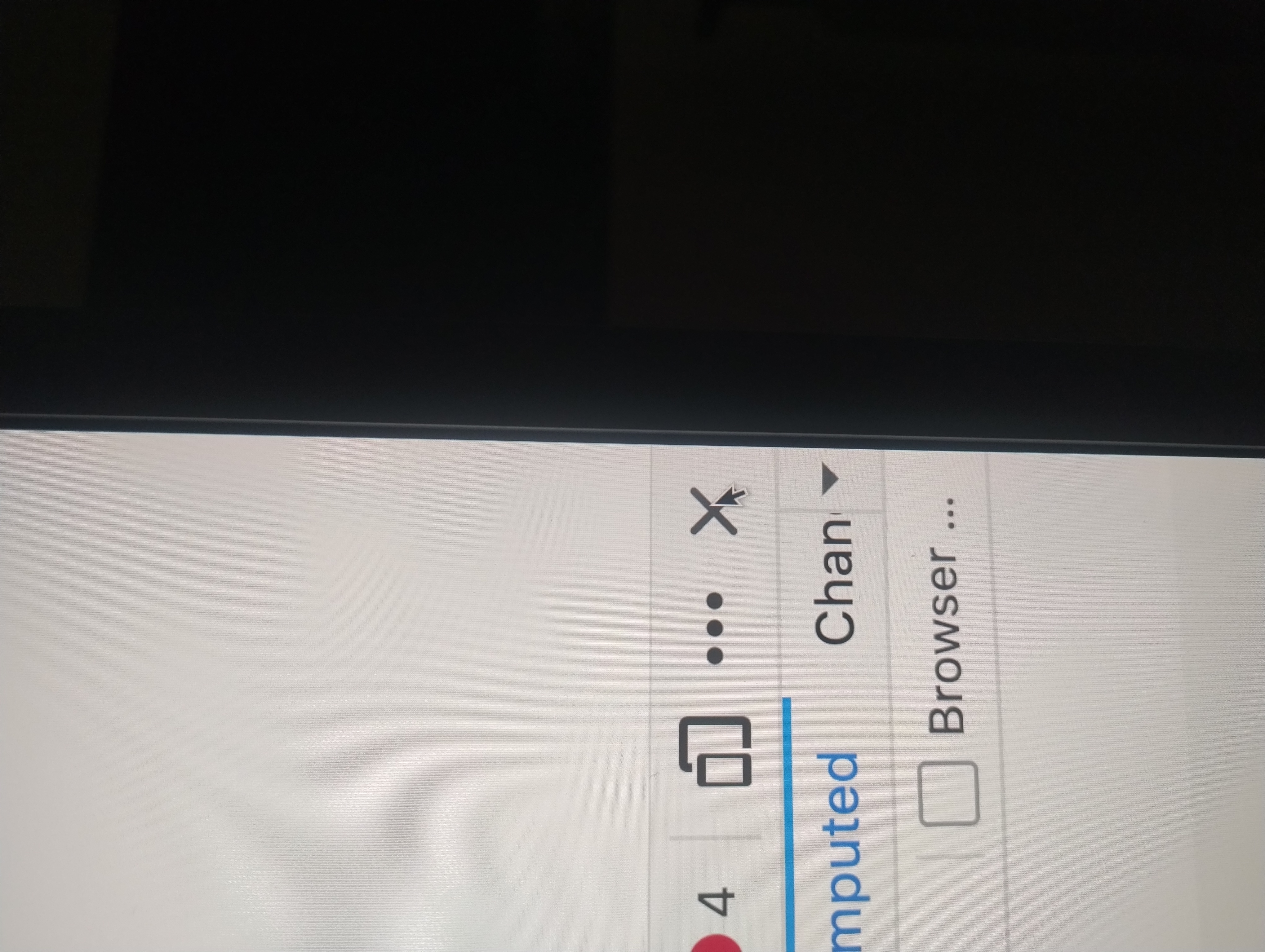
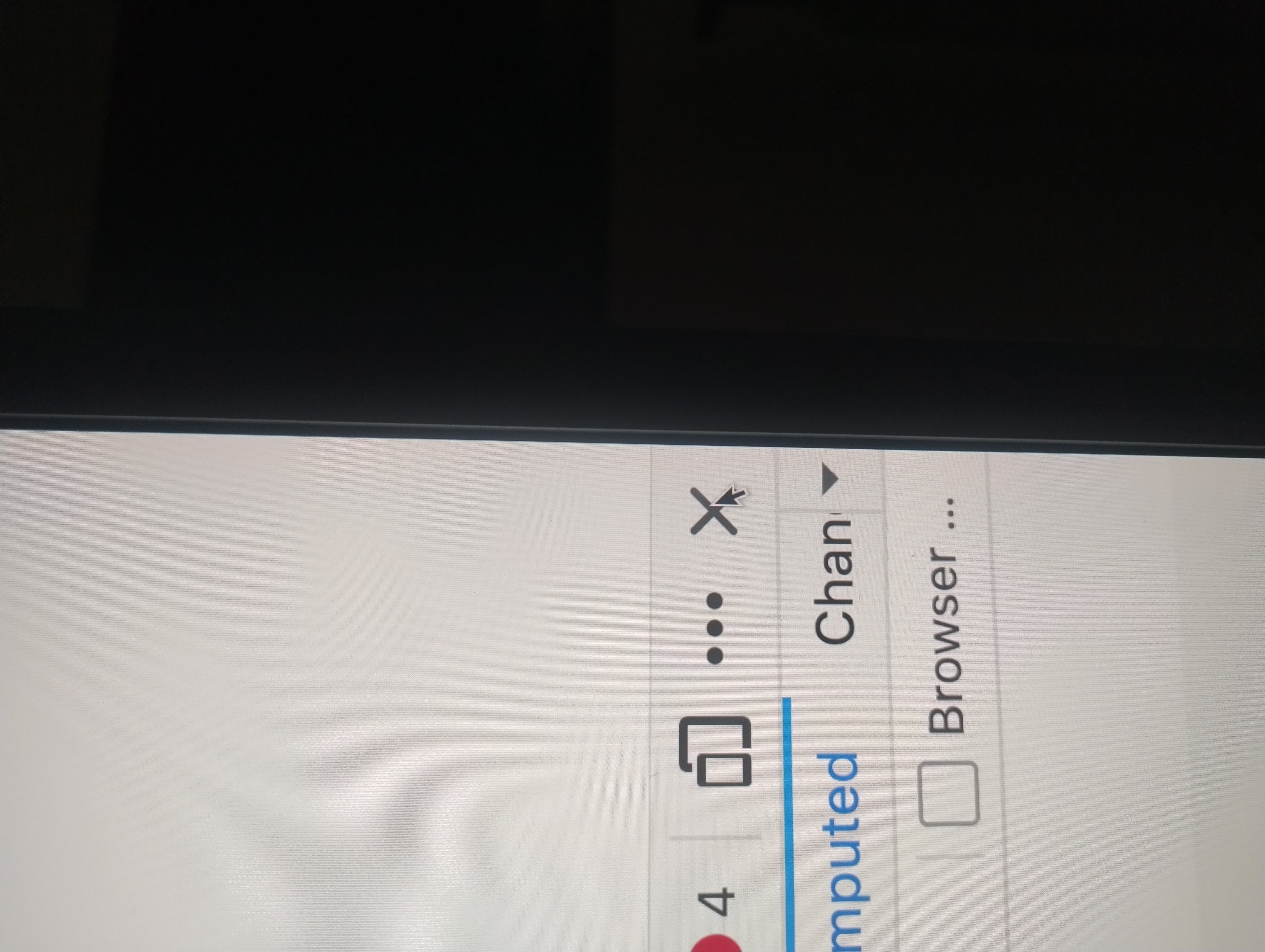
Hi. Thanks for the images but a) they are the same :) and maybe a full shot of the screen as the layout looks odd, but note I also don't use a Mac so the I'm not used to the GUI
Just to eliminate any window/position interference — if you pop out the devtools into a separate window (from the ••• menu) — does the X button still misbehave when it floats on its own, or it only misses the clicks when it's docked with your other window position?
Hey Jbr
If I open the inspect on left , right or in separate window the issue doesn't exist and works fine. The issue shows up only when inspect window is dock to bottom.
I'm wondering what windowing functionality could interfere in that spot. If you resize the whole browser window, both width and height, and move it around the screen a bit, the hit zone is still unreliable the same way?
If you restart into Troubleshoot Mode (from Help menu) to eliminate any potential addon interference, can you reproduce the issue as well? Thanks.
If I reduce width of screen the issue isnt there. When i have it full desktop width(2048*1152px) the issue is there. I tried with troubleshoot mode and issue still persists.
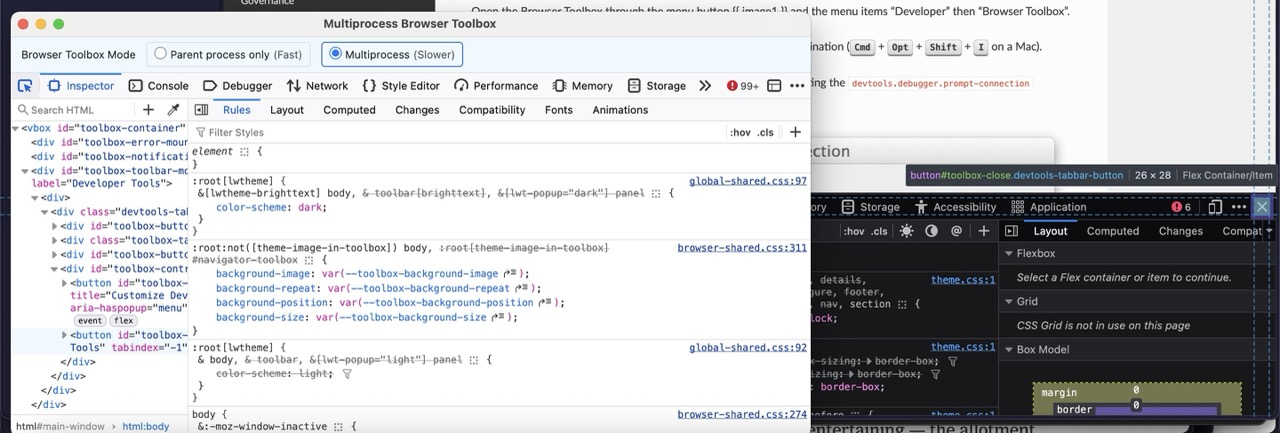
Since this might be hard to try reproduce anywhere else, and given you already know your way with inspector — could you try enabling the "other" inspector, the one actually inspecting the browser: firefox-source-docs.mozilla.org/devtools-user/browser_toolbox/ — and see if, when you use the pointer selection, you can find anything weird about the hitzone of the component?
Chosen Solution
thanks a lot jbr. I was able to resolve the issue with you guidance. Issue was with Grammarly add-on which was overlapping on the close button. Since the add-on was hidden kind and not visible, couldn't figure it out
Thanks for letting us know! I've marked your latest reply as a solution to highlight it for other users.