


What is the "open panel" to activate the vpn?
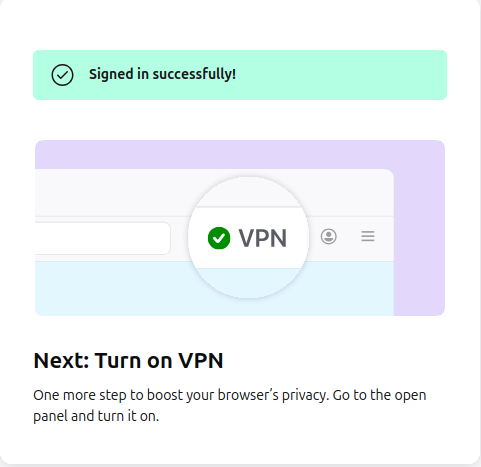
I logged into my account to try out the VPN. I get to the screen shown in the attached image. It wants me to "go to the open panel and turn it on." What is the open panel it refers to?
I logged into my account to try out the VPN. I get to the screen shown in the attached image.
It wants me to "go to the open panel and turn it on." What is the open panel it refers to?
All Replies (1)
Hello
Use built-in VPN in Firefox, click the VPN icon in the toolbar. https://support.mozilla.org/en-US/kb/built-in-vpn#w_turn-on-vpn-in-firefox