


After installing Firefox v. 150, address bar no longer auto-completes websites

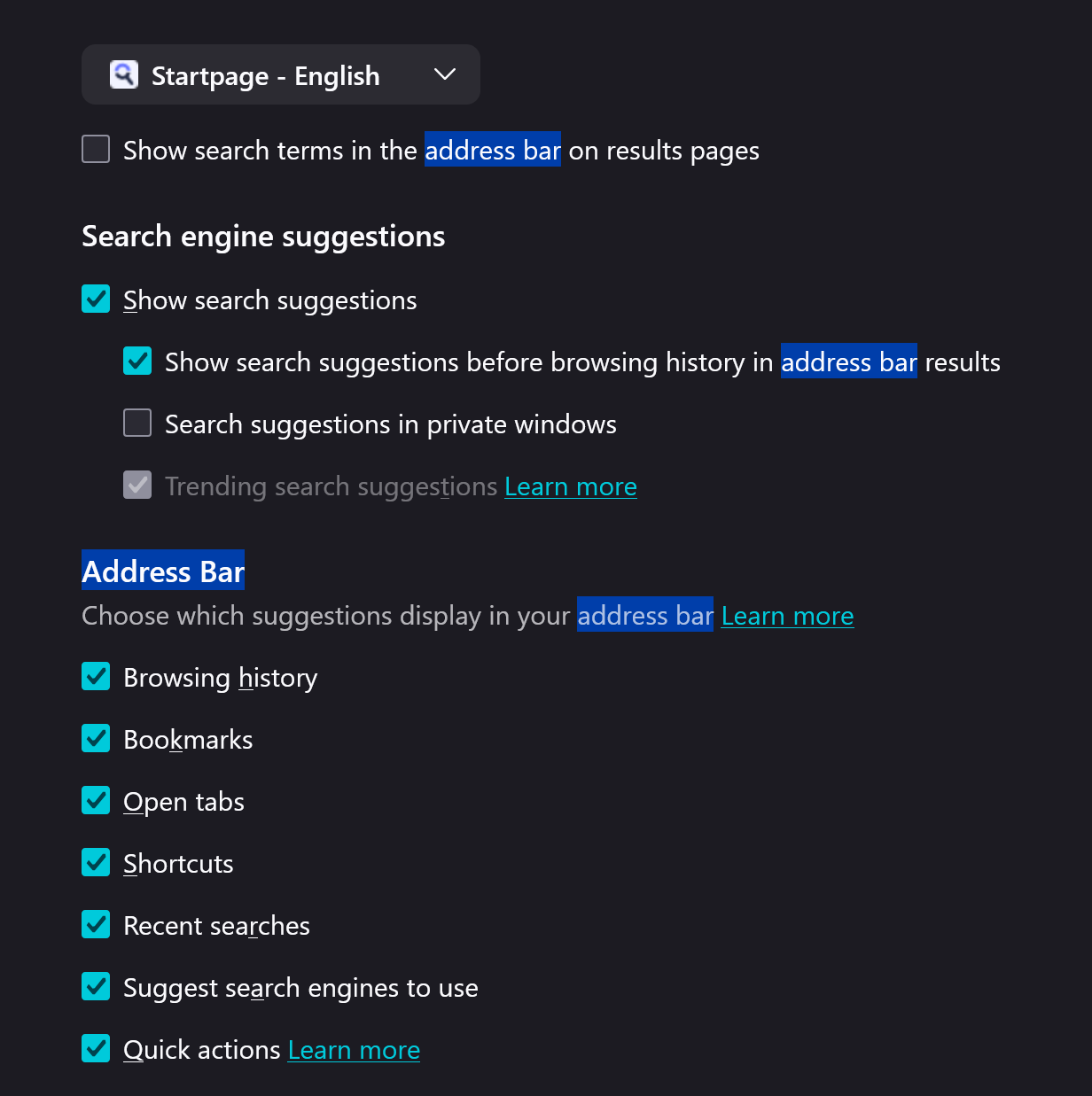
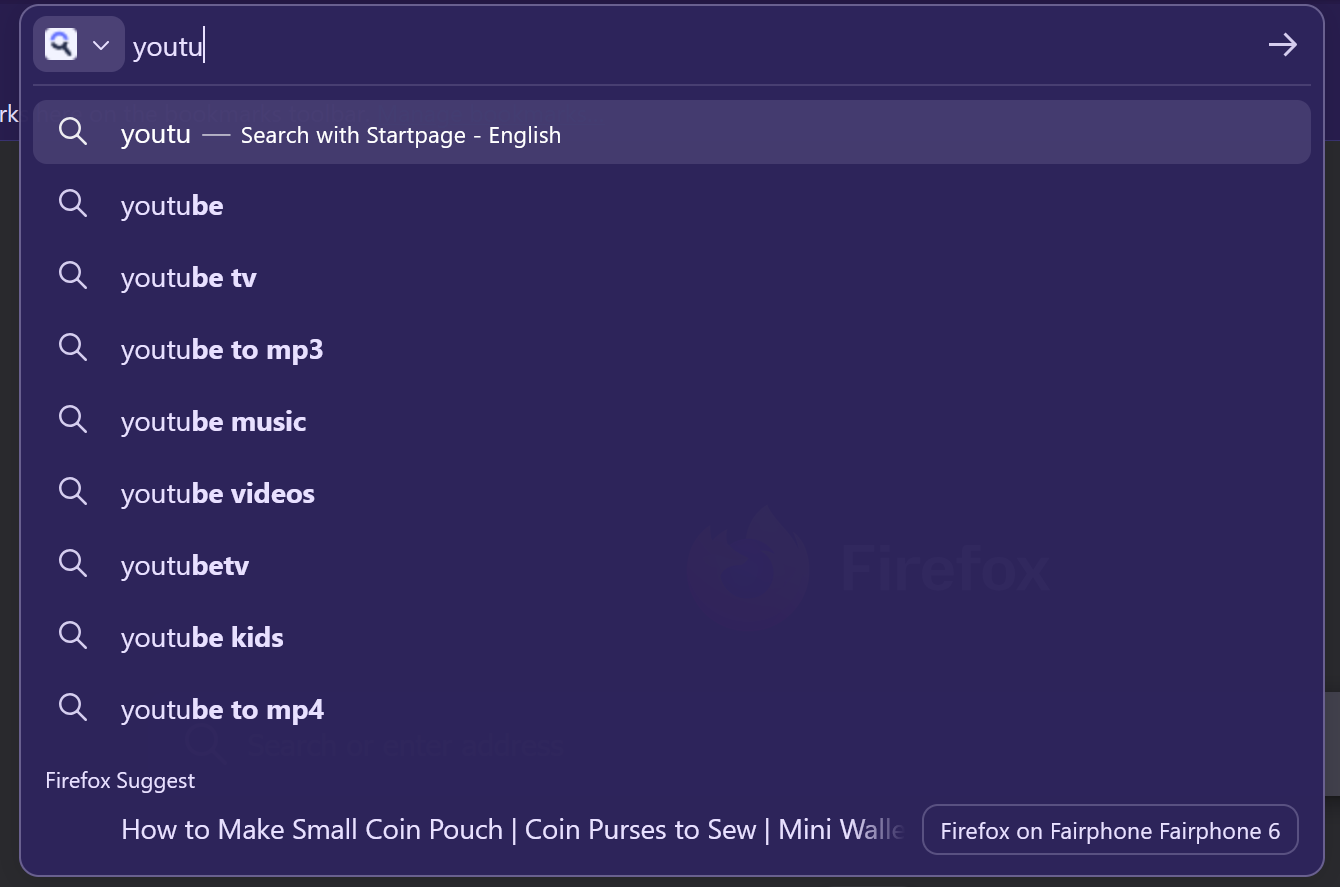
This morning I installed Firefox version 150 on Windows 11. Since then, the address bar does not auto-complete for websites I have previously visited. It also doesn't show any history in the search bar, only the history for my phone (see screenshot). I have also included a screenshot of the address bar settings.
Chosen solution
Fixed! Turns out it was not related to the update, it just happened to be that my laptop closed unexpectedly last night and the first thing I did this morning was install the update. Restarting the computer was all it needed, as is often the case :')
https://support.mozilla.org/en-US/kb/fix-bookmarks-and-history-will-not-be-functional
Read this answer in context 👍 0All Replies (1)
Chosen Solution
Fixed! Turns out it was not related to the update, it just happened to be that my laptop closed unexpectedly last night and the first thing I did this morning was install the update. Restarting the computer was all it needed, as is often the case :')
https://support.mozilla.org/en-US/kb/fix-bookmarks-and-history-will-not-be-functional