


How to copy a mailto email link to the clipboard?

I'm simply trying to email someone using the email link on their site.
The link is a mailto link which requires an email application (which I don't have). All I want is to copy the link to the clipboard.
Firefox lets me right click the link and copy the email address, but this doesn't allow me to provide the required Subject specified by the site's author.
I could have sworn Firefox used to have this feature. Netscape and IE certainly always had it back in the day.
All Replies (2)
Hello
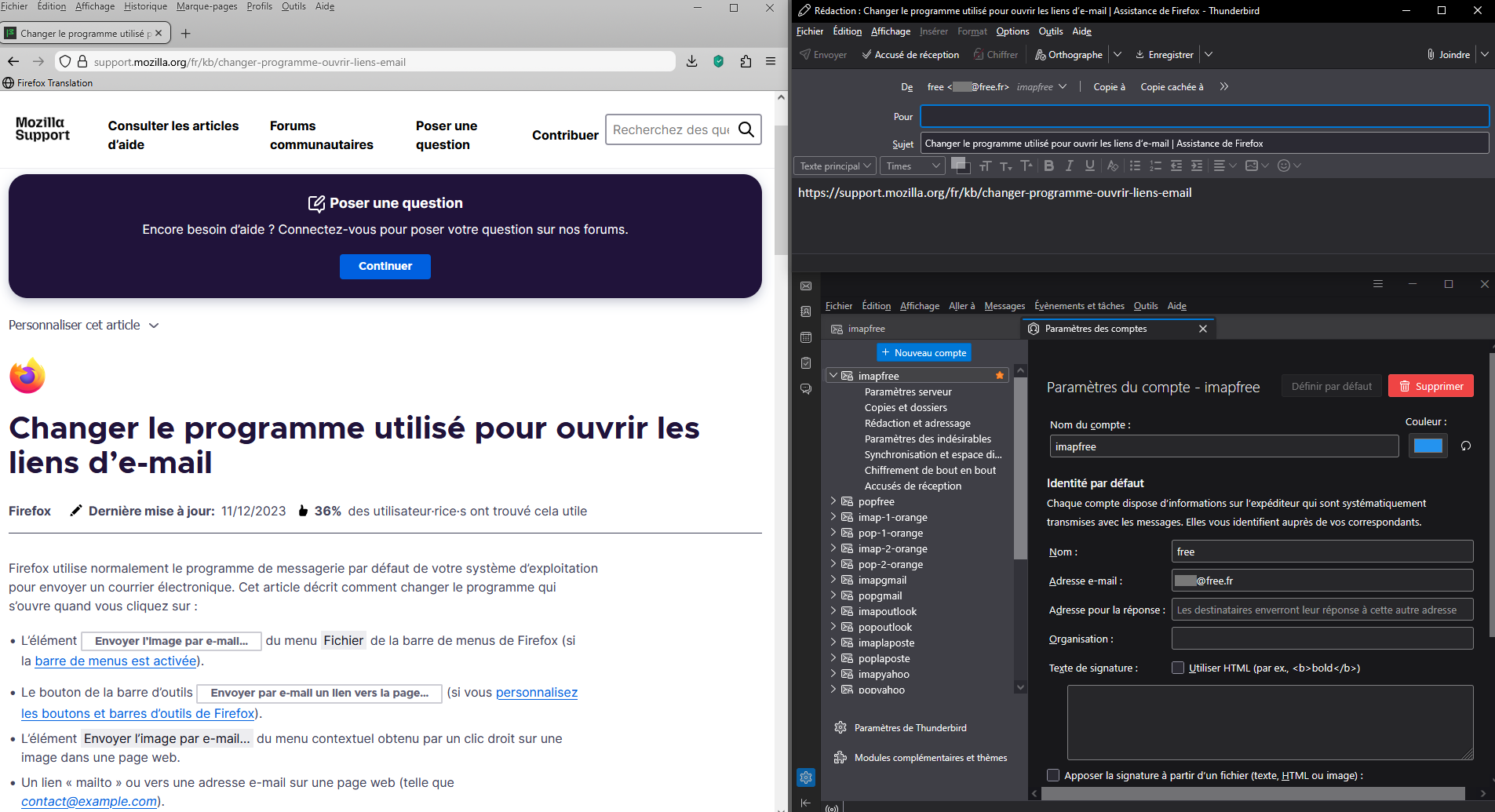
Change the program used to open email links. https://support.mozilla.org/en-US/kb/change-program-used-open-email-links
Changer le programme utilisé pour ouvrir les liens d’e-mail. https://support.mozilla.org/fr/kb/changer-programme-ouvrir-liens-email
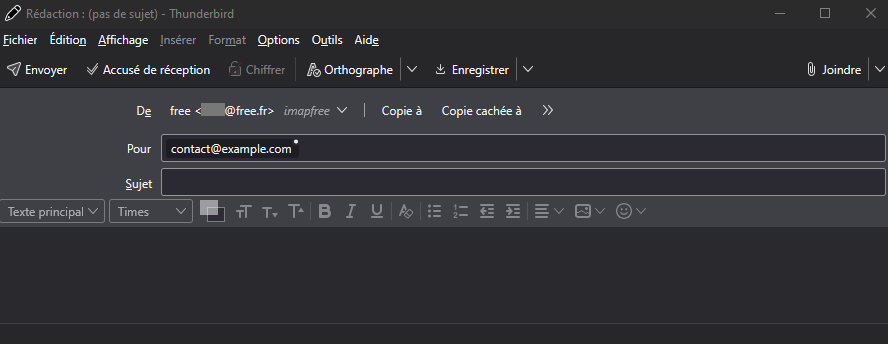
As far as i'm concerned, Thunderbird, this is my default program to send an email message. By way of illustration, Email Link… opens my sender address which i have defined by default. Other illustration, A “mailto” or email link on a web page (such as email@example.com).
En ce qui me concerne, Thunderbird, c'est mon programme par défaut pour envoyer un message électronique. À titre d'illustration, Envoyer par e-mail un lien vers la page… ouvre mon adresse d'expéditeur que j'ai défini par défaut. Autre illustration, Un lien « mailto » ou vers une adresse e-mail sur une page web (telle que contact@example.com).
Modified by Agent virtuel
Thank you but this doesn't work for me. When I try to change the application that handles Mailto links, there is no option to send it to the clipboard, or to a web mail service.
There are only 3 options:
"Mail" This seems to open a mysterious program on my computer called "Mail" which I have never even heard of. The program has no title bar, no file menu, and there's no obvious way to know what it is or where it's located. I've never used mail software and if I did, I would probably use something common like Outlook. I tried to track this mysterious "Mail" program down and eventually I found it was located somewhere in C:\Program Files\WindowsApps yet there doesn't seem to be any clear location for it. This makes me very nervous.
"Gmail" I don't know why Gmail is listed, as I would never use Gmail and have definitely never set this up. I had a Gmail account years ago and they locked me out of my account when I moved house. I spent months trying to get the account back but nothing worked. As far as I'm concerned Google are the worst email providers on the planet because even with all my security details they would NOT let me back into my account when I moved house.
"Other" This just brings up a blank box with no options.