


Firefox+Google Calendar+display text size on Android 15
I'm not sure if this is a Firefox or Google Calendar issue.
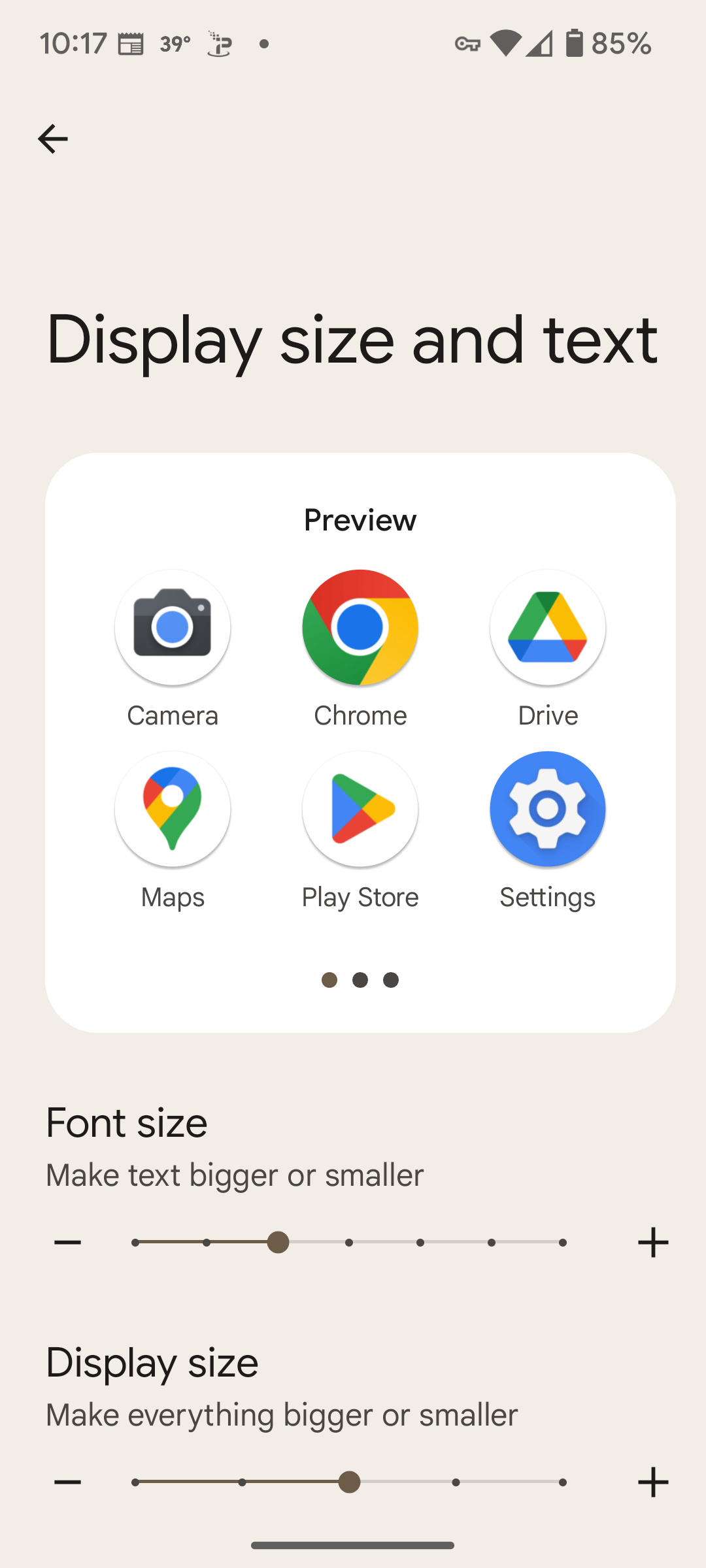
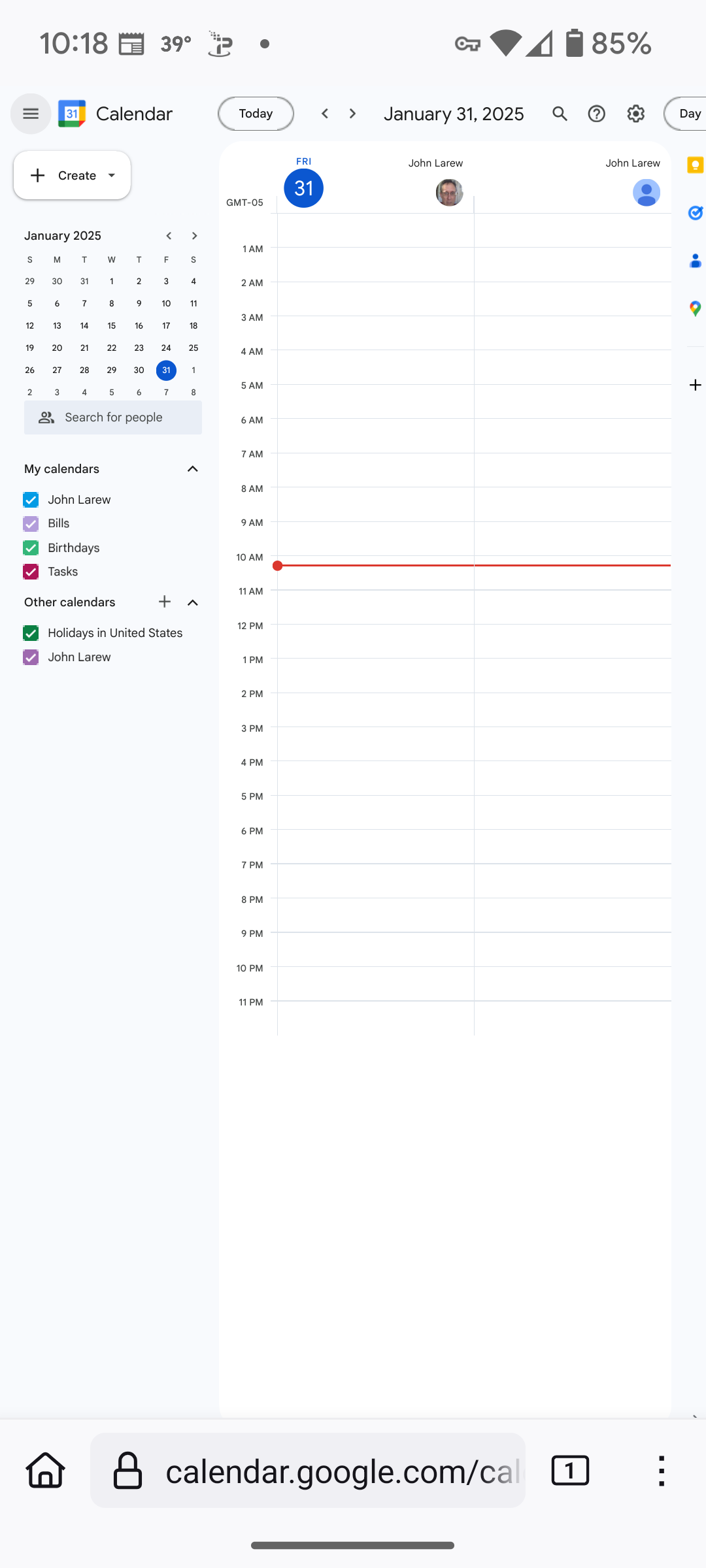
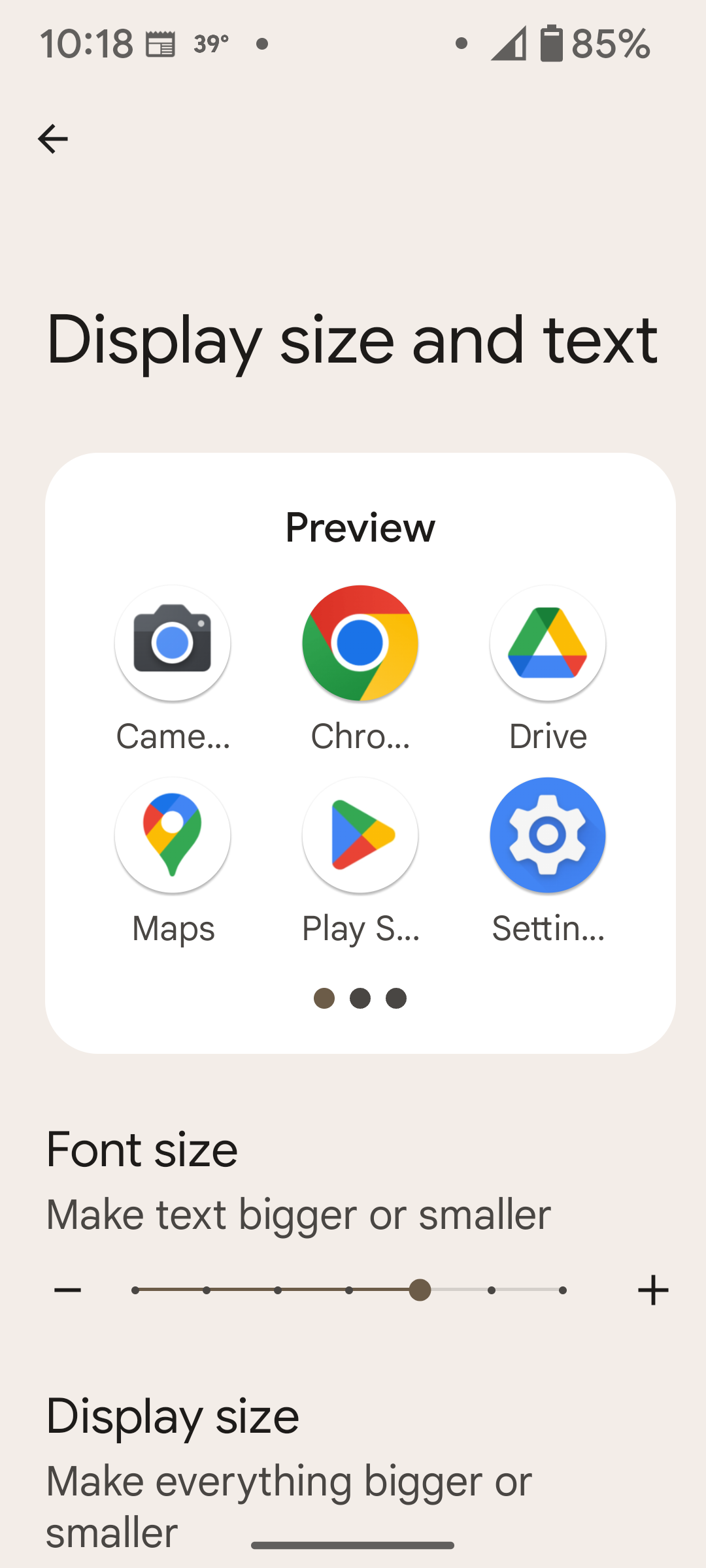
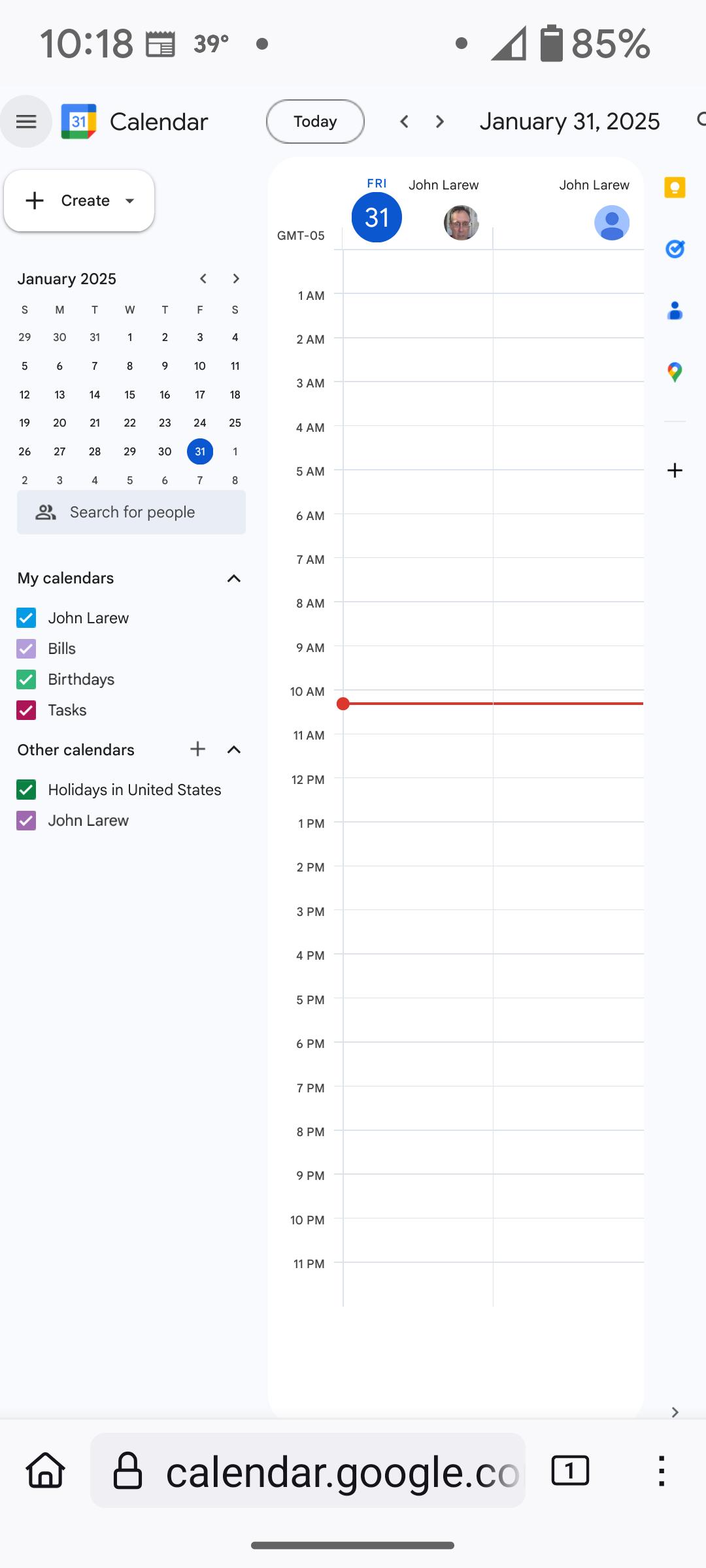
Please see the attached screenshots, in order.
The issue is accessibility of the Settings icon in the top-right portion of the screen when the system text size is increased from the default.
Obviously, there's a workaround available. Thanks in advance.
การตอบกลับทั้งหมด (3)

To adjust the text size on Google Calendar in Firefox on Android 15, you can change the system font size by going to **Settings > Display > Text Size** and adjusting it. This will make the text larger or smaller across most apps, including Firefox. Additionally, if the text still feels too small, you can use the pinch-to-zoom gesture in Firefox by placing two fingers on the screen and spreading them apart to zoom in. These simple steps should help improve readability without needing extra tools.
Please consider escalating this problem to your second-level support. Thanks in advance.
Please see additional discussion here:
https://support.google.com/calendar/thread/322028188?hl=en&sjid=15554666216397690051-NA