


Turn off translator popup but keep option to translate

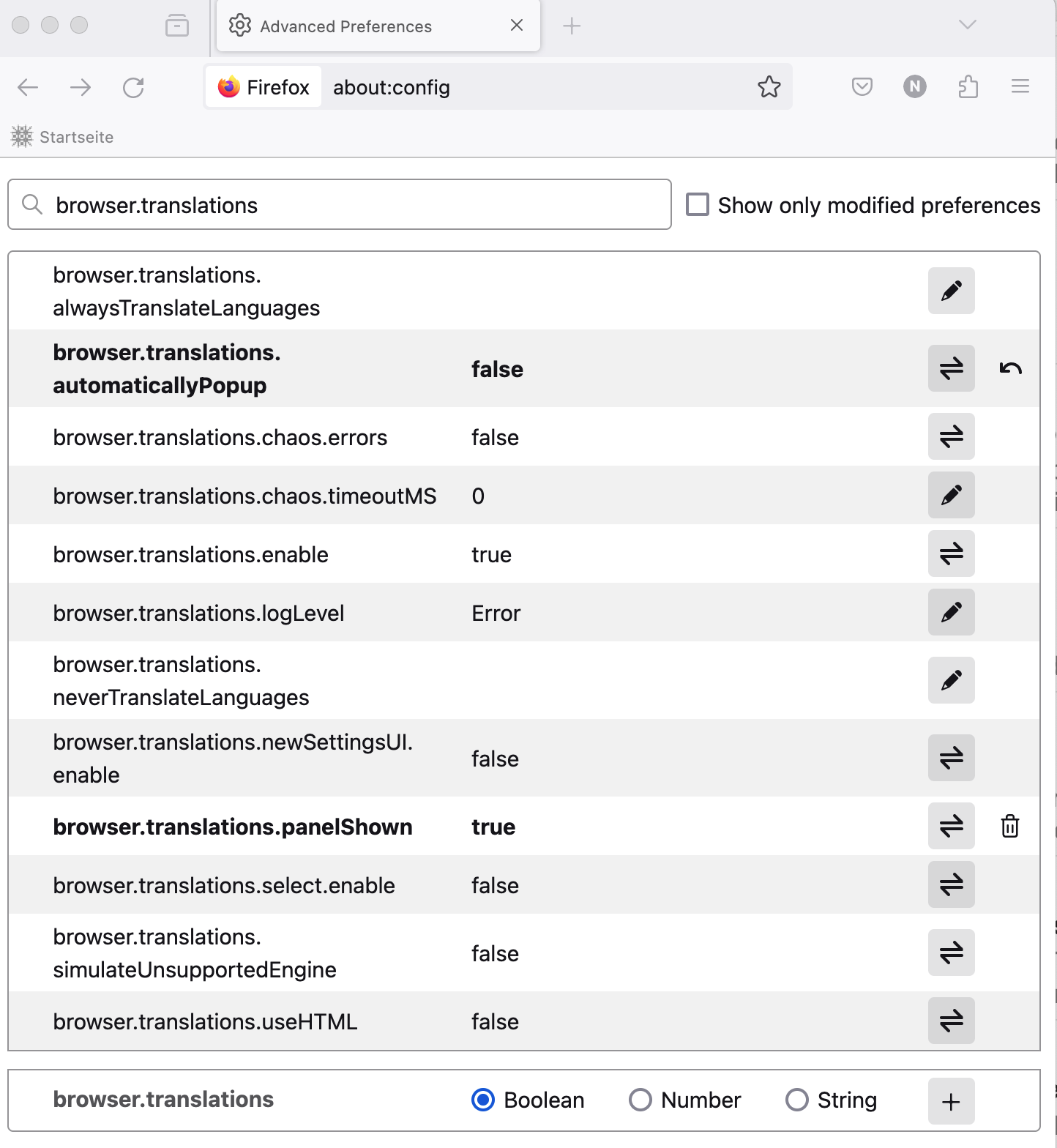
I turned off the translator popup via about:config and browser.translations.automaticallyPopup to false. Now translation is gone. How can I keep the option to quickly translate a page in the address bar without having the popup jump in my face each time I open a new tab, forcing me to click it to make it go away? This would be a nice option but an extremely distracting presentation. thanks.
การตอบกลับทั้งหมด (4)

Check that the following preference in about:config is set to true (the default). browser.translations.enable
it's not in the link, and set to true. looks like this: I'd expect the translation icon next to the star.
The translations icon should still appear in the address bar with automatic popup disabled.
Does it still happen in a new profile? An easy way to test a new profile is to install Developer Edition and see if it happens there or refresh your existing profile. Make sure you stay signed out of your sync account when testing.