


outlook access

all of a sudden I am getting a "server not found" message for the outlook sign in page. It has been working so not sure what could have happened?
all of a sudden I am getting a "server not found" message for the outlook sign in page. It has been
working so not sure what could have happened?
การตอบกลับทั้งหมด (2)

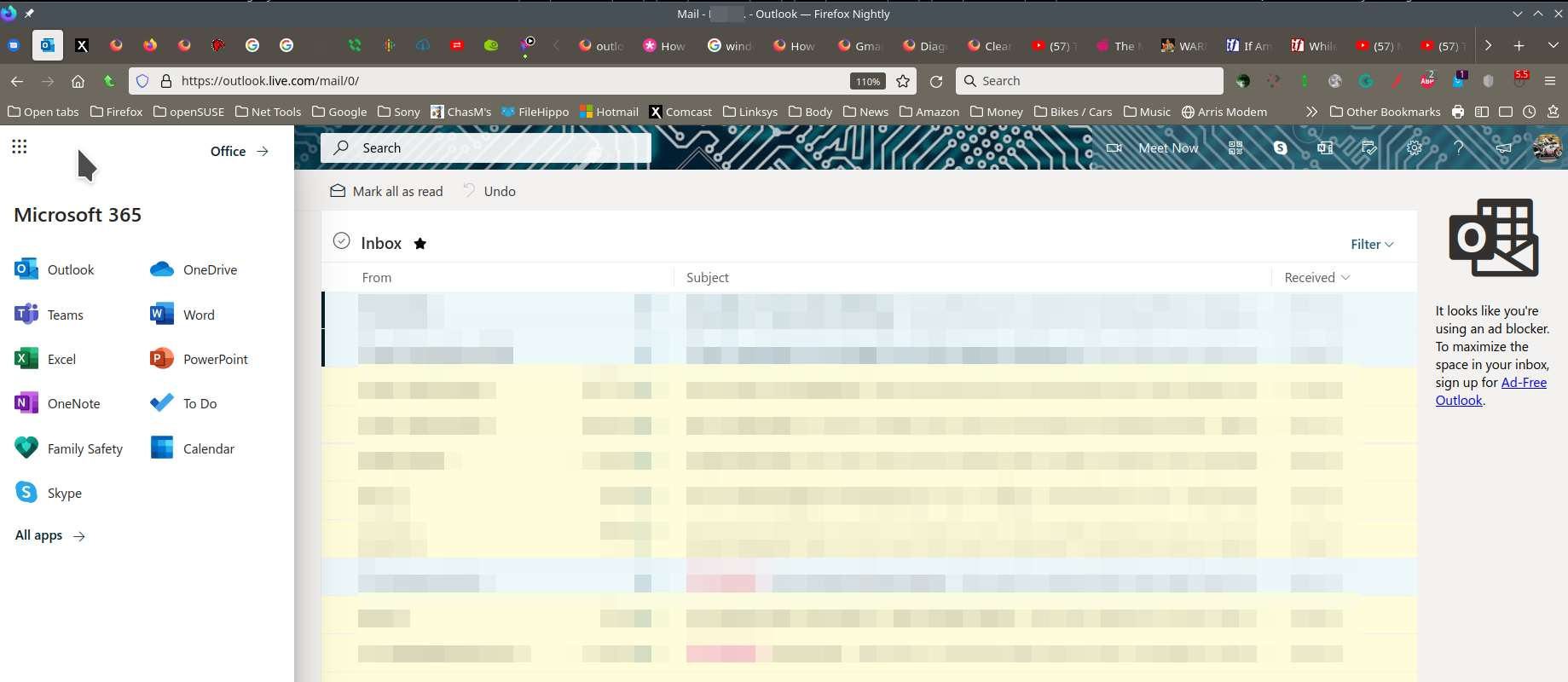
I'm in it all day everyday with no issues. see screenshot outlook.live.com
Have you tried Firefox in Safe Mode? https://support.mozilla.org/en-US/kb/diagnose-firefox-issues-using-troubleshoot-mode#search
Did you clear your browser cache? https://support.mozilla.org/en-US/kb/clear-cookies-and-site-data-firefox
เปลี่ยนแปลงโดย jonzn4SUSE เมื่อ
You can check the connection settings.
- Settings -> General -> Network: Connection -> Settings
If you do not need to use a proxy to connect to internet then try to select "No Proxy" if "Use the system proxy settings" or one of the others do not work properly.
See "Firefox connection settings":