

หัวข้อนี้ถูกเก็บถาวรแล้ว
โปรดถามคำถามใหม่หากคุณต้องการความช่วยเหลือ

Solved
เก็บถาวรแล้ว
Firefox Bookmark Tags limited to 10 entries

Hello,
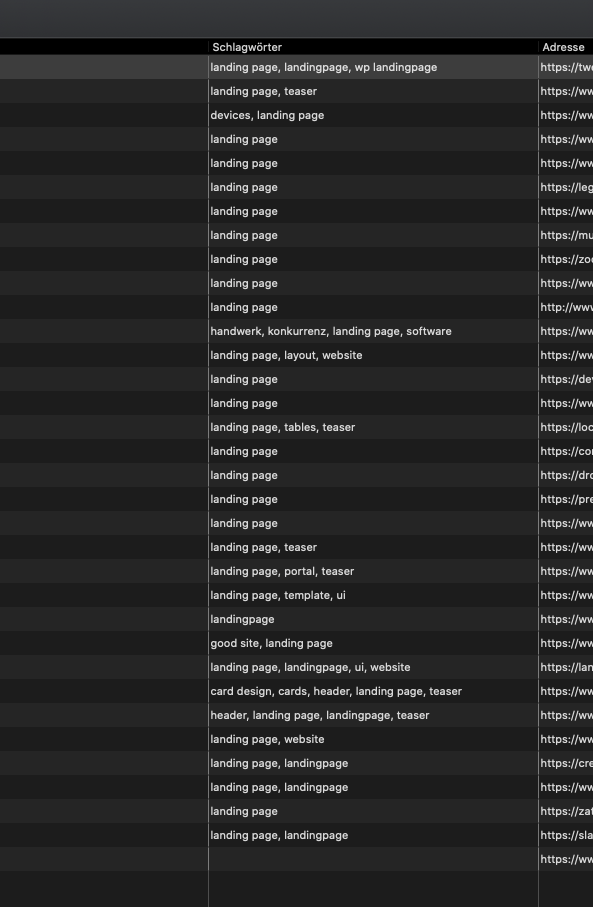
I love the tagging bookmarks feature in Firefox. But unfortunately it does not work properly like explained in the help docs.
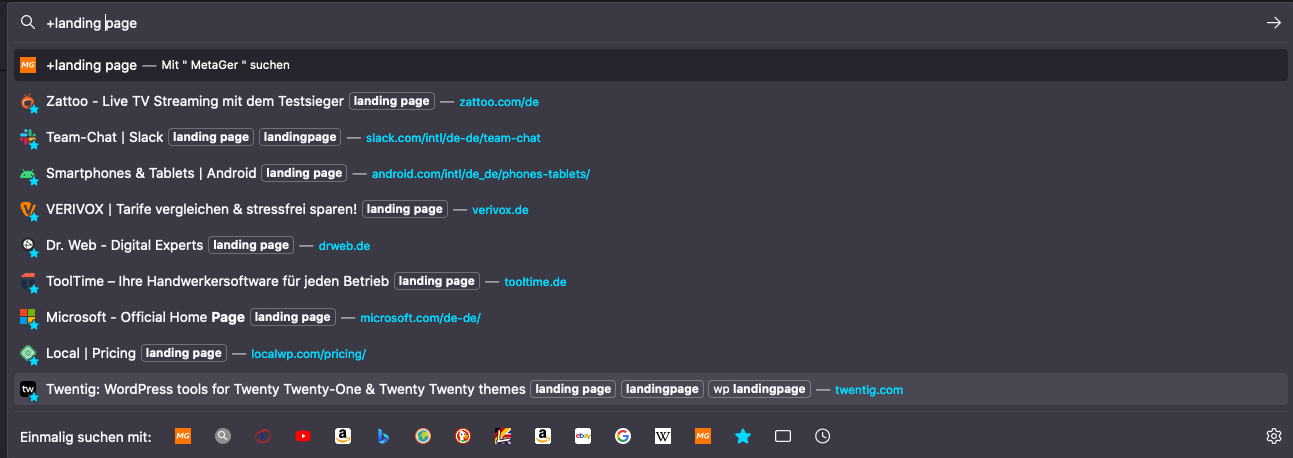
I search for tags by typing '[+] + [Tag]'. This works for me but I only can search for 10 entries maximum.
Why there is this limitation to bookmark entries in my search bar? And how can I see all my tagged entries even when there are more than 10?
Kind regards Benni
Hello,
I love the tagging bookmarks feature in Firefox. But unfortunately it does not work properly like explained [https://support.mozilla.org/en-US/kb/categorizing-bookmarks-make-them-easy-to-find?redirectslug=Bookmark+Tags&redirectlocale=en-US in the help docs].
I search for tags by typing '[+] + [Tag]'. This works for me but I only can search for 10 entries maximum.
'''Why there is this limitation to bookmark entries in my search bar? And how can I see all my tagged entries even when there are more than 10?'''
Kind regards
Benni
การตอบกลับทั้งหมด (2)
วิธีแก้ปัญหาที่เลือก
Enter about:config in the address bar and set browser.urlbar.maxRichResults = 20.
Thanks a lot @TyDraniu, was a big help (: