


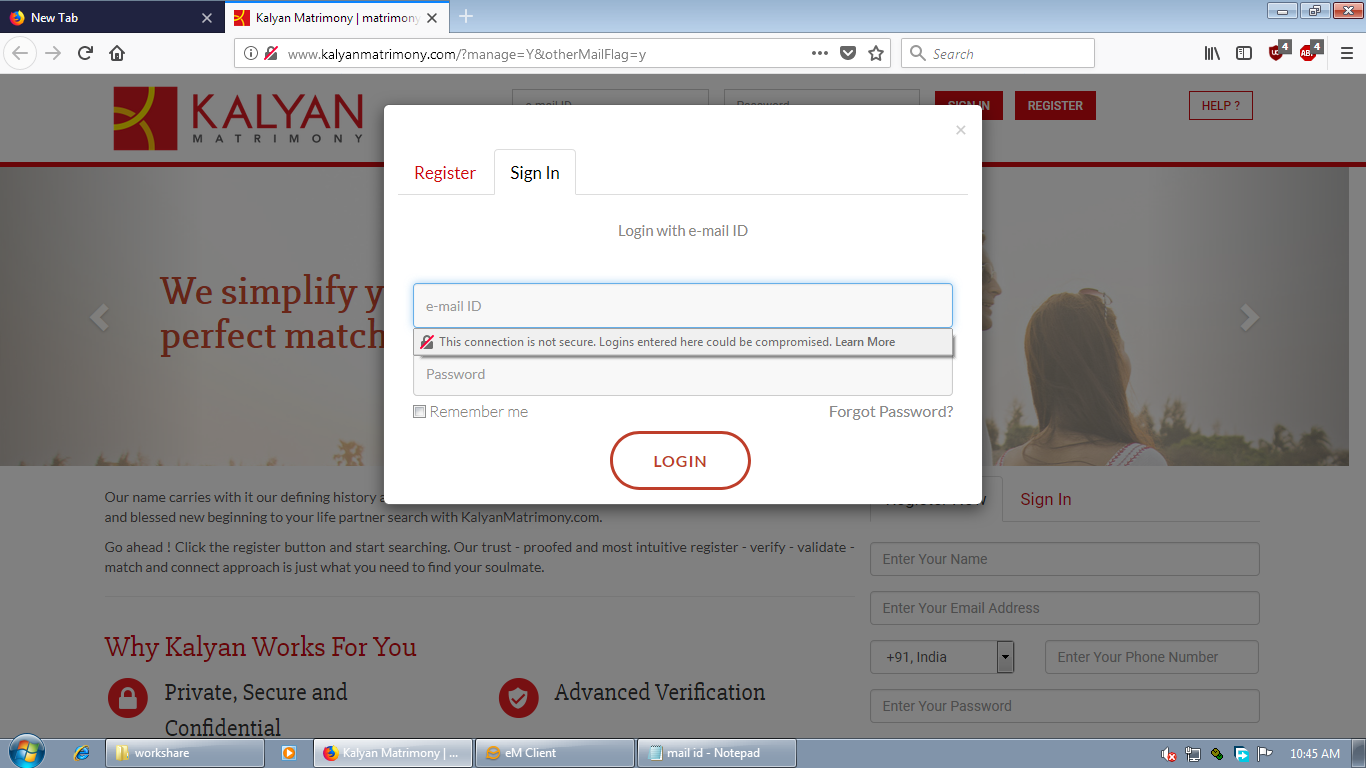
little bit annoying security notification

when ever i am filling form it was showing this not secure notification pls remove it or say popup msg this page contains insecure items
วิธีแก้ปัญหาที่เลือก
https://support.mozilla.org/en-US/kb/insecure-password-warning-firefox There is a hidden preference to turn off the warning on the login form if it really annoys you and you think it will never be of value. Here's how:
Type about:config<enter> in the address bar. If a warning screen comes up, press the I Accept the Risk button. At the top of the screen is a search bar. Set;
security.insecure_field_warning.contextual.enabled = False security.insecure_password.ui.enabled = False
อ่านคำตอบนี้ในบริบท 👍 1การตอบกลับทั้งหมด (1)

วิธีแก้ปัญหาที่เลือก
https://support.mozilla.org/en-US/kb/insecure-password-warning-firefox There is a hidden preference to turn off the warning on the login form if it really annoys you and you think it will never be of value. Here's how:
Type about:config<enter> in the address bar. If a warning screen comes up, press the I Accept the Risk button. At the top of the screen is a search bar. Set;
security.insecure_field_warning.contextual.enabled = False security.insecure_password.ui.enabled = False