


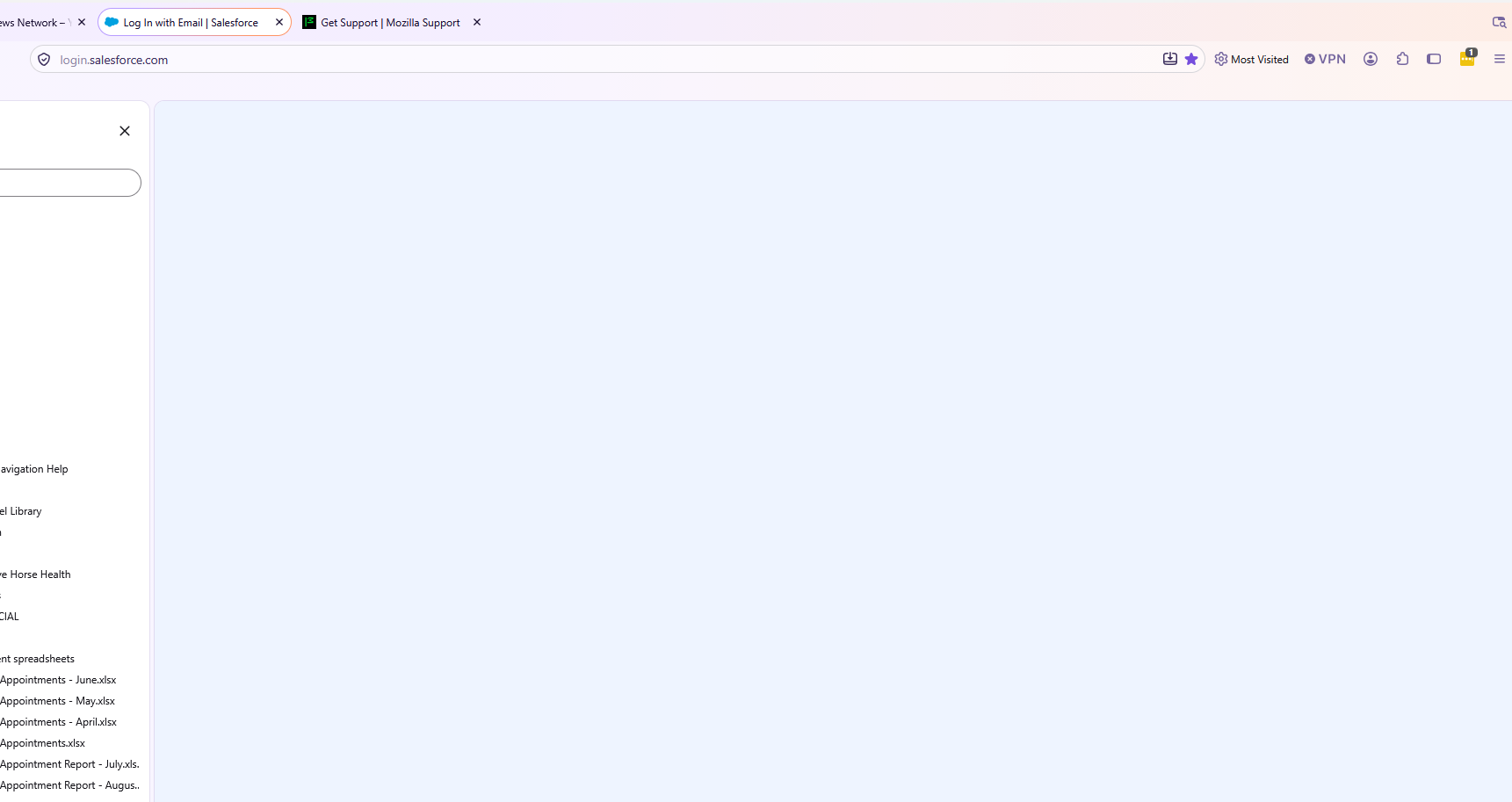
Your update broke login.salesforce.com..mission critical app for me. Tried new window. clearing cache..im stuck

When i use "login.salesforce.com" in updated Firefox ,it returns an empty screen. Never had a previous problem . I can successfully login on Chrome ..login comes up, I give it my credentials, its fine. Seems to me something with update. Please help. Do not want to use a different browser Thanks in advance
ప్రత్యుత్తరాలన్నీ (3)
This is strange. Can you please report it in Bugzilla? Thanks!
This is tracked in bugzilla.mozilla.org/2097577 and is a change on Salesforce side most likely, as the results are the same in older releases as well (they perhaps wrongly request an insecure app, and rely on other band–aids served to figure it out for them).
There's a patch shipping in 162 Beta and Nightly currently.
Salesforce actually recommends signing in via https://welcome.salesforce.com in the meantime if that workflow is available to you, until they deploy a fix.