


Adress bar

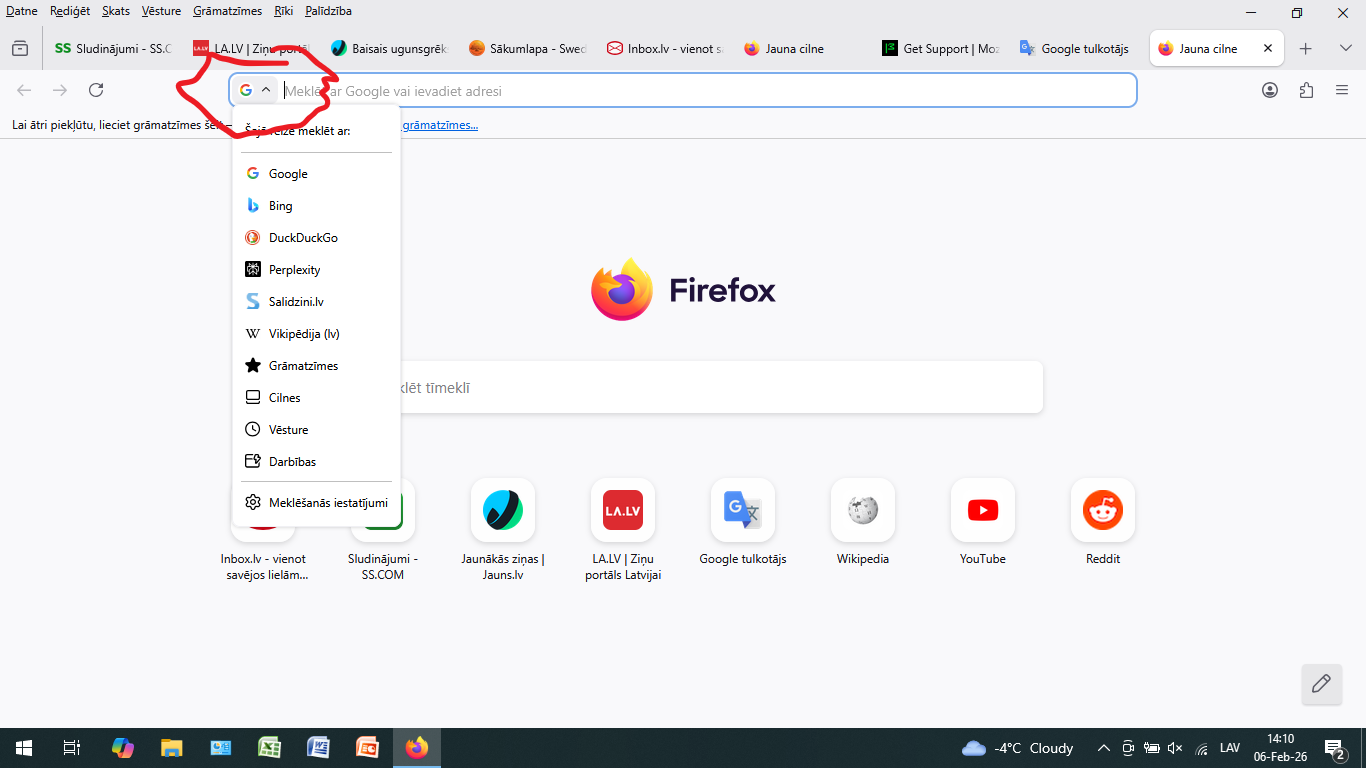
How to remove google search from the address bar on the right?????
I want to find my most visited websites in the address bar without any unnecessary actions!!!
ప్రత్యుత్తరాలన్నీ (6)
And?? Nothing changes!!! What the hell is Google there, it is!!! How can I remove Google from there and use ONLY my apps in the address bar???
The title of this question is unhelpful (it's not descriptive enough and is misspelled), but I have essentially the same issue that the original poster described.
The previous default address bar behavior (which I want to restore) was that when I clicked on the address bar, the menu that dropped down would list the top sites (most visited websites) from my browsing history.
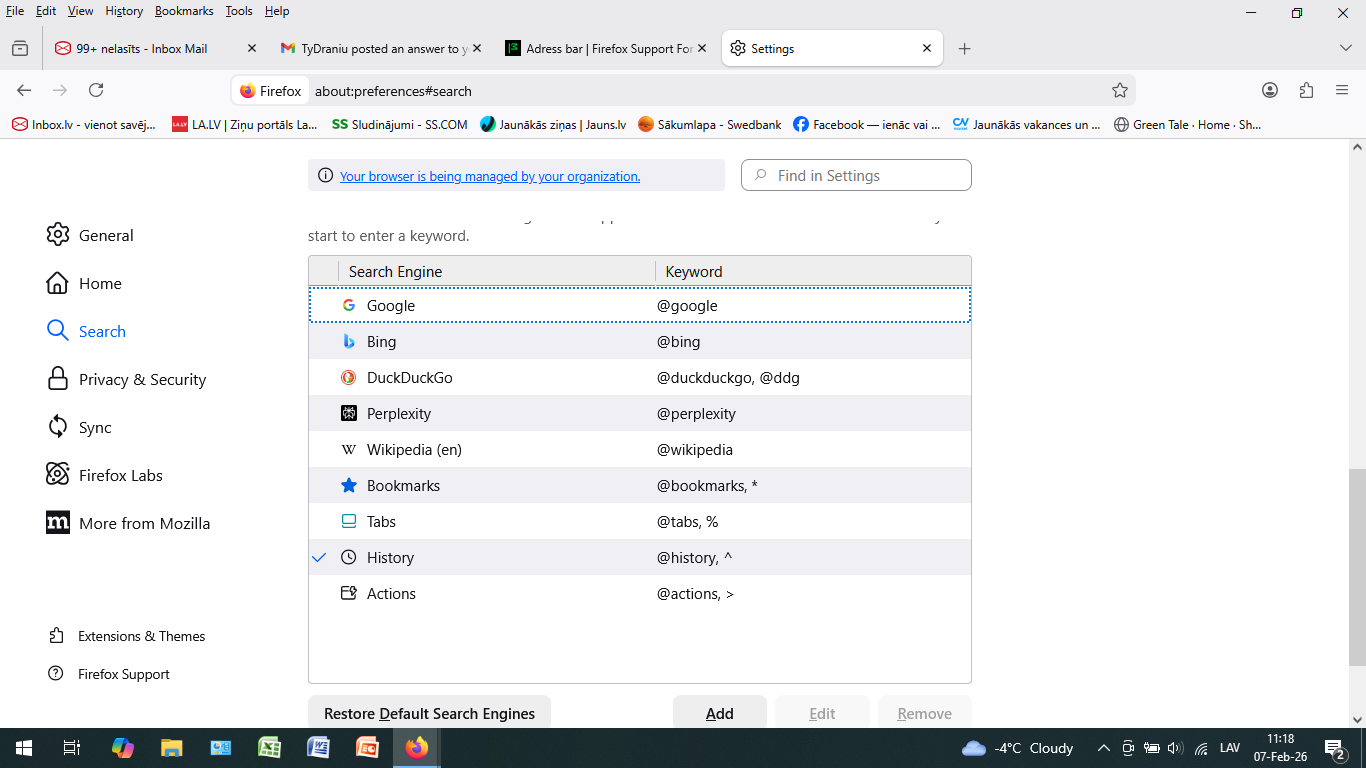
But recently (I am currently running 147.0.3) the default address bar behavior has changed so that when I click on the address bar, all that appears in the drop-down menu is either (1) recent search terms, if "Show recent searches" is enabled in the search settings, OR (2) nothing at all, if "Show recent searches" is disabled in the search settings.
Of course, I can get to what I want by typing into the address bar the search shortcut for history, which is ^ (caret character), but like the original poster, I want to be able to see my top sites in the drop-down menu "without any unnecessary actions", that is, just by clicking in the address bar, like it was before.
I don't know whether this is related to the recently resolved bug "2010941 - Autofill suggests urls that aren't relevant to the user" that is set to be fixed in the 149 branch.
If the issue is not related to that bug, how do we restore one-click view of our top sites in the address-bar drop-down menu?
Yes, I agree that I may have described the problem incompletely, but the problem exists! And thanks for correcting the question, but I also want, it's important for me to find my most popular sites in the drop-down menu without unnecessary actions!
"When will the answer be given in essence and this problem be solved?" This is a community forum, so if there is an existing solution, then we are dependent on other people in the forum to tell us what it is.
If there is no existing solution, then it is also possible to file a bug report or a feature request elsewhere. But it is not yet clear if this is a problem that already has an existing solution that the two of us are not aware of, or if it is a bug that someone should report at Bugzilla, or if what we want is a feature that has been removed and someone should suggest that the feature be restored at Mozilla Connect. I don't know. Personally, I am not yet ready to escalate this problem to a bug report or feature request, but if you are ready to do that, you could do it yourself.