


How do I turn off the Alt Text warning on images with no text?

Please appreciate that alternative text is not always applicable.
I use the Add Image button to tick off things on a list (add image of a tick) - for my own personal use, not suitable for webviewing. Halfway through the task these Alt Text warnings just obliterate my view of the document; my attempts to not have to print it, or not have to use Adobe, are thwarted.
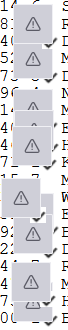
I'm looking at a page of grey blocks that contain a triangle which in turn contains an exclamation mark, and I can no longer see the actual document behind them.
Sorry if I've posted in the wrong place.
All Replies (10)
Sorry... Yes I've read the help article about Alt Text, which says I can turn this off in the Alt Text settings. That doesn't work.
- click settings>general - scroll to bottom right to 'config editor - enter pdfjs.enableAltText - click the toggle button on right to switch from true to false - save
Thank you:
Config editor? Not on my computer, I'm afraid.
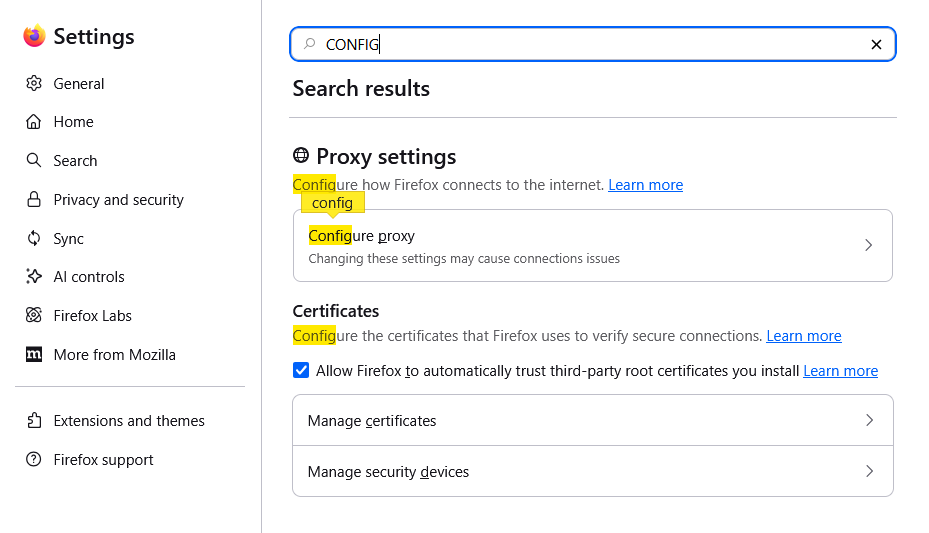
Follow my instructions as written
I must be an idiot, so if you don't have the patience to provide real help, please leave this question for someone else to respond.
I've attached images of the entire page. Help me, please.
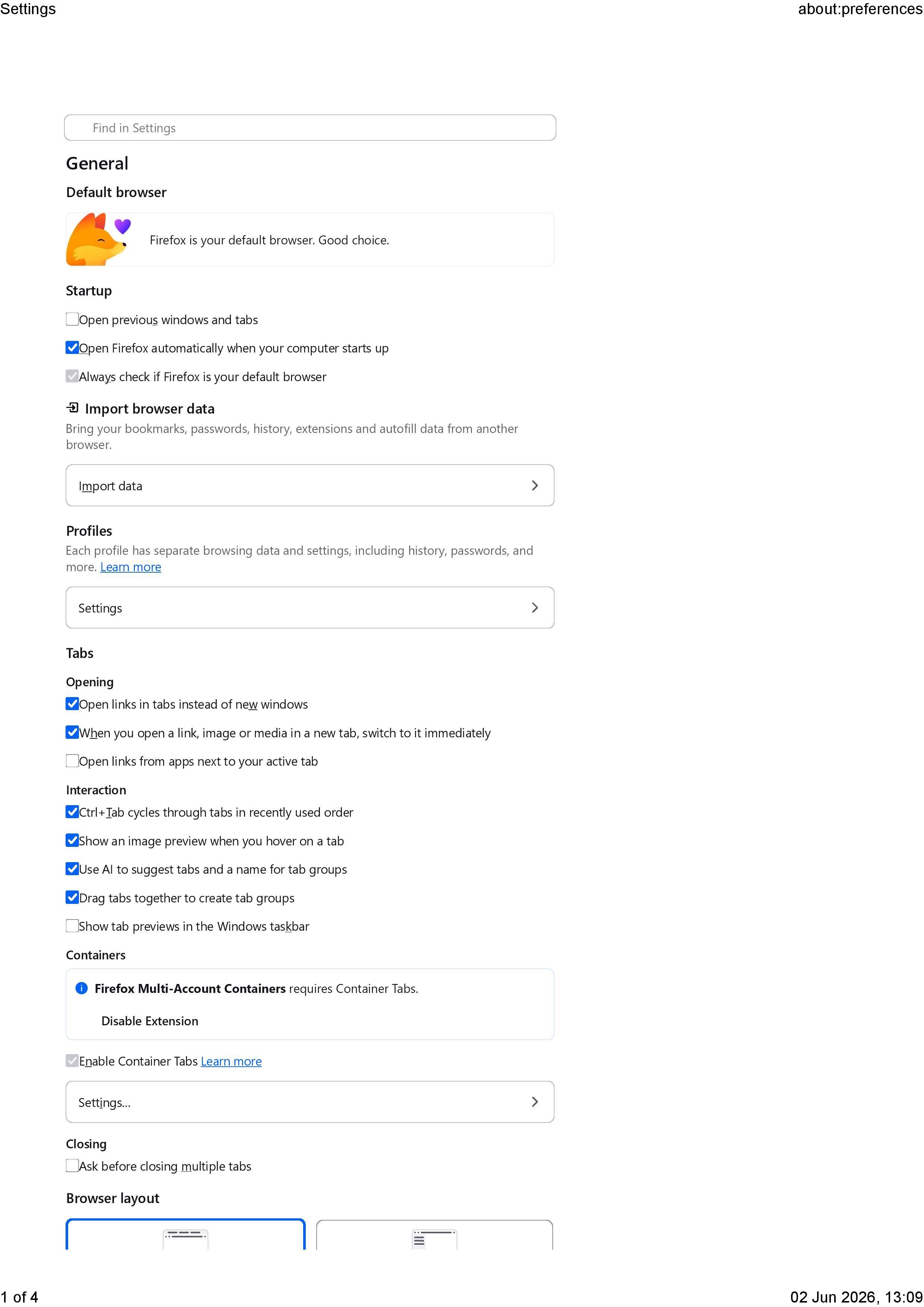
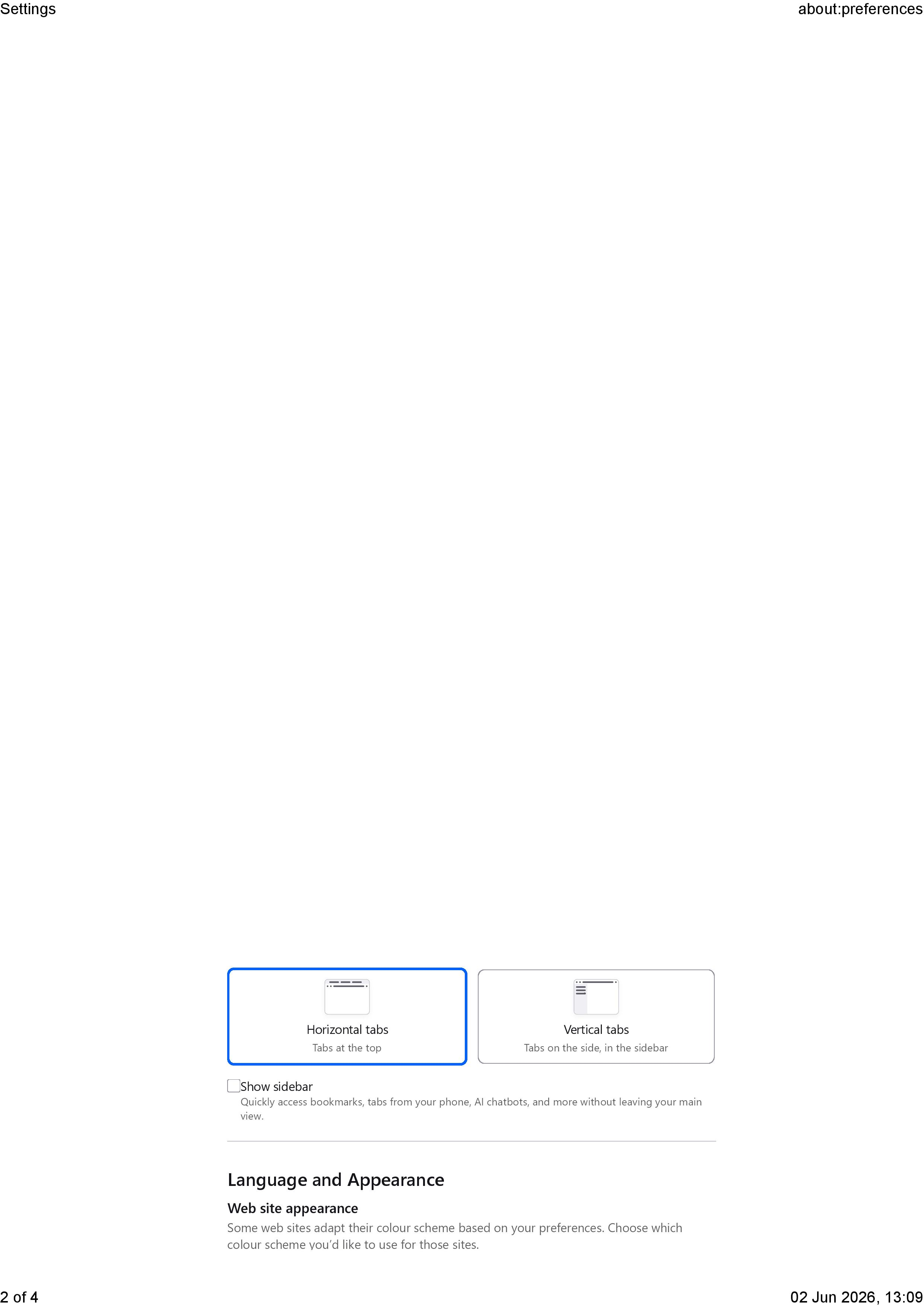
This is Firefox (you've posted in a Thunderbird section). You have to type about:config in the address bar and then follow with the preference change, as above.
Your latest screenshot is of firefox, not thunderbird. In Thunderbird step 1, click to settings>general step 2. using the mouse, scroll to bottom of screen step 3: look for 'config editor' on right side step 4. click button to open config editor step 5. enter the text as documented in first post.
There, is that better than just writing scroll to bottom right to config editor?
Dammit. I don't know how I ended up on Thunderbird. Sorry. I'll repost on Firefox... if I can find it.
TyDraniu said
This is Firefox (you've posted in a Thunderbird section).
Thanks for the help. I swear I posted it in Firefox. I checked that I had the Firefox emblem at the top of the page before posting. This system placed it in the wrong forum, not me.
TyDraniu said
You have to type about:config in the address bar and then follow with the preference change, as above.
See my attachment. I have changed pdfjs.enableAltText to FALSE and it's still displaying the empty alt text warnings.
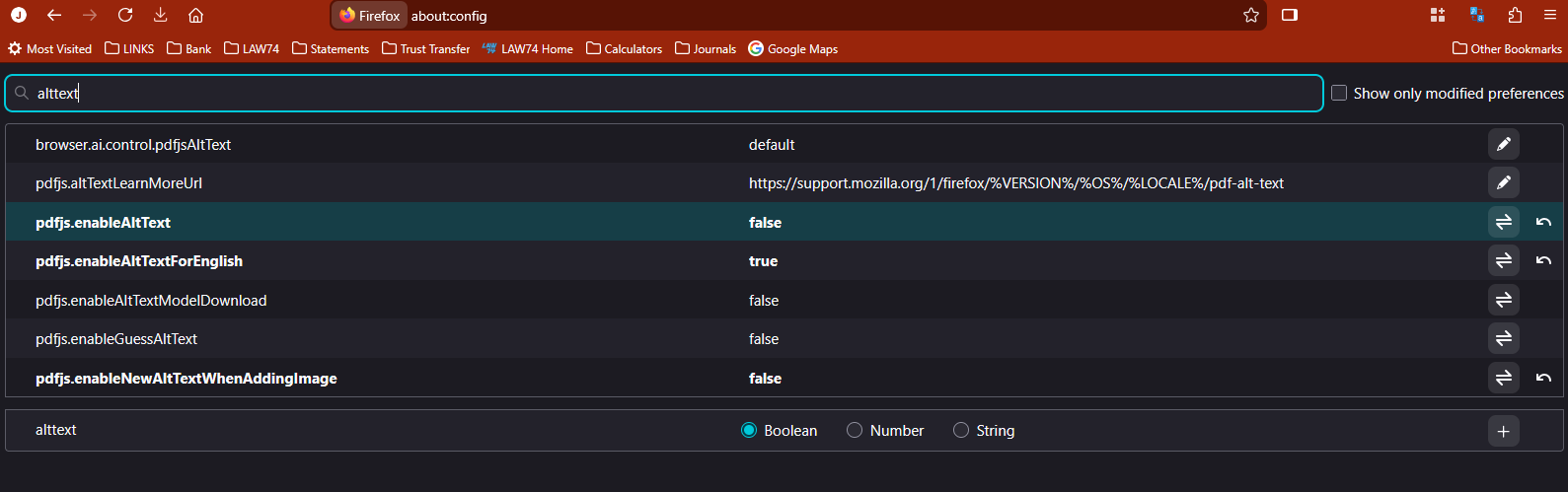
Turn off pdfjs.enableUpdatedAddImage + restart the browser.