


Importing passwords from chrome

I am running Firefox v. 94. I attempted to import my .csv passwords from chrome, but it failed. I also tried to use the Import from other browser option, but could not locate it in Firefox.
All Replies (4)
You tried this option? see screenshot
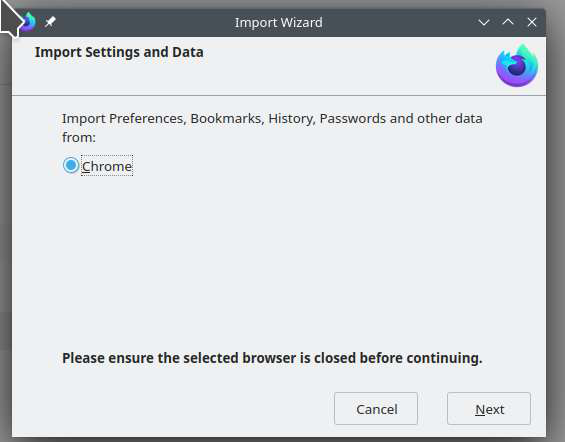
How do I get to that with an existing install?
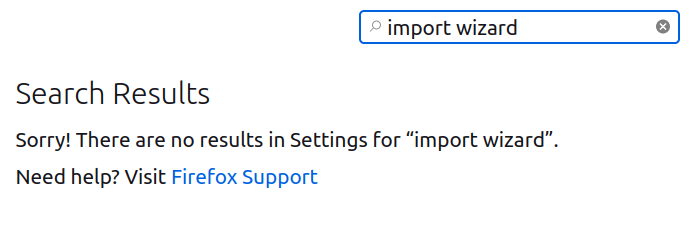
What OS and Desktop? Try downloading another copy of Firefox and run it from the folder. Do not sign into your Firefox account and see if you have the same issue.
https://www.mozilla.org/en-US/firefox/all/#product-desktop-release
You can create a test CSV logins file in Lockwise and compare this file with the CSV file created by Chrome to see if you need to edit the file.
See the note at the bottom of this article about how to enable import CSV in Lockwise via the about:config page.
- https://support.mozilla.org/en-US/kb/import-login-data-file
- about:config => signon.management.page.fileImport.enabled = true