


Enhanced Tracking Protection is breaking everything.
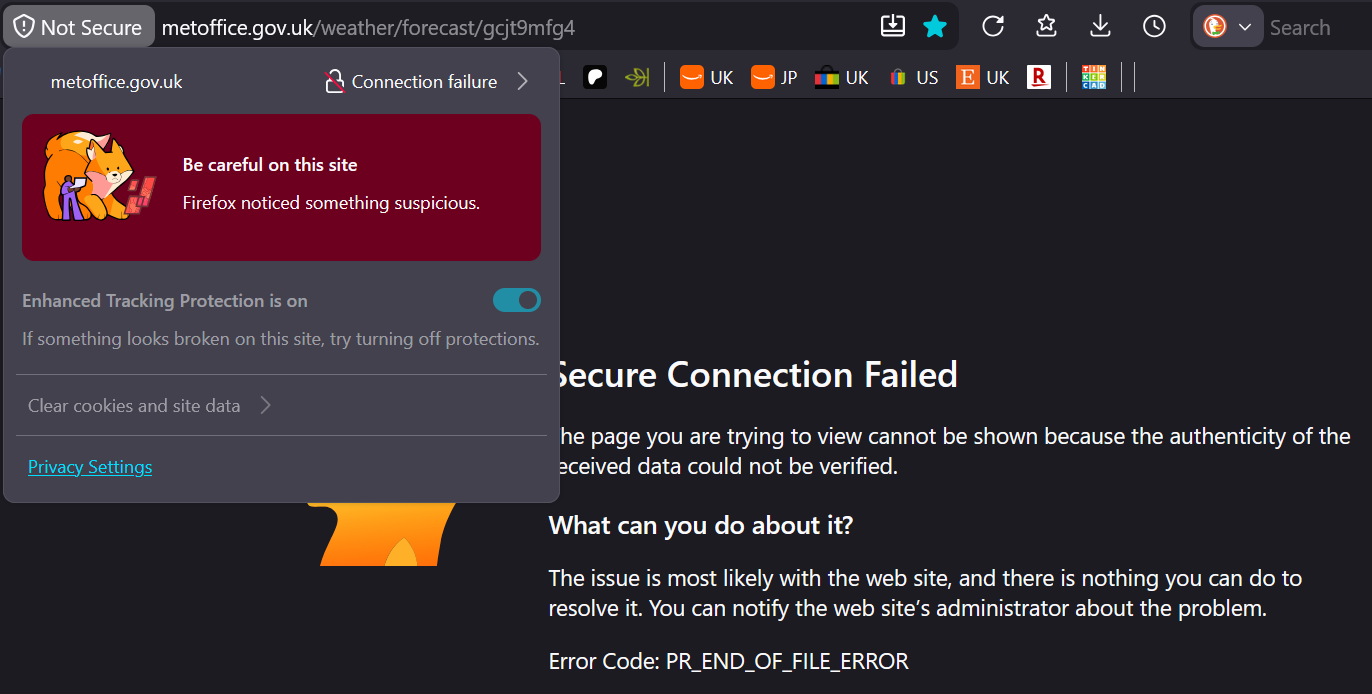
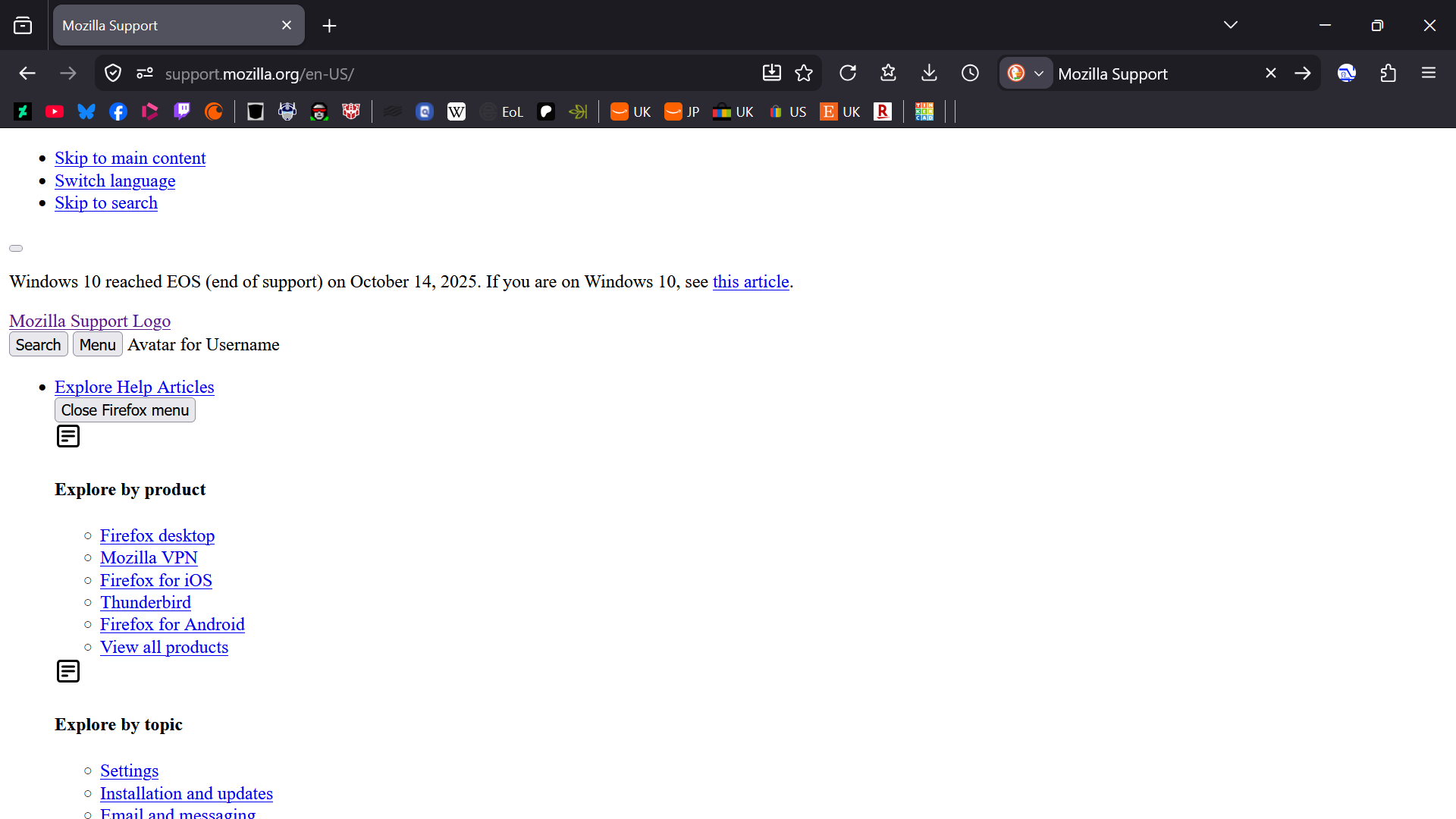
Enhanced Tracking Protection is stopping me from accessing many websites which, on other browsers including Firefox for Android, have nothing wrong with them - UK Met Office, forums, webcomics, Patreon... In many places, it's stopping me from connecting to the website altogether, or even logging into desktop app services when I have to use a browser link to log in; the login process simply doesn't resolve. I've tried disabling and removing extensions, changing settings, refreshing the browser and clearing the startup cache, but nothing seems to help. I cannot work out what's wrong, and I cannot disable Enhanced Tracking Protection. I'm having to send this message via TOR browser, because on Firefox, the Mozilla Support site is reduced to just text and links, with no frames or images, and barely navigable. This also means I can't pull Troubleshooting data direct from my Firefox browser for this form, because the form page's display is also broken on Firefox; I may be able to provide troubleshooting data on request, but I will require step-by-step guidance.
I don't know what to do, and I need help.
All Replies (1)
This doesn't come from tracking protection, what you witness is some form of connection error.
Would it be possible that you run a VPN or antivirus/security software that's trying to intercept the HTTPS connections and then stalls them? Or a router is trying to show some uplink connection error page injecting it in the running requests?
Ideally try disabling or adding exceptions to whatever's between you and the line. Disable any "safe web" or "HTTPS scan" features of any security solutions you may have or generally anything that eavesdrops on your content, decrypting it and then trying to re–sign it back (and fails). If you can tether to e.g. a mobile hotspot to try avoiding your router/ISP and see if connecting via cellular data provider yields different results.