


Windows 10 reached EOS (end of support) on October 14, 2025. For more information, see this article.

Search Support

Avoid support scams. We will never ask you to call or text a phone number or share personal information. Please report suspicious activity using the “Report Abuse” option.

Learn More

New tab completely blank and unusable even after uninstalling and reinstalling multiple times

  • பதில்கள் இல்லை
  • 0 இந்த பிரச்னைகள் உள்ளது

So, my issue started off with just new tabs loading slow/not properly loading at all. So I attempted a Firefox refresh as I've seen some people suggest only to see that there was no Firefox refresh button in my settings. So I went through the process of uninstalling it, but was paused when it prompted me to perform a Firefox refresh, but it did nothing. So I went and actually uninstalled it and reinstalled it and nothing changed except for the fact that now my New Tab page was completely blank and I couldn't search anything at all. I restarted my laptop to see if it'd help (it didn't) But when I went to try and uninstall it again, it wasn't listed in with my apps so I just deleted it. I installed it again, still nothing. Did the previous step of deleting it and reinstalling it again and still nothing. As a last ditch effort, I tried to install a slightly different version of Firefox and although I had to go through the whole process of installing it this time, the result is still the same with my New Tab being completely blank and I'm unable to search anything or even open the settings Honestly about ready to change browsers even though I've only been using it for about four days
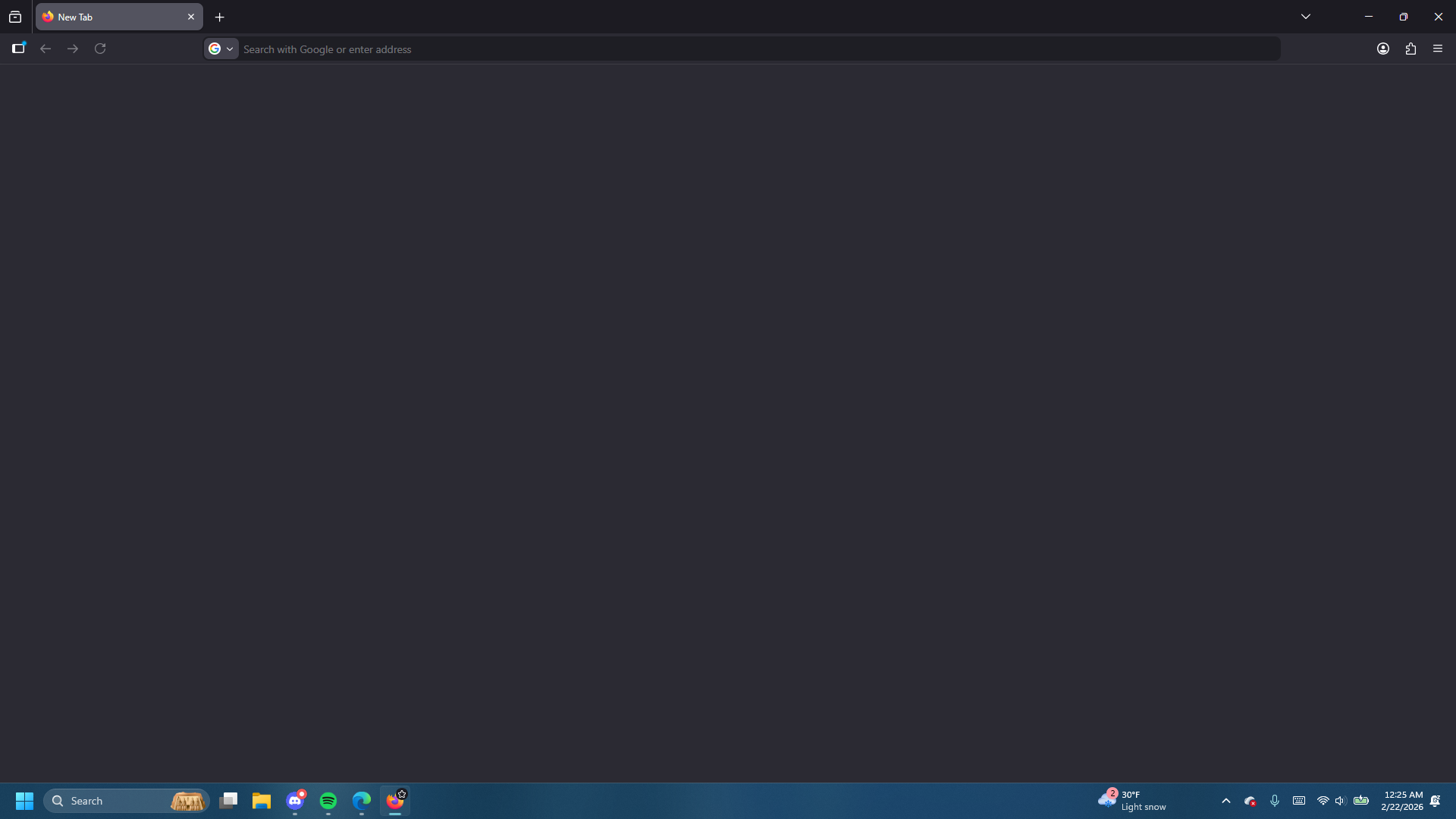
So, my issue started off with just new tabs loading slow/not properly loading at all. So I attempted a Firefox refresh as I've seen some people suggest only to see that there was no Firefox refresh button in my settings. So I went through the process of uninstalling it, but was paused when it prompted me to perform a Firefox refresh, but it did nothing. So I went and actually uninstalled it and reinstalled it and nothing changed except for the fact that now my New Tab page was completely blank and I couldn't search anything at all. I restarted my laptop to see if it'd help (it didn't) But when I went to try and uninstall it again, it wasn't listed in with my apps so I just deleted it. I installed it again, still nothing. Did the previous step of deleting it and reinstalling it again and still nothing. As a last ditch effort, I tried to install a slightly different version of Firefox and although I had to go through the whole process of installing it this time, the result is still the same with my New Tab being completely blank and I'm unable to search anything or even open the settings Honestly about ready to change browsers even though I've only been using it for about four days
Attached screenshots

You must log in to your account to reply to posts. Please start a new question, if you do not have an account yet.