


Thunderbird Cannot see emails converted by DRS to MBox

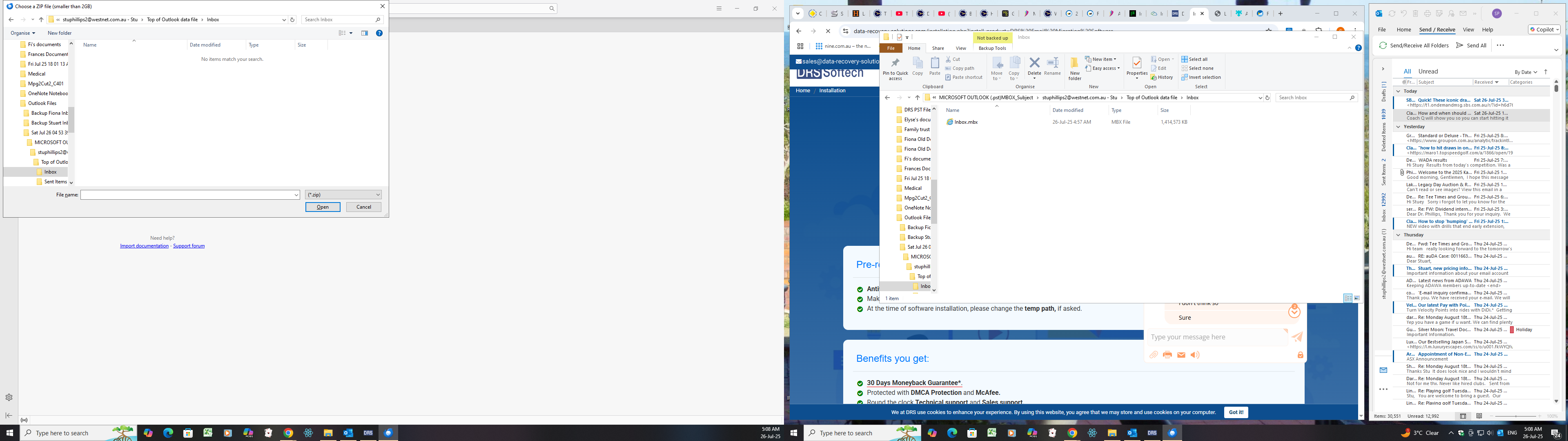
I am trying to copy my emails from outlook 2021 to Fastmail. I had thunderbird recommended as well as DRS to convert the files to mbox. This I have successfully done. However when I open the location of the converted emails in thuderbird it says there is no files there. See two differing views in the attached screenshot . Any help would be most welcome.
All Replies (4)

There are two methods for importing mbox files.
1. Use the excellent add-on ImportExportToolsNG (or similar name).
2. Close Thunderbird, move the mbox files to the right location in your Thunderbird profile, open Thunderbird.
Help/Troubleshooting Info, Profile Folder, Open Folder, close TB, copy the mbox file to Mail/Local Folders, remove the .mbx extension, restart TB and find the folder under Local Folders in the Folder Pane.
(This works with the non-MS Store version from thunderbird.net.)
sfhowes said
Help/Troubleshooting Info, Profile Folder, Open Folder, close TB, copy the mbox file to Mail/Local Folders, remove the .mbx extension, restart TB and find the folder under Local Folders in the Folder Pane. (This works with the non-MS Store version from thunderbird.net.)
Does it not work with the Microsoft Store version?
It works with the store version, but the profile is in a different location: