


Profile folder does not exist

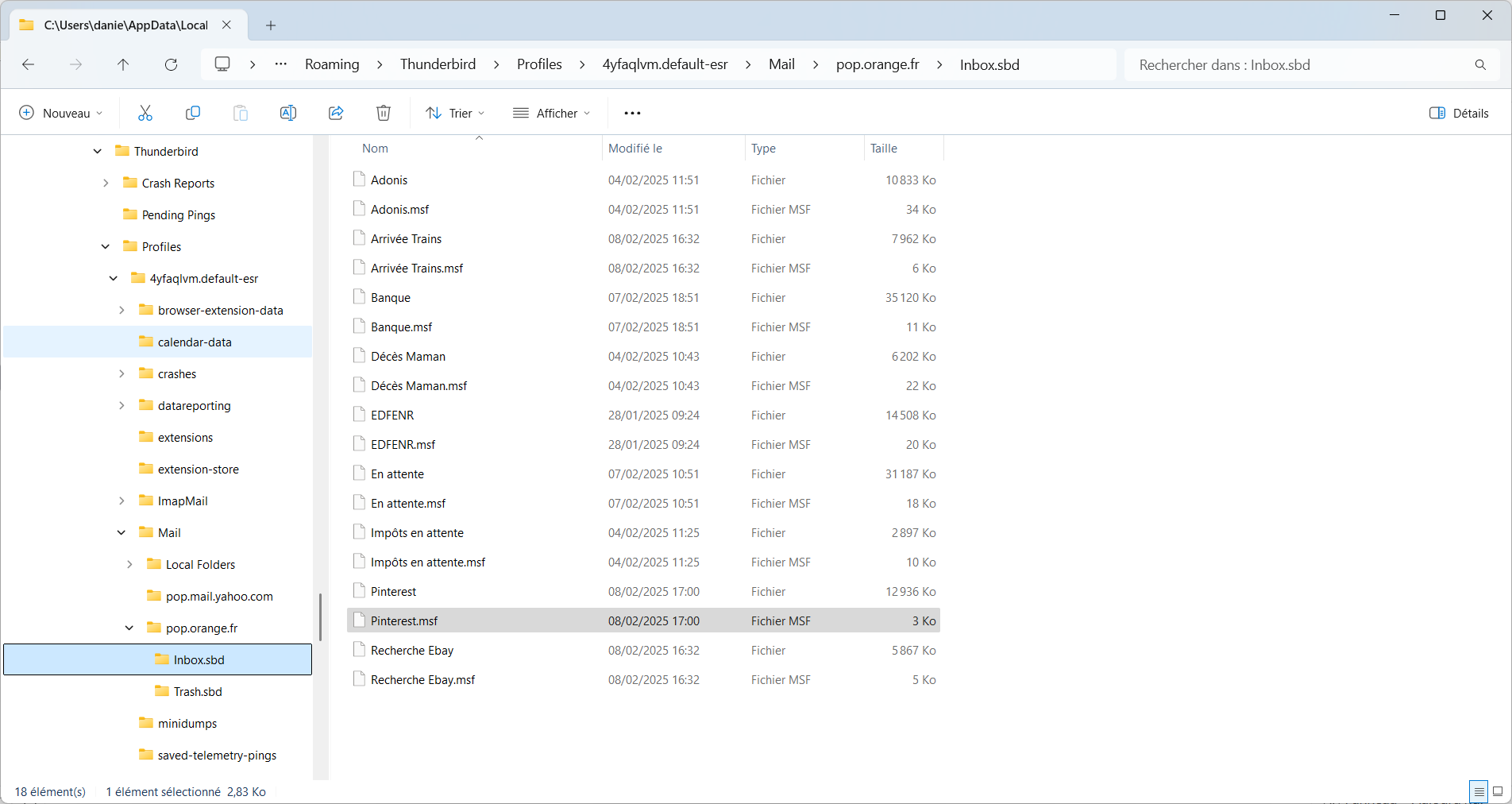
Hello, When I want to backup my profile, i get an error because the profile folder does not exist. In fact, there is no Thunderbird folder in c:\Users\danie\AppData\Roaming. I found this folder and all my data inside the folder C:\Users\danie\AppData\Local\Packages\MozillaThunderbird.MZLA_h5892qc0xkpca\LocalCache\Roaming\. My Thunderbird is running fine, except that I cannot backup my profile (as it does not exist). The folder when my profile is located currently seems to be a cache folder and I scare that it disappears when the cache will be cleared out. Please help me.
All Replies (2)

See https://support.mozilla.org/kb/profiles-where-thunderbird-stores-user-data to locate your profile.

I think that's where the MS Store version of Thunderbird stores the profile, so nothing wrong in that regard if that's the version of Thunderbird you're using. I think I saw that mentioned in some KB article, but cannot find it now, all I can find are references to that in other threads on various forums…