


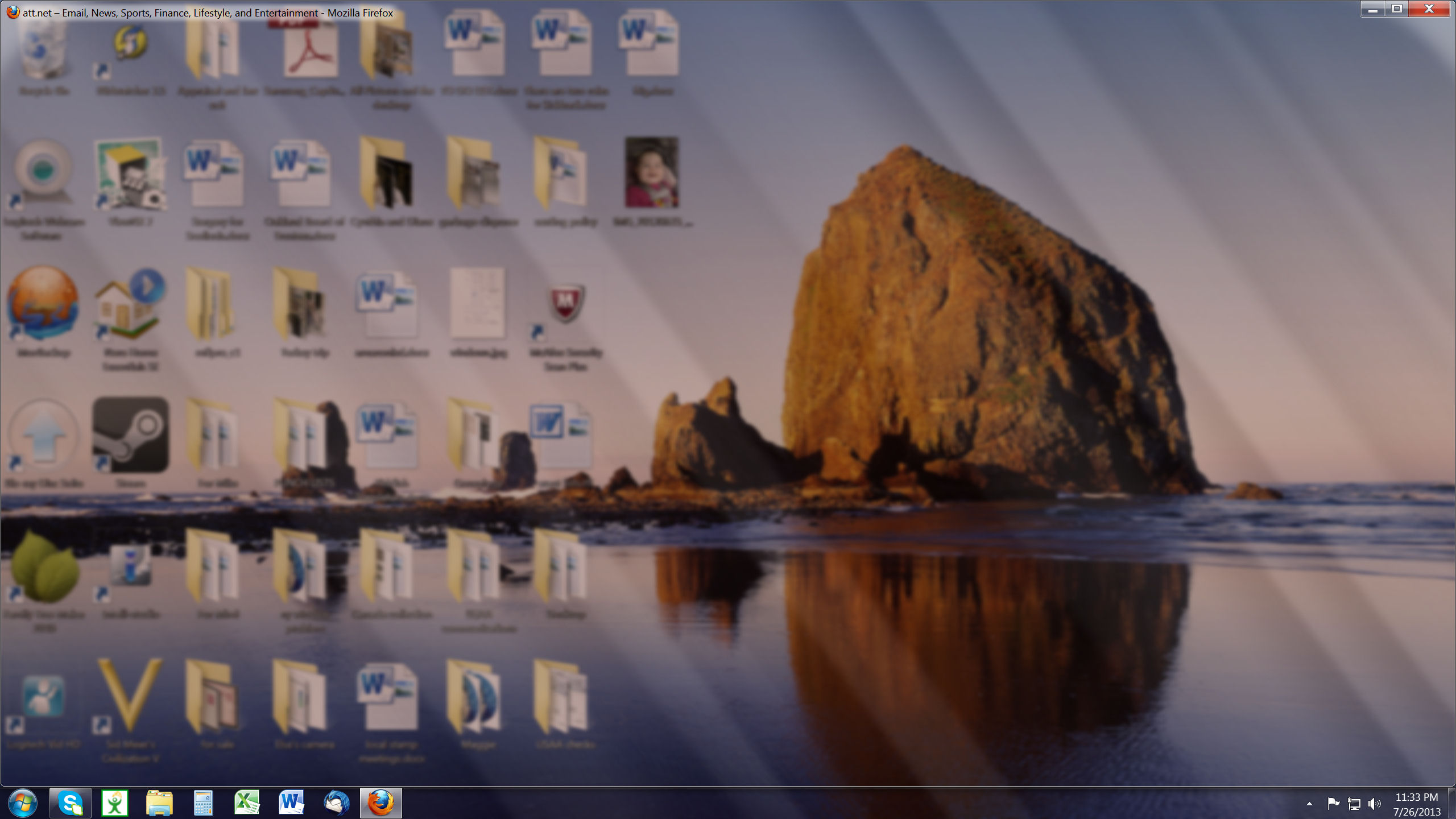
When Firefox starts, there is a blank page momentarily and then a glazed appearance of the background. How to fix?

I am using windows 7 and Firefox has been working well for 2 years until yesterday. I cannot access anything except to close the window. Interestingly, my laptop accesses Firefox well and is connected to the desktop via local wi-fi.
Suluhisho teule
Try to disable hardware acceleration in Firefox.
- Tools > Options > Advanced > General > Browsing: "Use hardware acceleration when available"
- https://support.mozilla.org/kb/Troubleshooting+extensions+and+themes
See also:
All Replies (4)
Hello,
In order to better assist you with your issue please provide us with a screenshot. If you need help to create a screenshot, please see How do I create a screenshot of my problem?
Once you've done this, attach the saved screenshot file to your forum post by clicking the Browse... button below the Post your reply box. This will help us to visualize the problem.
Thank you!
I added images. The colorful image shows the desktop behind a blurring layer when Firefox is running. The other screenshot shows what comes up for a moment once or twice between the other screenshot when Firefos first starts. After the first few seconds only the colorful screenshot is what is seen. Hope someone knows a cure. Thanks, Jack

Suluhisho teule
Try to disable hardware acceleration in Firefox.
- Tools > Options > Advanced > General > Browsing: "Use hardware acceleration when available"
- https://support.mozilla.org/kb/Troubleshooting+extensions+and+themes
See also:
Thank you very much. The problem was an extension. I wasn't sure which one, probably a Skype one, but i got rid of what wasn't necessary and I am now up and running normally again.
Jack