


Removing Beta Release Channel

It appears that this question has been asked many, many, many times and yet a clear, concise answer hasn't been provided. How do I change my updates from the beat release channel to standard updates? There should be a simple procedure to do this without a lot of unnecessary information in the answer and ultimately no answer to the question.
All Replies (5)

Yeah, I've seen a few and this is the first one I've clicked on. Can you post a similar screenshot?
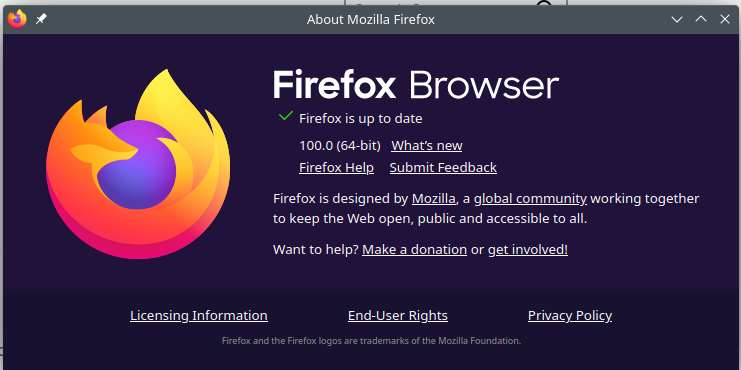
I just downloaded the beta version. Here's a screenshot of it.
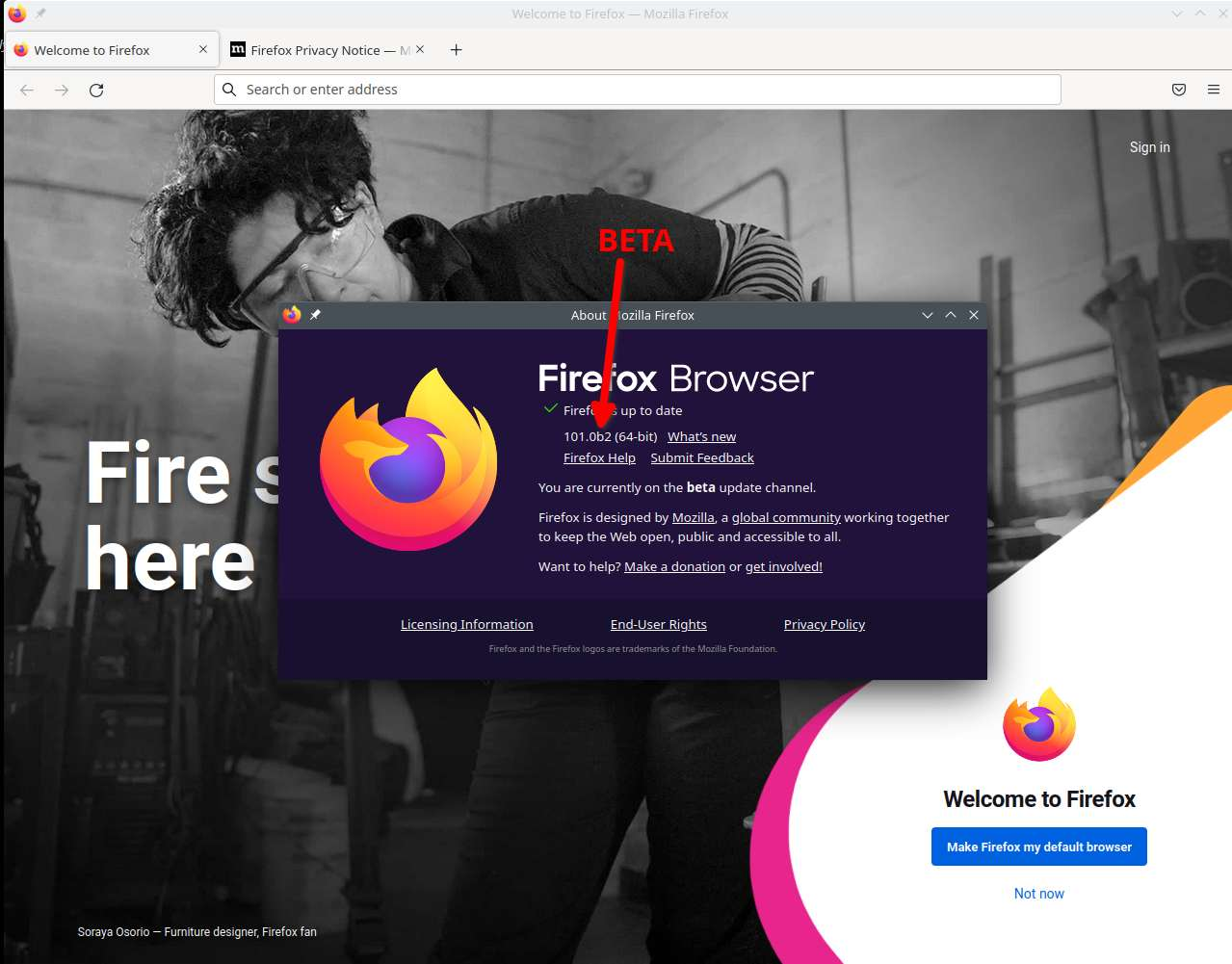

My understanding is that you have to uninstall the beta version then install the regular version (assuming that's what you want). You should probably use a different profile.
https://support.mozilla.org/en-US/kb/profile-manager-create-remove-switch-firefox-profiles https://support.mozilla.org/en-US/kb/recovering-important-data-from-an-old-profile https://support.mozilla.org/en-US/kb/profiles-where-firefox-stores-user-data#w_what-information-is-stored-in-my-profile

Terry's response is correct. You need to install the normal Firefox and set it as your default.
I would just run both, have the beta as a "backup" of your data with sync. I have 7 versions running on Linux, but only sync 4. https://www.mozilla.org/en-US/firefox/all/#product-desktop-release
Just make sure to install in a different directory.