Need help with spam filter

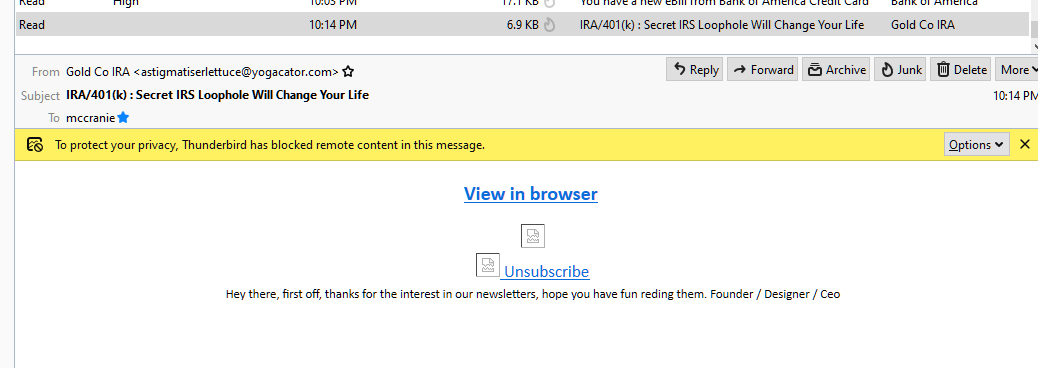
I need help setting up a filter to send spam to a junk folder. I'm getting several spam messages per day to my inbox. Most of them appear to be from a legitimate company but they are usually from a com address that is two unrelated words.
I've tried following instructions, but I'd get to a point where it didn't work.
I added Spam Scores to Thunderbird. I'm in message filters, match x-spam-score. But I can't figure out what to do from there, like "contains", etc . I don't know what to put there. What should I put there, or am I in the wrong place?
All Replies (2)

Trying to fight spam with static filters is futile. Use the built-in junk mail controls instead. https://support.mozilla.org/en-US/kb/thunderbird-and-junk-spam-messages
I've used that for years and ones like the attached get through. Often they appear to be from Home Depot or other big companies. Usually the domain name is a combination of two words.