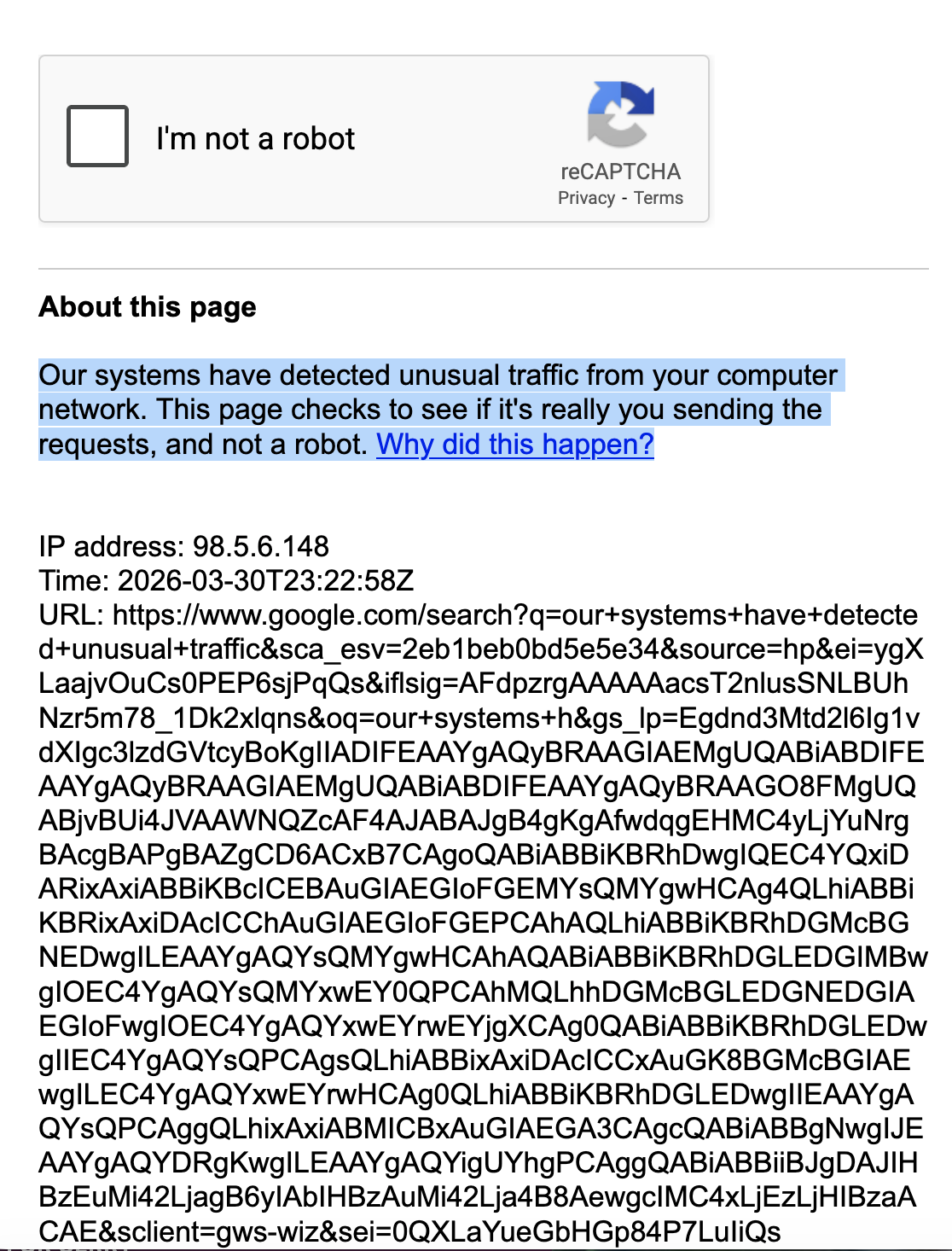
Why am I getting this everytime I go to Google? "Our systems have detected unusual traffic from your computer network. "

Hi and thank you... This is about issues going on Google and using a few websites.
I have a Macbook Pro 16" updated (OS Tahoe) and Firefox updated 140.9. The latest OS Tahoe was installed a few days ago. I use Firefox as my browser and don't wish to bounce around to Safari or Google Chrome, etc.. Firefox always works well but right now I have issues like getting onto Google as a search engine:
I have been getting issues about the same time with Google (keep getting the reCAPTCHA page see attached file.)
We get the caption missing on a news artcle when we first open up AOL and the news comes up.
My husband has some of his video music lessons in a website he goes to daily not opening up to the correct size.
My Safari page does not show the grid it used to with all my apps. Instead I get an Apple ad and have to work around it. So I am missing the Safari grid I used to have.
I have checked with Apple (3 times), Spectrum (internet connection but they did not give me a new IP address. I don't know if they can), I also Sent a message to Google forum and still Google says they are blocking me until I do a reCAPTCHA and the problem disappears so that is not helping yet. We have also connected my husband's website but they don't seem to help in this case. So it must be Firefox mozilla and Google does not seem to help except to tell us something is not working on our end.
Apple noted the latest OS tahoe could be such that, google, Firefox , etc..has not updated to match Apple updates but they do not know this for sure as they are not dealing with third party. Apple did not suggest that clearing history would necessarily help with this particular problem. I also don't have any VPN connections. Can you help? We are frustrated and the only real person I can talk to is Apple. Thank You if you can help Barbara Lipa