


Windows 10 reached EOS (end of support) on October 14, 2025. If you are on Windows 10, see this article.

Sök i support

Akta dig för supportbedrägerier: Vi kommer aldrig att be dig att ringa eller skicka ett sms till ett telefonnummer eller dela personlig information. Rapportera misstänkt aktivitet med alternativet "Rapportera missbruk".

Läs mer

Google Maps not working - FF 147.0.1 - extensions bypassed

  • 4 svar
  • 1 har detta problem
  • 78 visningar
  • Senaste svar av jonzn4SUSE

When I go to google.com/maps, I immediately see a map drawing of my location - then as the site *finishes* loading, the display area CLEARS, leaving the menu and various "hover" items from the site.

Just...no "roads". 🤣 Just a big vanilla background image.

Google maps works in another browser - the issue is just in Firefox.

Currently on Win 10, running under Parallels on a MacBook Pro. (Maps works great under the Mac OS as well!)

Thanks,

 - Chip
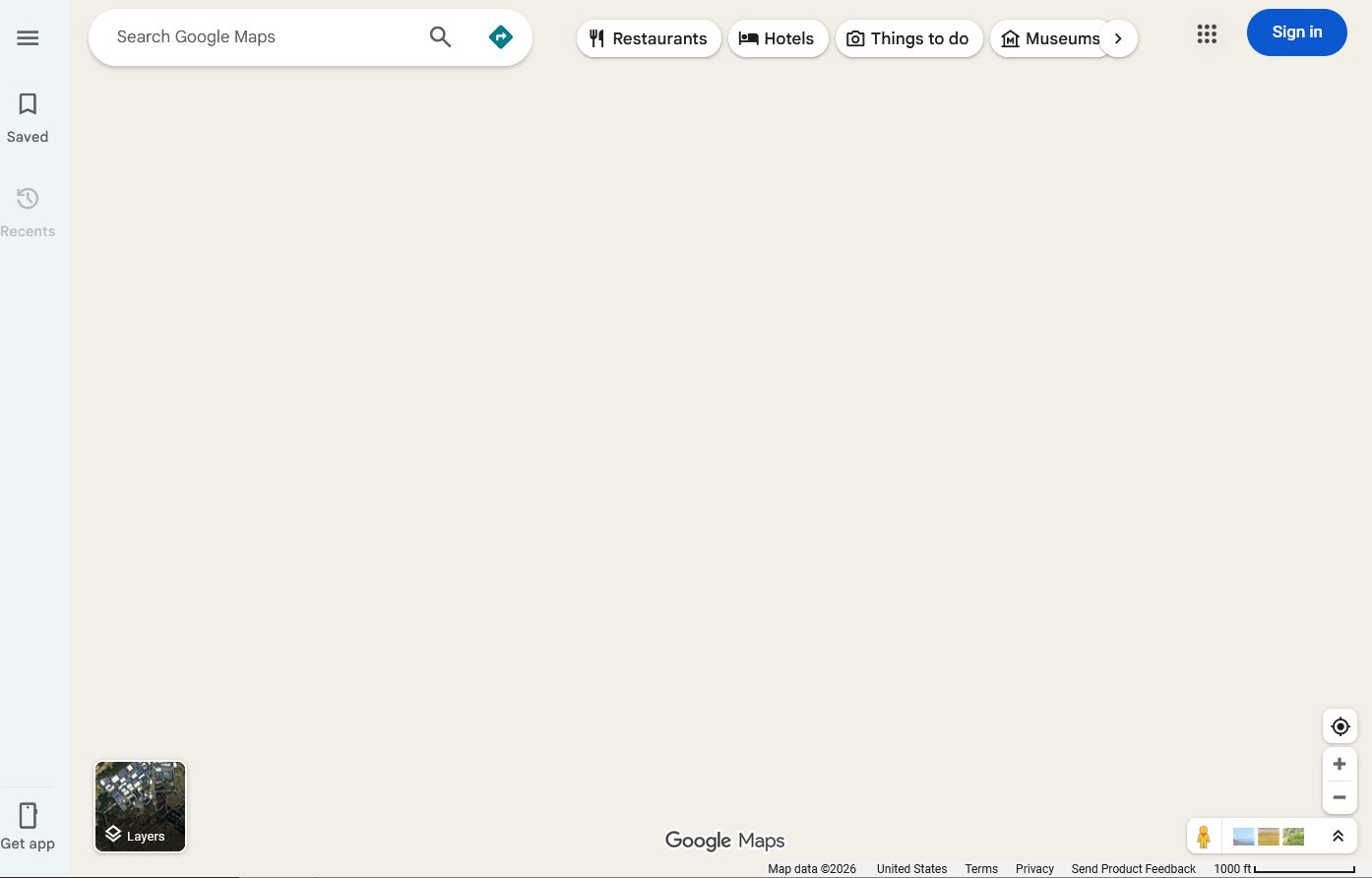
When I go to google.com/maps, I immediately see a map drawing of my location - then as the site *finishes* loading, the display area CLEARS, leaving the menu and various "hover" items from the site. Just...no "roads". 🤣 Just a big vanilla background image. Google maps works in another browser - the issue is just in Firefox. Currently on Win 10, running under Parallels on a MacBook Pro. (Maps works great under the Mac OS as well!) Thanks, - Chip
Bifogade skärmdumpar

Alla svar (4)

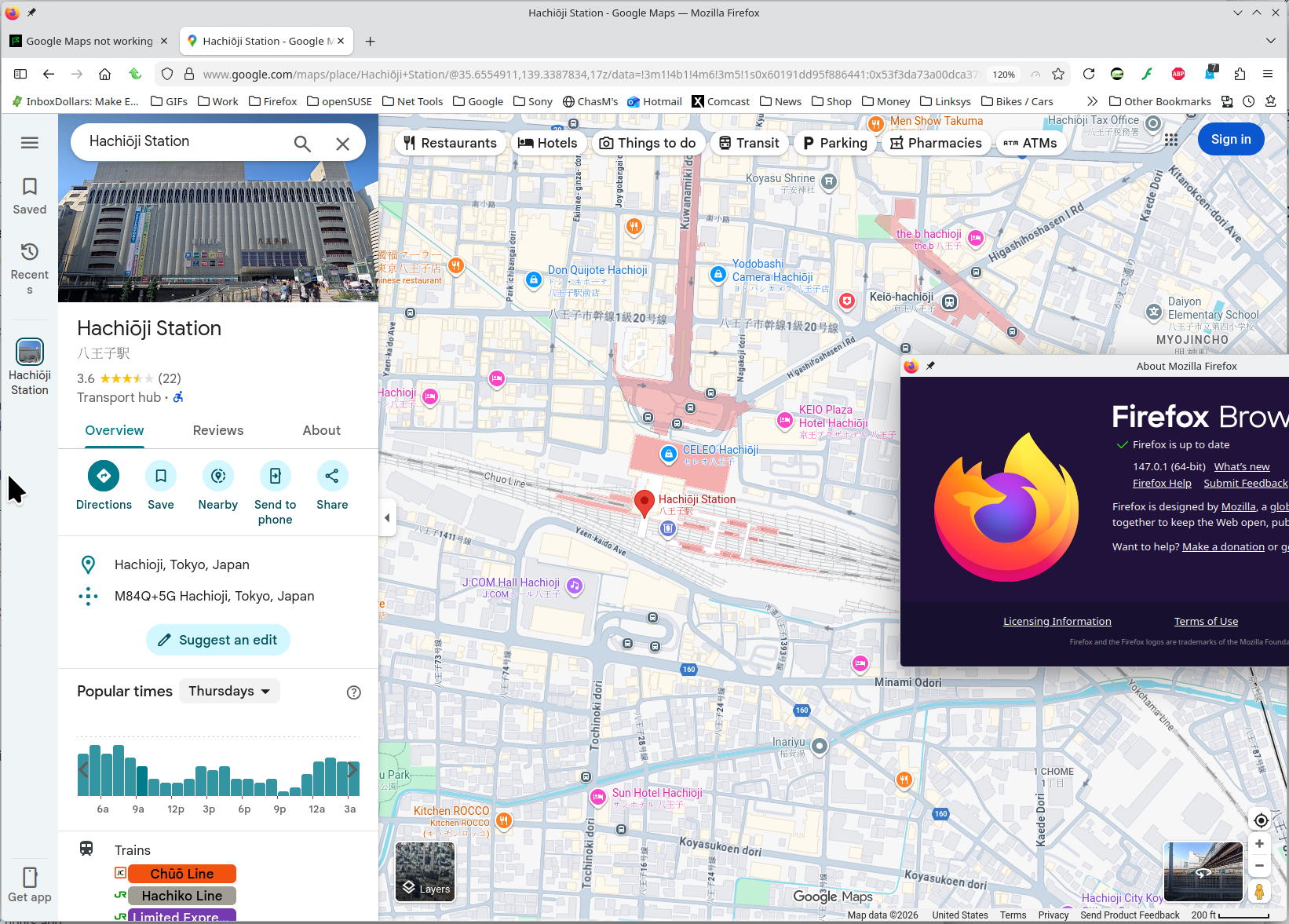
No issues for me. see screenshot I blame Parallels. Try another VM system and see if you have the same issue. Just found this, give it a shot. https://mac.getutm.app/ Do you have a windows pc? I can boot up windows and I'm confident maps will work.
Which M version are you running?

Ändrad av jonzn4SUSE

ChipMoody said

Google maps works in another browser - the issue is just in Firefox. Currently on Win 10, running under Parallels on a MacBook Pro. (Maps works great under the Mac OS as well!)

I would try opening a bug and let the dev team investigate who's at fault. https://bugzilla.mozilla.org/home

Ställ en fråga

Du måste logga in på ditt konto för att svara på inlägg. Vänligen starta en ny fråga om du inte har ett konto ännu.