


FIREFOX NOT OPENING ON MAC COMPUTER

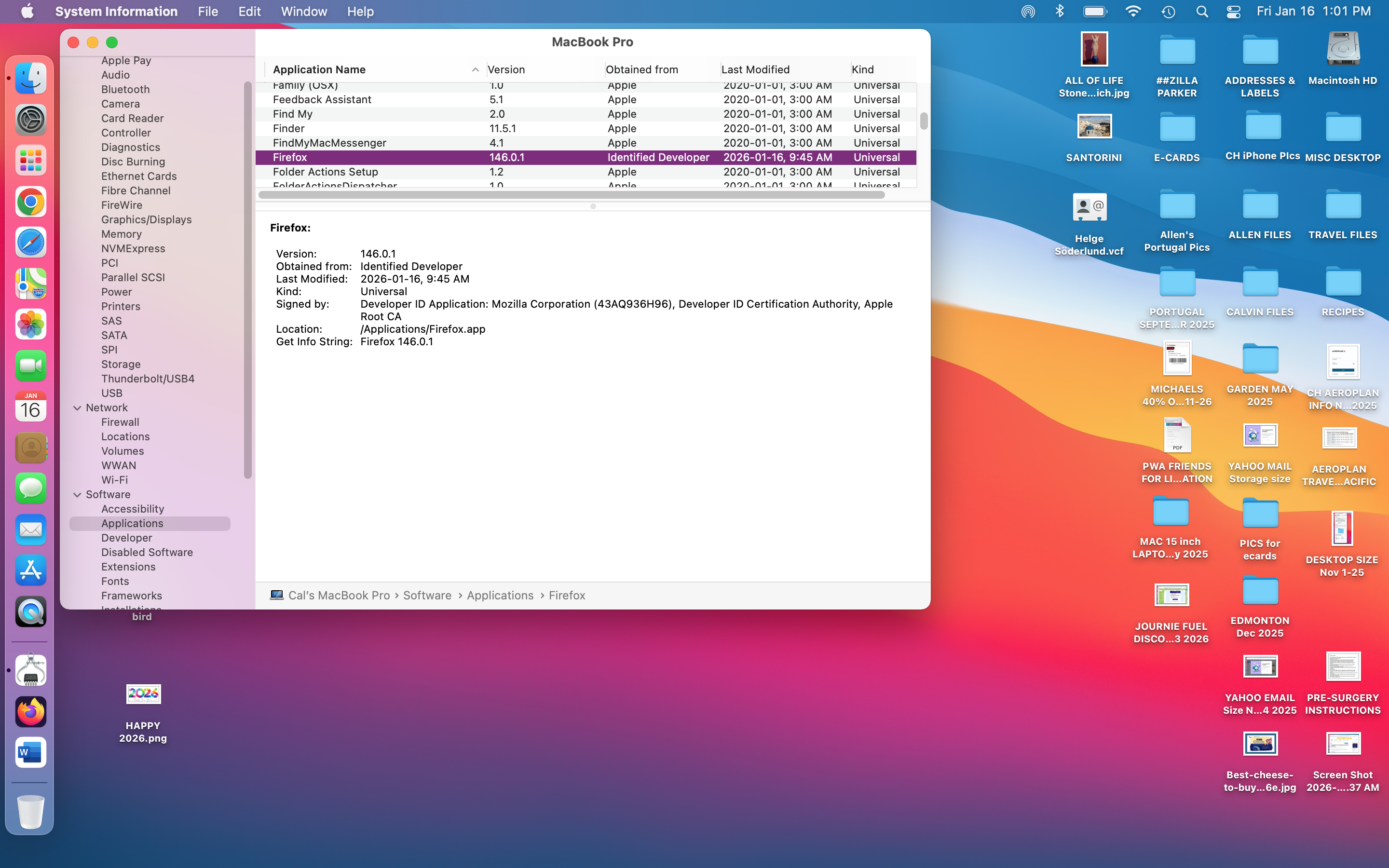
Hello I had Mozilla Firefox as my default browser on my Mac laptop
I got a message this morning that Firefox could not open
I tried several times but no luck
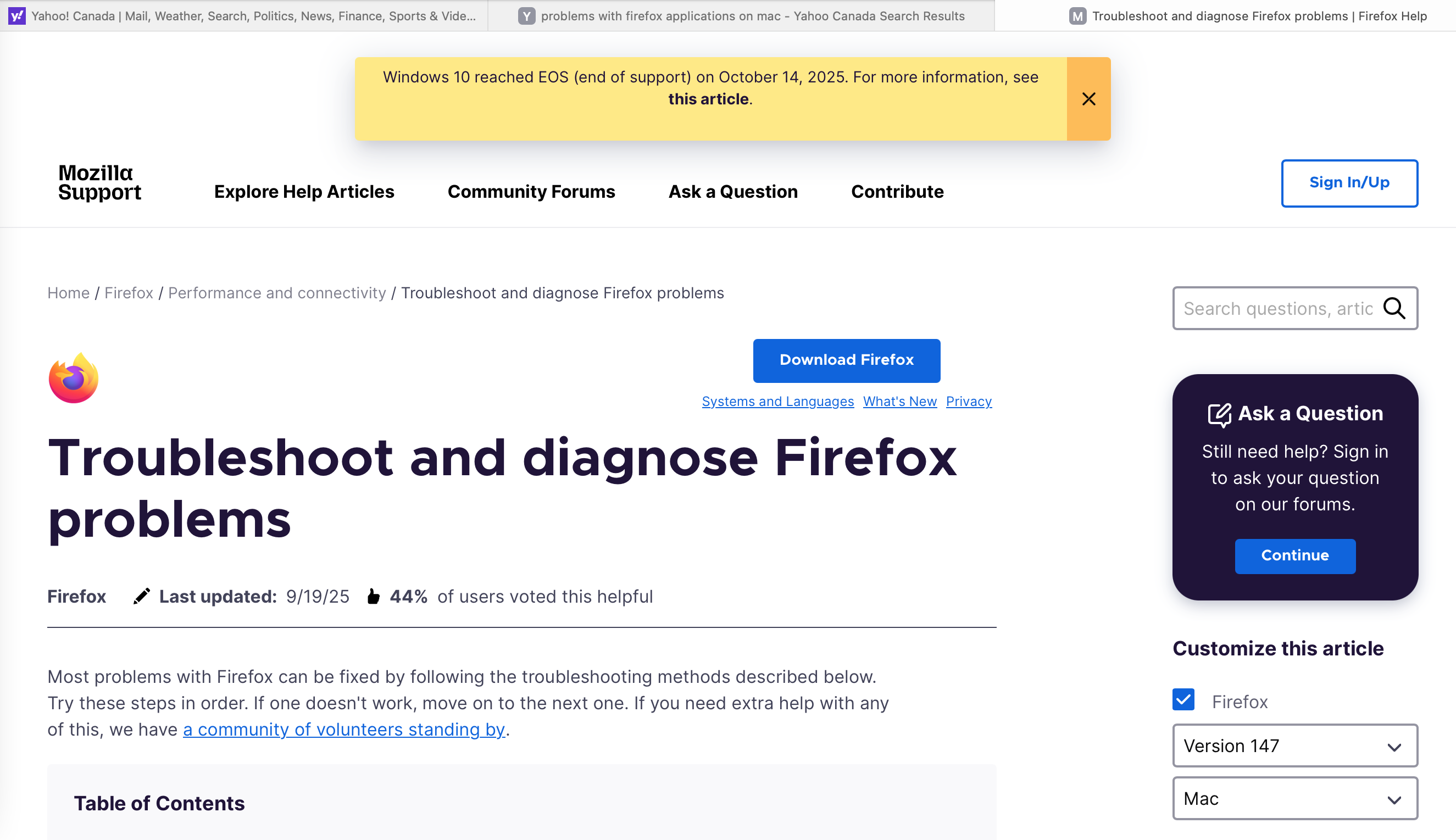
I read through some of the online HELP sites and deleted the Firefox app and reloaded it
I also cleared the browsing history on SAFARI and CHROME although I couldn't see why that would work
Still not able to get FIREFOX to open
Alla svar (1)
Interesting... What mac os? Time to get your geek on! ;-))
Not well versed in the process on mac, but you should be able to trace the process and see what happening. https://duckduckgo.com/?q=how+to+trace+app+process+on+mac&t=kde&ia=web
You can also try downloading a different version of Firefox (Beta, Dev, or Nightly) download, unzip, and run firefox-bin from the folder and see if you have the same issue. https://www.mozilla.org/en-US/firefox/channel/desktop/