


IMAP ok but SMTP fails on Windows 11

Hello,
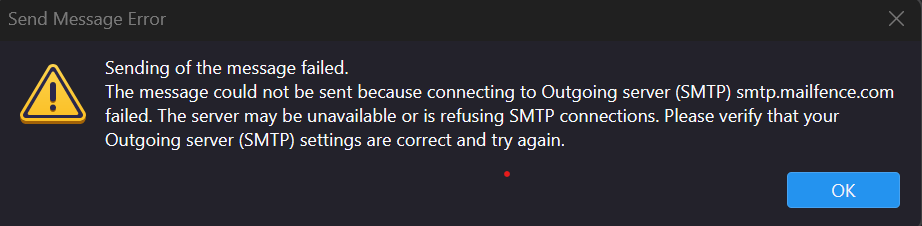
I have been using Thunderbird for many years without any issues. I recently bought a laptop running Windows 11. On this machine, I have two accounts that cannot send emails via SMTP. What is puzzling is that I can retrieve emails through IMAP without any problems.
For another account I had to use STARTTLS to get it working. But on my Windows 10 machine, the same account is sending emails correctly with SSL/TLS.
Thunderbird is allowed through the Windows firewall and is on the antivirus whitelist.
I recently fixed an issue (connecting to Gmail) by allowing cookies, so it might be a simple fix like that.
Could someone help me, please?
Many thanks!
Vald lösning
Hello Matt,
Thank you for your answer.
I installed and wiped all data to start with a fresh new installation. It didn't solved my issue, but I understood why: I think that the network at my working place that is filtering the access to some email providers! I juste can't understand why I can get emails but not send them...
My Thunderbird installation works perfectly fine at home but not at my working place.
Have a nice day.
Läs svaret i sitt sammanhang 👍 0Alla svar (2)
Please verify you do not have an antivirus scanning outgoing mail.
Clearly based on your comments you are not running a default installation, or cookies would be allowed automatically. So if you are having issues, returning things to their defaults would be a good start.
Vald lösning
Hello Matt,
Thank you for your answer.
I installed and wiped all data to start with a fresh new installation. It didn't solved my issue, but I understood why: I think that the network at my working place that is filtering the access to some email providers! I juste can't understand why I can get emails but not send them...
My Thunderbird installation works perfectly fine at home but not at my working place.
Have a nice day.