


Help requests via Adobe Community selection
So, whenever I select an Adobe Community/Forum help link, like this: https://community.adobe.com/t5/indesign-discussions/how-to-set-default-font-in-indesign/m-p/11092203
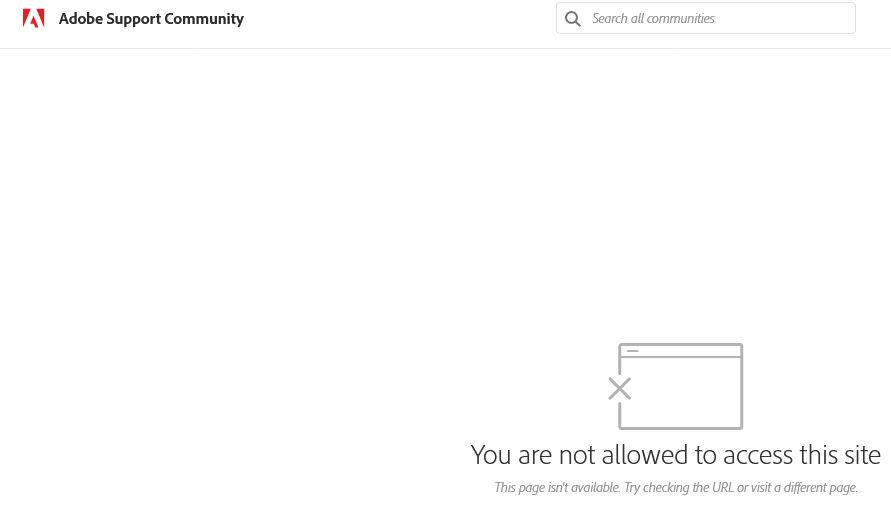
The web page "blinks" the requested Adobe destination page - but then provides an error page (see page-clip image attached here) and no destination result. It does not require login - I should be able to see the topic in the Adobe Community (HelpX) page.
But either Adobe or Firefox is preventing me from seeing the page. Please advise. Firefox is my default browser. When I copy link and paste-and-go in Chrome, it works as expected - I see the page.
Alla svar (3)
Adding the error page URL from Adobe: https://community.adobe.com/t5/errors/FilterErrorHandlerPage

You might want to contact Adobe support about this browser access issue. They would be knowledgeable with their software apps.

The page you want loads without issue here. You could try removing cookies and, if that doesn't work, try troubleshooting.
https://support.mozilla.org/en-US/kb/clear-cookies-and-site-data-firefox https://support.mozilla.org/en-US/kb/diagnose-firefox-issues-using-troubleshoot-mode https://support.mozilla.org/en-US/kb/troubleshoot-extensions-themes-to-fix-problems (also deals with hardware acceleration)