


Thunderbird "Not Responding"
My thunderbird is not responding most of the time, dont know why. It s running in a second monitor. Its update I dont know what else to do Thinking of changing
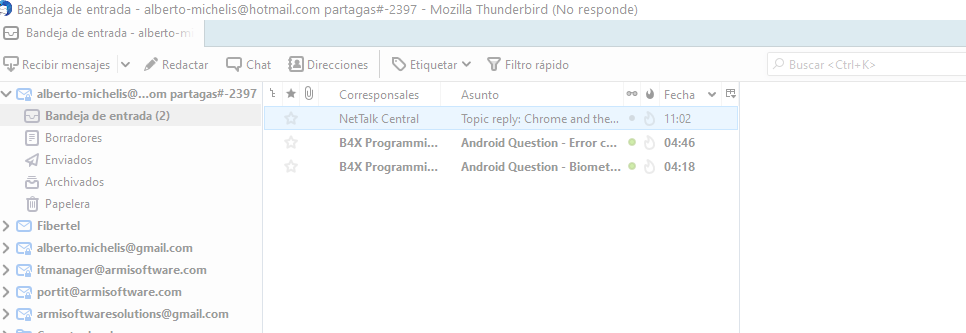
Ändrad av Wayne Mery
Alla svar (3)

Hello,
If Thunderbird is "already running, but not responding", or opens the profile manager and says that your profile is in use, try this:
# Close all Thunderbird processes:
       * On Windows, delete any instance of thunderbird in Task Manager.
       * With macOS, force close all Thunderbird processes in Activity Monitor.
       * With Unix, use the killall -9 thunderbird command in a terminal.
# Open your Mozilla Thunderbird profile folder.
# If you are on Windows, delete the parent.lock file.
       * MacOS users should open a terminal window and type cd followed by a space. From the Thunderbird    folder in Finder, drag the icon to the terminal window so that the path to the folder immediately follows the "cd" command. Press Enter on your keyboard to run the command (which will change the working directory to the Thunderbird folder), and then enter another command: rm -f .parentlock.
      *  Unix users should remove both parentlock and lock from the Thunderbird folder.
     * Try starting Thunderbird again.
If the above steps don't work to open Thunderbird, one thing you can try is to use LockHunter to see what is restricting Thunderbird from opening and then close any holds on the program so that you can use it normally.
Greetings, Emilio
I don't think the reporter was indicating the problem is on startup.
Reporter, try the first several steps of https://wiki.mozilla.org/Thunderbird:Testing:Memory_Usage_Problems
duplicate of https://support.mozilla.org/en-US/questions/1332839
so closing this one