

Denna tråd har arkiverats.
Ställ en ny fråga om du behöver hjälp.

Löst
Arkiverad
Changing Firefox application fonts

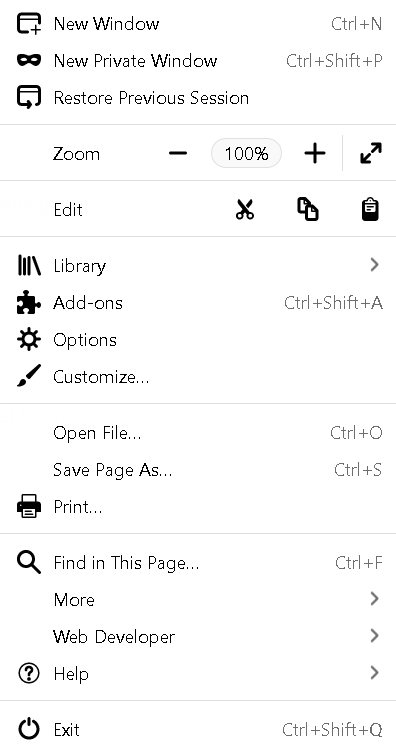
The fonts for all Firefox application areas (bookmarks toolbar, the three lines menu, bookmarks menu, etc) are in a small thin font that I can hardly read. I have changed this setting with no success in the Firefox options screen. What can I do to solve this issue?
The fonts for all Firefox application areas (bookmarks toolbar, the three lines menu, bookmarks menu, etc) are in a small thin font that I can hardly read. I have changed this setting with no success in the Firefox options screen. What can I do to solve this issue?
Alla svar (1)
Vald lösning
I solved my problem: Windows>Control Panel>Fonts>Adjust Clear Type Fonts Select: Adjust Clear Type Text>Follow onscreen process Fonts changed