

Denna tråd har arkiverats.
Ställ en ny fråga om du behöver hjälp.

Löst
Arkiverad
All my bookmarks are gone

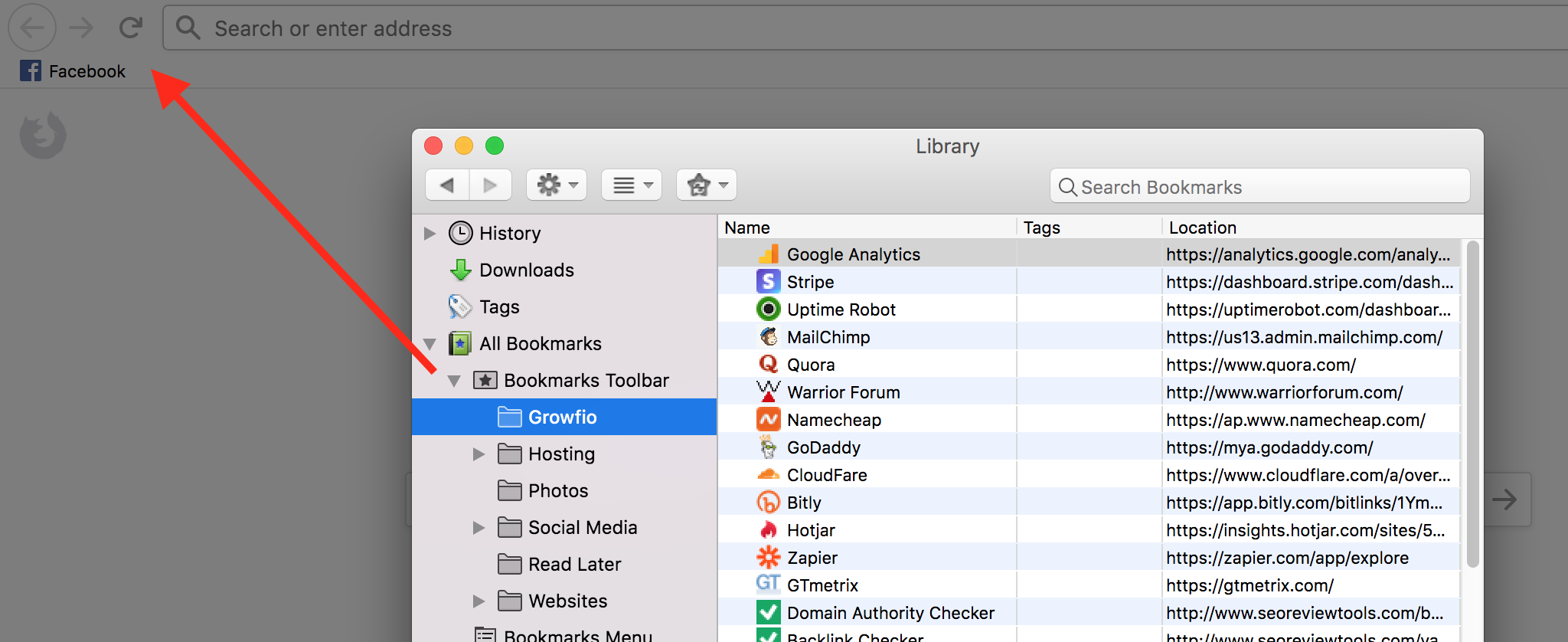
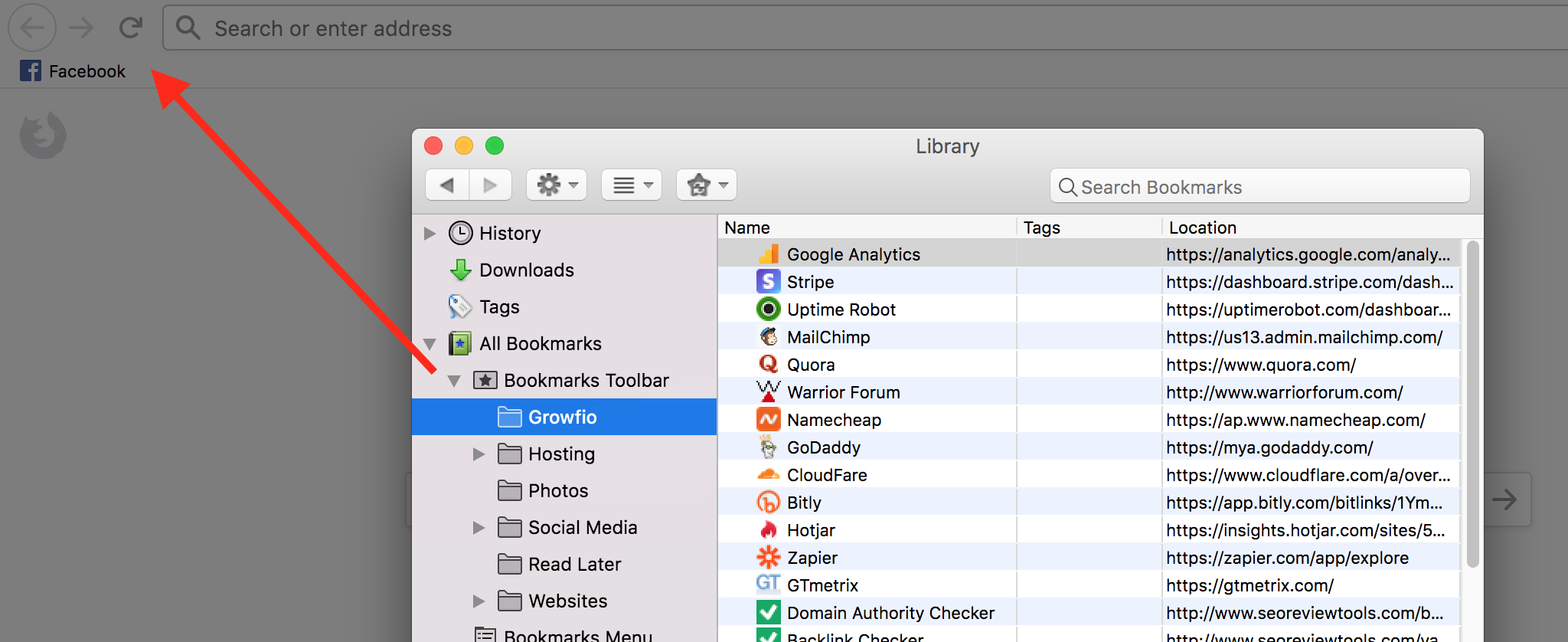
Firefox randomly removed all my bookmarks, even though I'm still signed in. I went into restore old bookmarks and they showed up, but have since dissapeared. It only show FB
Firefox randomly removed all my bookmarks, even though I'm still signed in. I went into restore old bookmarks and they showed up, but have since dissapeared. It only show FB
Vald lösning
Right click >> Show Bookmarks Bar
Alla svar (3)
Hi,
If you can't find all of your bookmarks and bookmark folders after updating to the new Firefox Quantum (version 57), try this solution:
- Click on the Library
 icon on your Firefox toolbar.
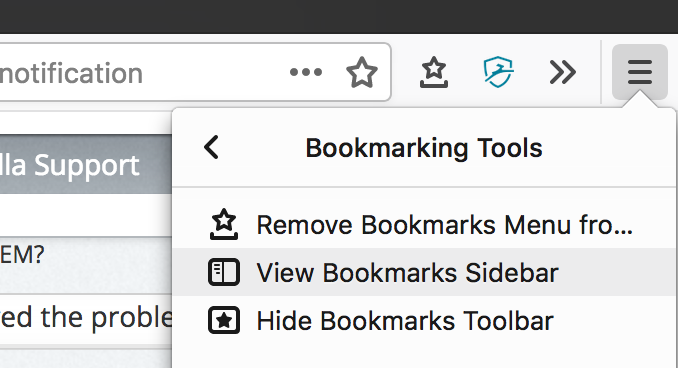
- Click on Bookmarks, then click on Bookmarking Tools.
- Click on Add Bookmarks Menu to the Toolbar.
- A Bookmarks Menu
 icon will be added to your toolbar.
- A Bookmarks Menu
- Click on the new Bookmarks Menu icon. You should get the same Bookmarks Menu as in earlier Firefox versions.
Let us know if this solves the problem.
- For other ways to customize Firefox, see Customize Firefox controls, buttons and toolbars.
- To learn more about Firefox bookmarks, see Bookmarks in Firefox.
The bookmarks icon is already there. It's the bookmarks bar that's gone, yet still say they're there
Vald lösning
Right click >> Show Bookmarks Bar