


reply marked letters

Hello! How to reply marked contacts (via letters, not address book) in one letter, in order not to create several letters.
Alla svar (3)

What? Please explain in understandable terms what you're trying to achieve.
Contacts that I need are inside the "Sent" (or "delivered") folder (a lot). How 1. To add all of them to a new group in address book or 2. To send them one message at once. At the attachment picture I tried to choose 3 letters and push button "reply". It created 3 replying letters for each contact. But I need to create 1 letter with several recipients which are taken from the folder "Sent" (or "delivered").
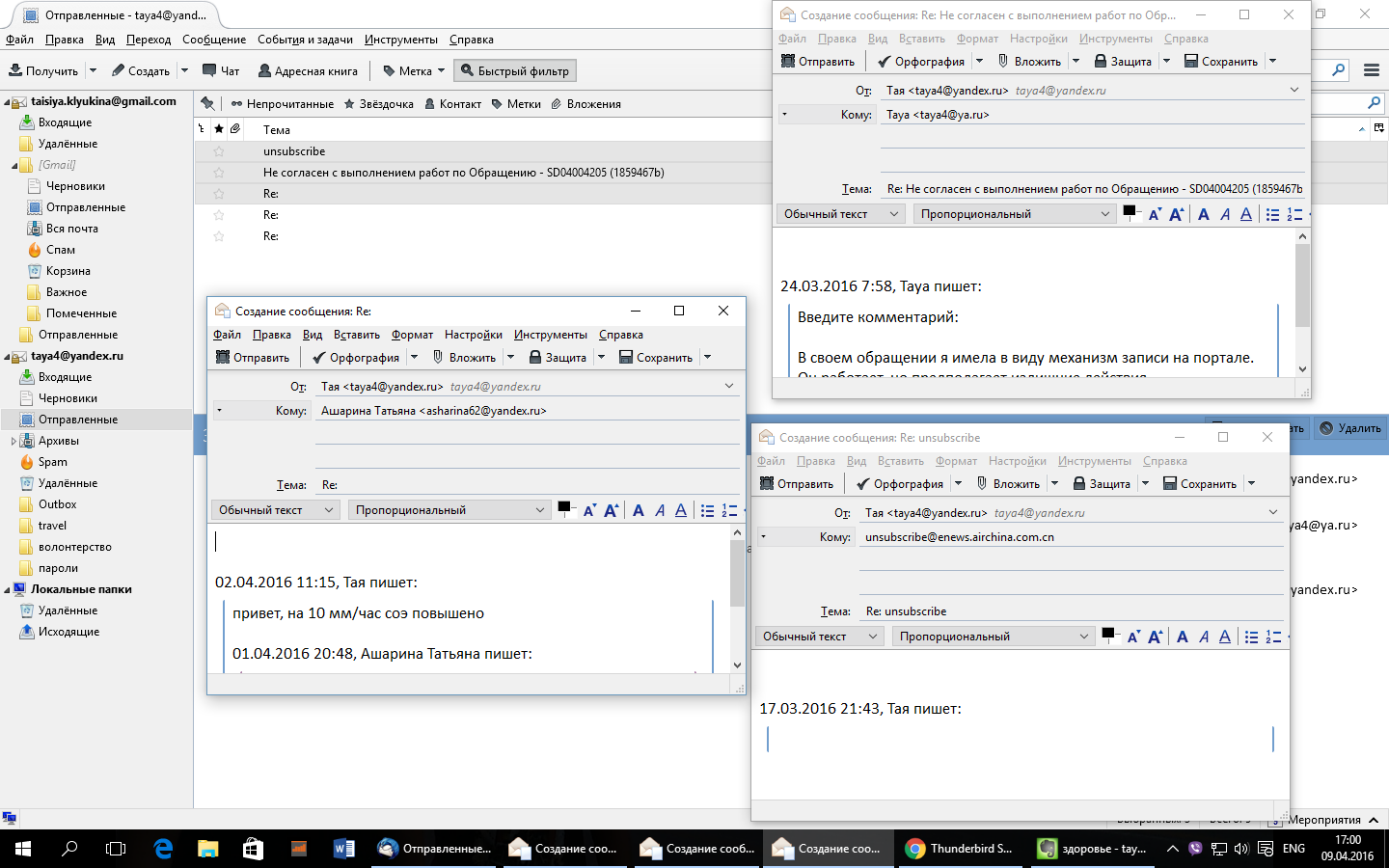
Contacts that I need are inside the "Sent" (or "delivered") folder (a lot).
'Sent' is a mail folder with messages, not contacts. Contacts are in an address book. Thunderbird automatically adds contacts not (yet) in your Personal Address Book to the 'Collected Addresses' address book.
How 1. To add all of them to a new group in address book
I'm still struggling to understand what you're trying to achieve. Perhaps you'd better ask in a forum for your language. May be this: In a message window (not a 'Write' window) you click the star behind an email address in the header pane. The star turns yellow and the email address has been added as a contact to your Personal Address Book. Clicking the star again allows you to edit the contact and file it to a different address book (in case there is one).
But I need to create 1 letter with several recipients which are taken from the folder "Sent" (or "delivered").
See if this article helps. http://kb.mozillazine.org/Thunderbird_:_FAQs_:_Create_Mailing_List