


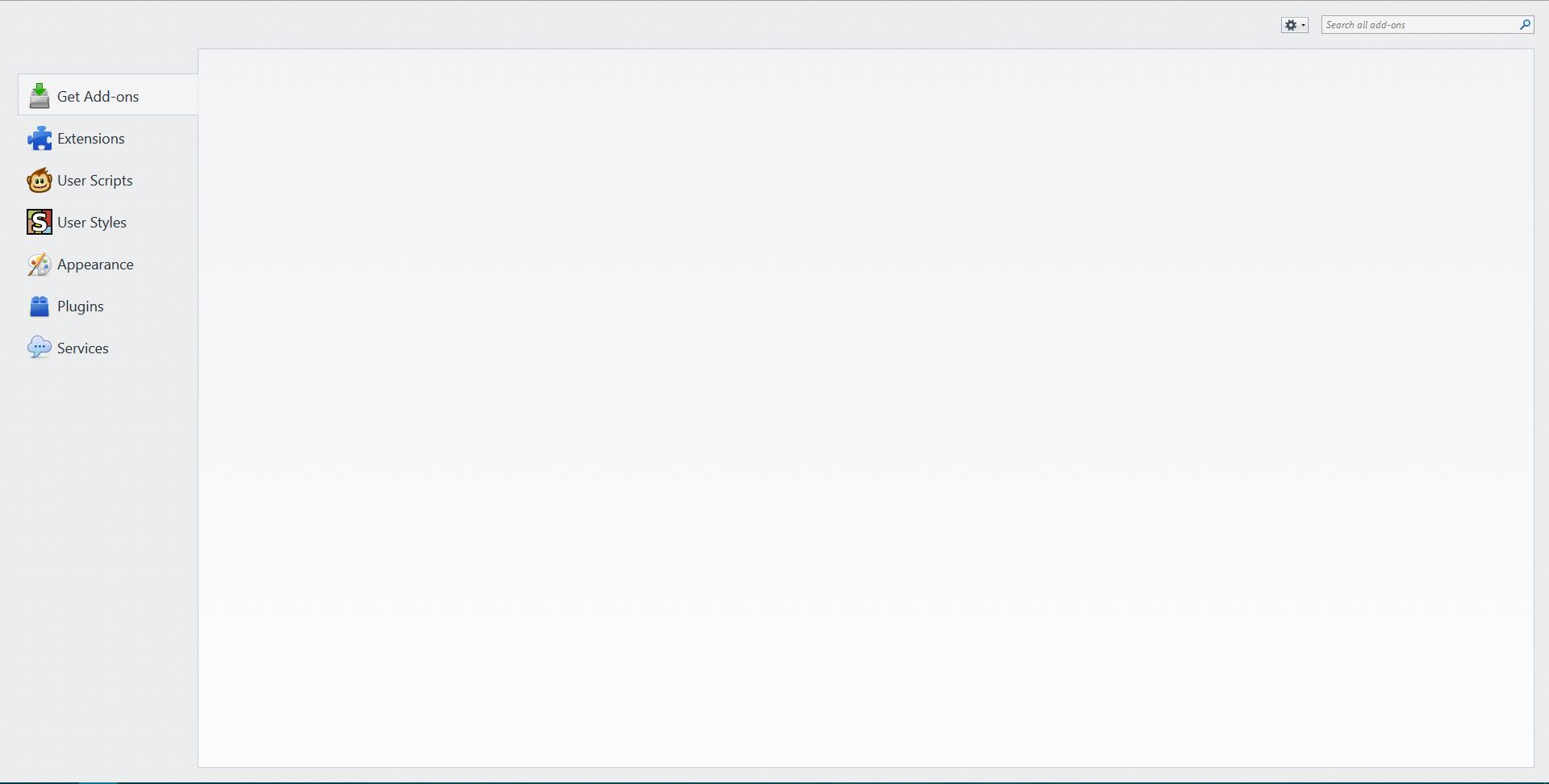
Get Add-ons page is blank

When I press Add-ons and select the "Get Add-ons" tab it is blank. However, restarting Firefox fixes the problem. Is there any quick fix (not refreshing my profile) so that appears on the first try?
Vald lösning
cor-el said
If you use extensions (Firefox/Tools > Add-ons > Extensions) that can block content (e.g. Adblock Plus, NoScript, Flash Block, Ghostery) then make sure that such extensions aren't blocking content. If it works in Safe Mode and in normal mode with all extensions (Firefox/Tools > Add-ons > Extensions) disabled then try to find which extension is causing it by enabling one extension at a time until the problem reappears. Close and restart Firefox after each change via "Firefox > Exit" (Windows: Firefox/File > Exit; Mac: Firefox > Quit Firefox; Linux: Firefox/File > Quit)
Disabling Adblock Edge seems to have fixed the issue. Thank you for your help
Alla svar (7)
You can check the date and time and time zone in the clock on your computer: (double) click the clock icon on the Windows Taskbar.
Does this also happen if you access the Add-ons website directly?
Ty to reload web page(s) and bypass the cache to refresh possibly outdated or corrupted files.
- Hold down the Shift key and left-click the Reload button
- Press "Ctrl + F5" or press "Ctrl + Shift + R" (Windows,Linux)
- Press "Command + Shift + R" (Mac)
cor-el said
You can check the date and time and time zone in the clock on your computer: (double) click the clock icon on the Windows Taskbar. Does this also happen if you access the Add-ons website directly? Ty to reload web page(s) and bypass the cache to refresh possibly outdated or corrupted files.
- Hold down the Shift key and left-click the Reload button
- Press "Ctrl + F5" or press "Ctrl + Shift + R" (Windows,Linux)
- Press "Command + Shift + R" (Mac)
My task bar clock is fine? (I tried deleteing cert8, it changed nothing). I can access the Add-ons webside directly just fine. None of the short-cuts changed the "Get Add-ons" tab.
To elaborate on my temporary fix of restarting Firefox, simply closing and reopening firefox does not fix the "Get Add-ons" tab. I use a restart button from and add-on (found here: https://addons.mozilla.org/en-US/firefox/addon/memory-restart/?src=userprofile ), and which fixes the tab upon reopening firefox.
Starting in Safe-Mode also allows the "Get-Addons" tab to work.
If you use extensions (Firefox/Tools > Add-ons > Extensions) that can block content (e.g. Adblock Plus, NoScript, Flash Block, Ghostery) then make sure that such extensions aren't blocking content.
If it works in Safe Mode and in normal mode with all extensions (Firefox/Tools > Add-ons > Extensions) disabled then try to find which extension is causing it by enabling one extension at a time until the problem reappears.
Close and restart Firefox after each change via "Firefox > Exit" (Windows: Firefox/File > Exit; Mac: Firefox > Quit Firefox; Linux: Firefox/File > Quit)
Vald lösning
cor-el said
If you use extensions (Firefox/Tools > Add-ons > Extensions) that can block content (e.g. Adblock Plus, NoScript, Flash Block, Ghostery) then make sure that such extensions aren't blocking content. If it works in Safe Mode and in normal mode with all extensions (Firefox/Tools > Add-ons > Extensions) disabled then try to find which extension is causing it by enabling one extension at a time until the problem reappears. Close and restart Firefox after each change via "Firefox > Exit" (Windows: Firefox/File > Exit; Mac: Firefox > Quit Firefox; Linux: Firefox/File > Quit)
Disabling Adblock Edge seems to have fixed the issue. Thank you for your help