


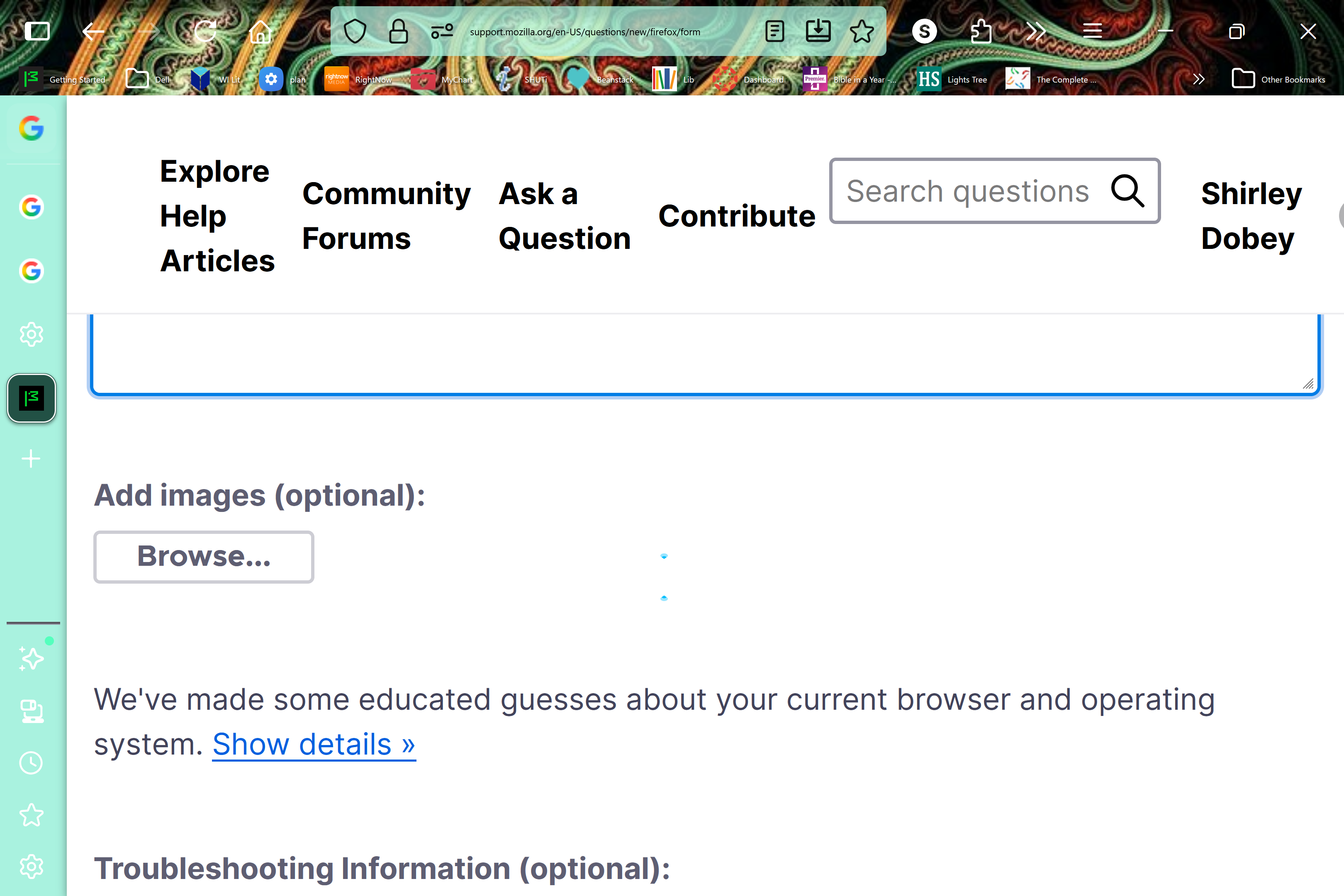
make text in address bar bigger

After your update, the text in my address bar is very very tiny. How can I make it bigger. All other text is the correct size.
After your update, the text in my address bar is very very tiny. How can I make it bigger. All other text is the correct size.
Všetky odpovede (1)

Are you using some custom CSS code or an extension to move the position of your address bar? The window controls for closing, minimizing etc. are not on the same level as the address bar by default.
Those customization could be the source of your problem. I would recommend temporarily starting Firefox in troubleshoot mode to see if that resolves the text size issue.
If it doesn't, you can close out of troubleshoot mode without making any permanent modifications. If it does, considering refreshing Firefox to resolve the issue permanently.