


having to clear my cookies every day or pages wont load properly

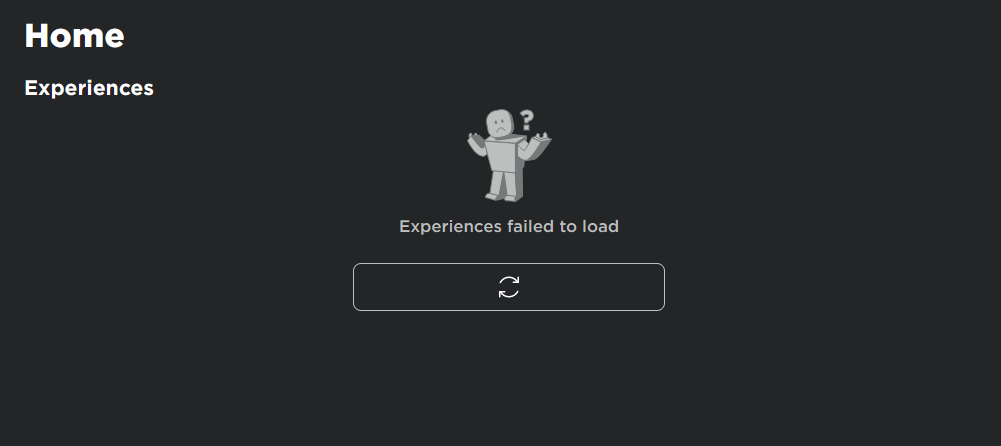
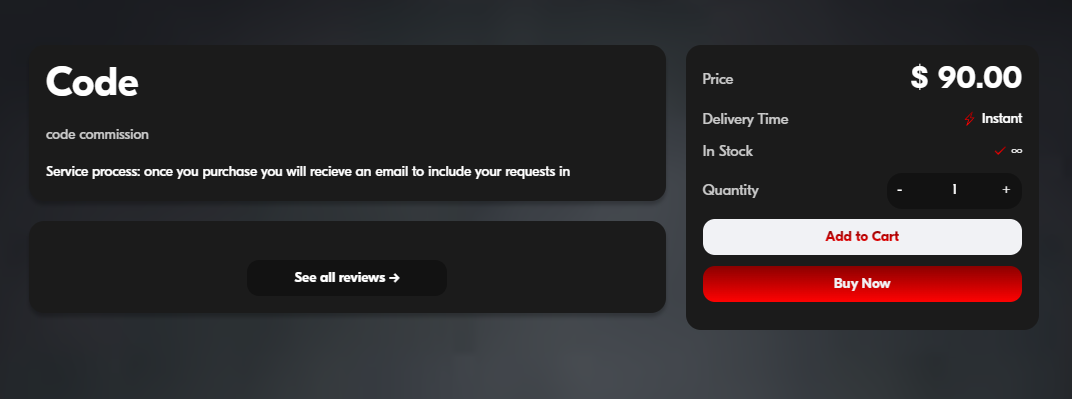
I have attached images of what slowly occurs when I don't clear my cookies, websites start to slowly and slowly load less and less until they eventually completely break and wont load and I have to clear my cookies, resign into everything. and rinse and repeat every few days or a week, I also attached an image of what the purchase screen is supposed to look like. Looking at this via Microsoft edge
I have attached images of what slowly occurs when I don't clear my cookies, websites start to slowly and slowly load less and less until they eventually completely break and wont load and I have to clear my cookies, resign into everything. and rinse and repeat every few days or a week, I also attached an image of what the purchase screen is supposed to look like. Looking at this via Microsoft edge


Všetky odpovede (3)
Does it still happen with all your extensions disabled?
yes it does
Does it still happen with default settings in a new browser profile? An easy way to test a new profile is to install Developer Edition and see if it happens there or refresh your existing profile. Make sure you stay signed out of your sync account when testing.