


Where are the attachments? And how do I scroll messages and inbox list?

I'm having troubles with Thunderbird version 140.6.0esr(64-bits) on Ubuntu 25.10 (fully updated). It's installed as a snap.
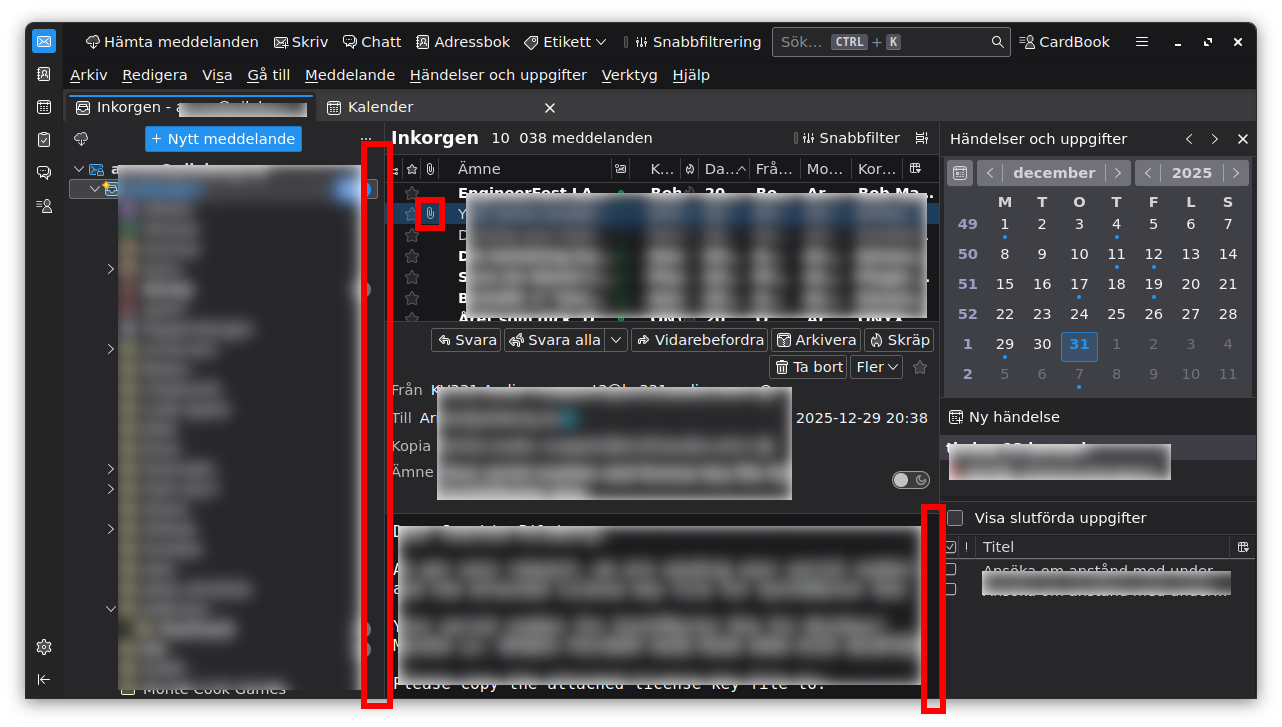
The first problem is that I have a selected mail with an attachment, but nowhere in the mail itself I can see or find or open or download that attachment.
The second problem is that for the inbox and mail body I can't scroll. There are no scrollbars, and the mouse-wheel doesn't work.
Is it a problem with snap? With Ubuntu? Or with Thunderbird itself? Could if be a configuration problem (I've tried quite a lot of things already)?
All Replies (2)
Start Thunderbird in Troubleshoot Mode - https://support.mozilla.org/en-US/kb/troubleshoot-mode-thunderbird
Does problem change?
Wayne Mery said
Start Thunderbird in Troubleshoot Mode - https://support.mozilla.org/en-US/kb/troubleshoot-mode-thunderbird Does problem change?
Yes it does change, and it works.
But back in normal mode, even if I disable all extensions, change the theme from dark to system (no third-party themes installed) and disabled hardware acceleration, it still doesn't work.
I guess I have to go through all settings one after the other to see what differs between troubleshooting mode and normal mode.