


Firefox showing 'chevron_right' on some web pages

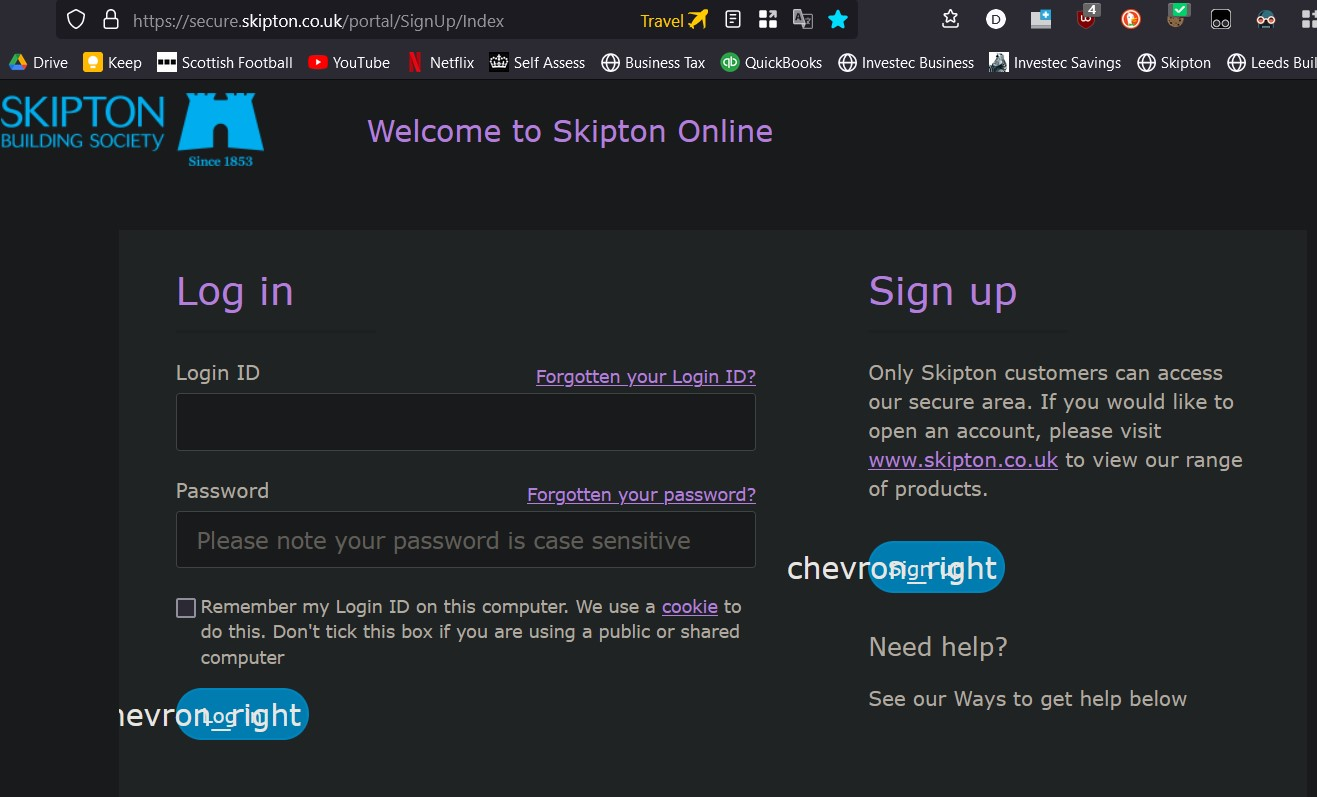
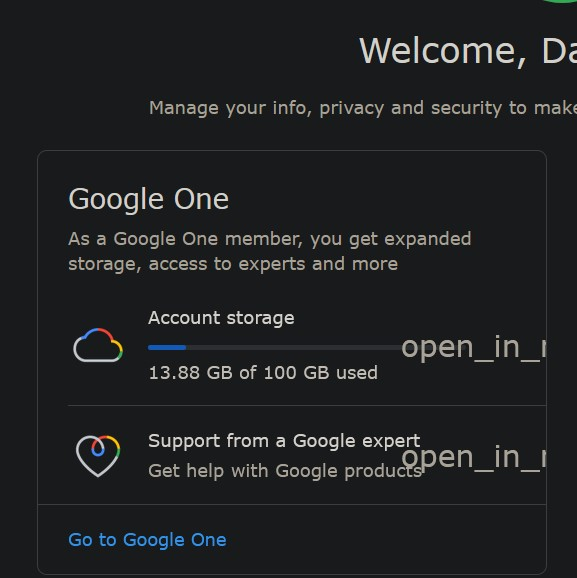
On some websites Firefox displays html tags - see examples below
These tags dont appear when I use Microsoft Edge or Chrome
Any ideas what is causing this ?
Thanks Dave Sharpe
All Replies (2)
Chosen Solution
You see little boxes with the hex code of the character or text labels if you do not have a font installed that covers this Unicode range or block downloadable fonts or if you do not allow pages to choose their own fonts.
Small icons can be supplied by an iconic font that is downloaded from the server via @font-face CSS rules. If you have content blocking extensions then make sure that you do not block remote fonts. Also make sure you allow pages to choose their own fonts.
- Settings -> General: Fonts & Colors -> Advanced
[X] "Allow pages to choose their own fonts, instead of my selections above"
You can check gfx.downloadable_fonts.enabled on the about:config page and make sure it is set to true and if necessary click its reset button to set its value to true.
Thanks very much @cor-el. That solved the issue