


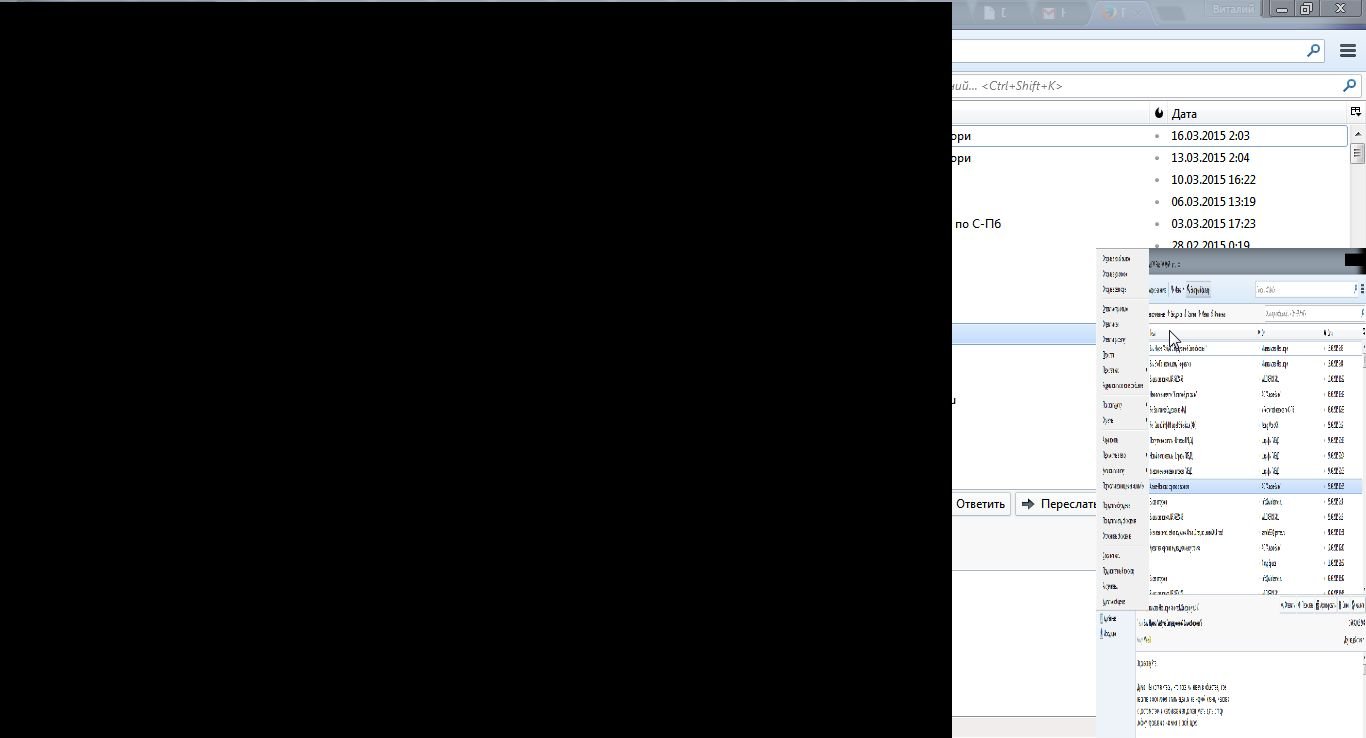
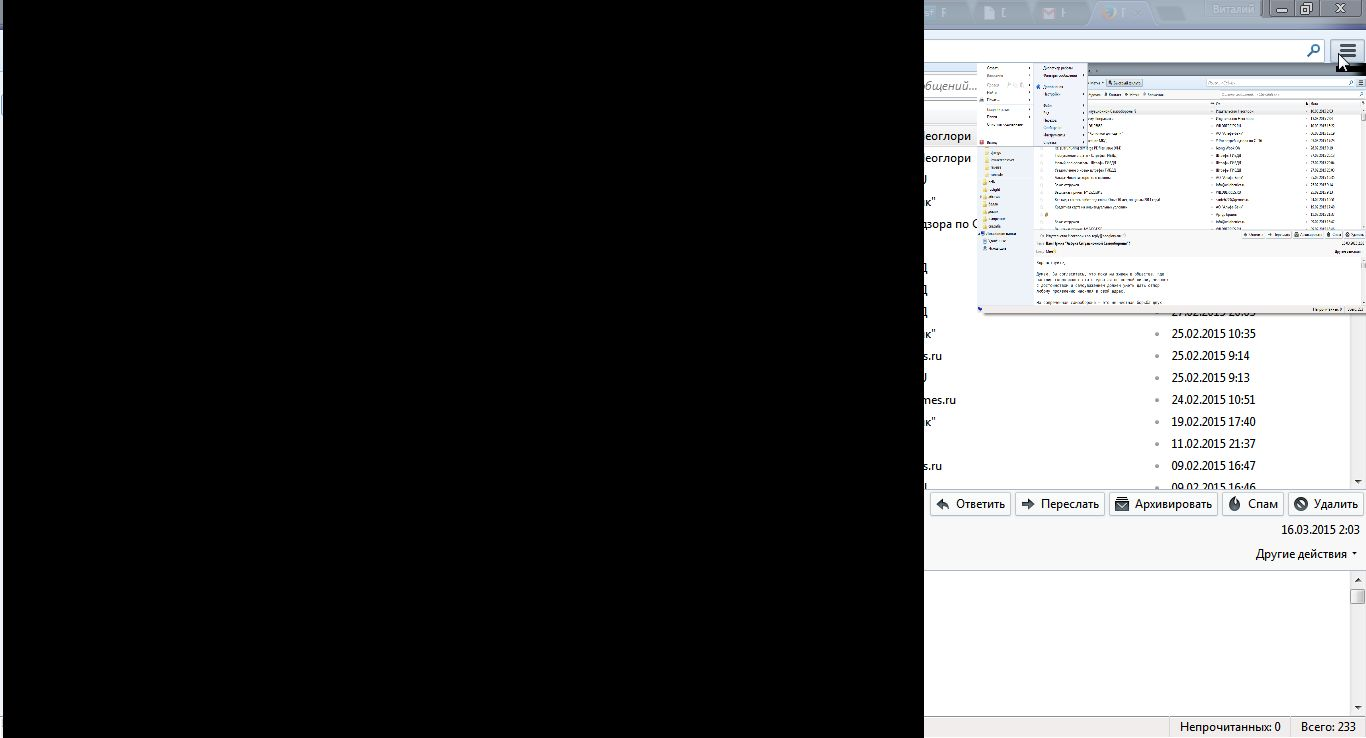
raise-menu, and settings, and raise-help not showing on windows 7-x64

Windows 7 Home x64 AMD A8-3520M APU with Radeon(tm) HD Graphics 1.60 GHz Thunderb 31.5.0
bad display all raise-windows
All Replies (5)
Please check your graphics card drivers are up to date.
Graphics card drivers is up to date.
How reset thunderbird to classic graphics settings like win-XP? May be it's problem with same uncompatible graphic environment?
Close thunderbird. If you have a Mozilla Thunderbird shortcut icon on desktop or voa Start > Programs > Mozilla Thunderbird right click on the icon and select 'Properties' click on 'Compatibility' tab Try : check 'Run this program in compatibility mode for' and select the option from the drop down selection click on Apply click on OK
It's system compatibility setting, used to disable vista++ features for selected executable (like ASLR-mem, manifest-resources PE, etc.). Not help. I think this truble - bug in any graphical-library use, in TB-code, dependencies by hardware-system features. Any mozilla developer may work on this truble? I may help with logs, debug.