


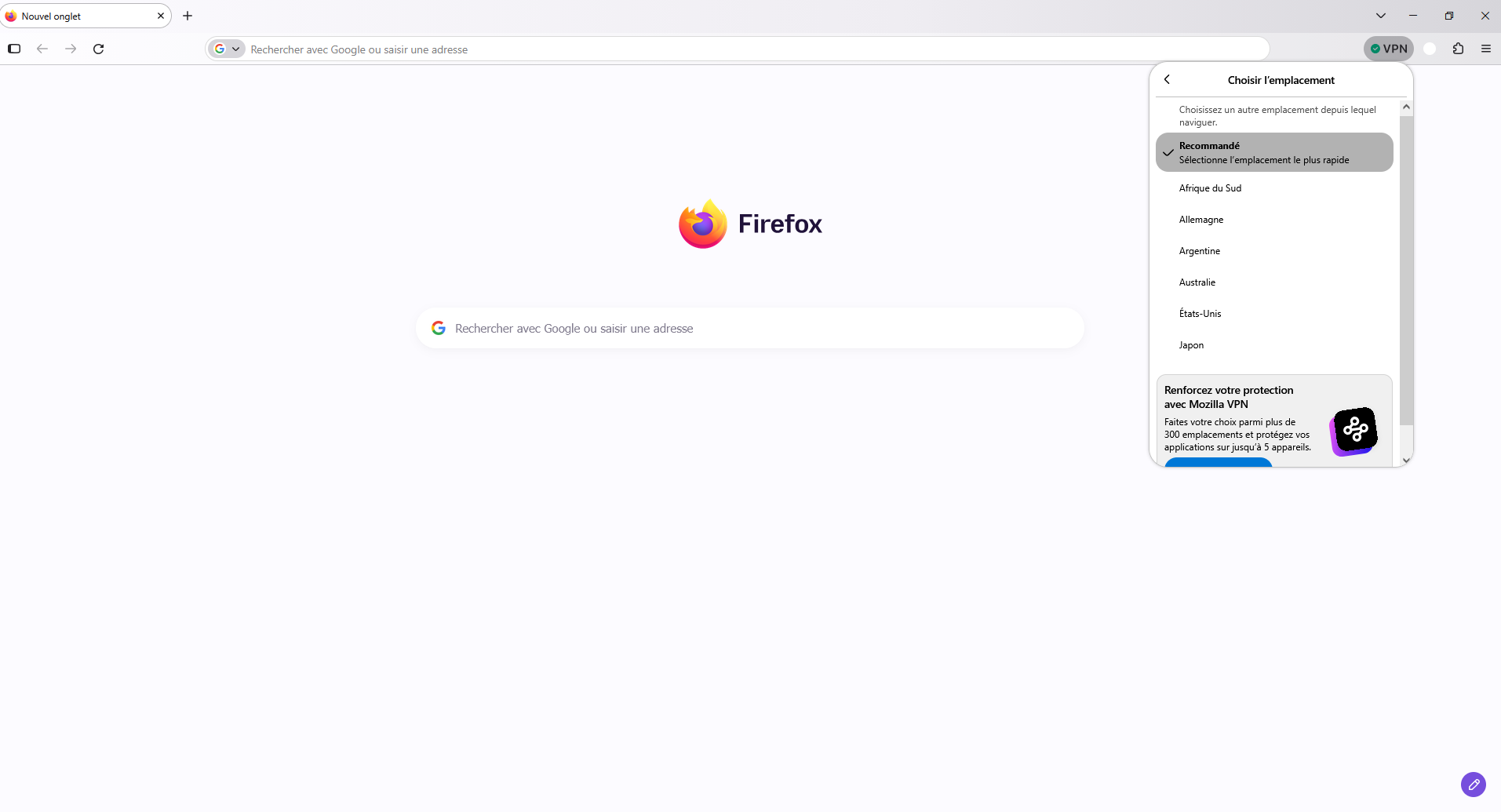
I would like to use the free built-in Firefox VPN with the 50 GB monthly data limit, but I cannot find the VPN icon in my toolbar or the VPN section in Settings > Privacy & Security.

Hello,
I am using Firefox 158.0.1 (64-bit) on Windows 11, and I am signed in to my Mozilla account with Sync enabled.
I would like to use the free built-in Firefox VPN with the 50 GB monthly data limit, but I cannot find the VPN icon in my toolbar or the VPN section in Settings > Privacy & Security.
I have checked that Firefox is up to date, but the feature is still missing.
Could you please explain why the built-in VPN is not available in my browser and whether there is anything I can do to enable it?
Thank you.
Все ответы (1)
Bonjour
Use built-in VPN in Firefox https://support.mozilla.org/en-US/kb/built-in-vpn
Unable to find the built-in VPN in Firefox https://support.mozilla.org/en-US/kb/unable-find-built-vpn-firefox
Otherwise, please, check, the preference, browser.ipProtection.enabled https://support.mozilla.org/en-US/questions/1578173
To complement, see also this discussion thread https://support.mozilla.org/en-US/questions/1605682
Je vis en France
This question has been locked because the original author has deleted their account. While you can no longer post new replies, the existing content remains available for reference.